Tag: Full Review

  • Asus 6Z Review: The New Flagship Killer In Town

    Asus 6Z Review: The New Flagship Killer In Town

    Taiwanese electronics giant Asus launched its latest flagship smartphone, the Asus 6Z in India on the 19th of June. The device was first launched in Valencia Spain on the 16th of May. It succeeds the ZenFone 5Z which was announced last year and boasts of notable improvements in design, camera and the performance department over its predecessor. The device offers top tier specifications and goes up against some of the best devices in the segment like the OnePlus 7. But is the Asus 6Z the new flagship killer in town or is just an underwhelming offering by the company?

    Check out the Asus 6Z on Flipkart

    [section label=”Build & Design”]

    Build Quality & Design
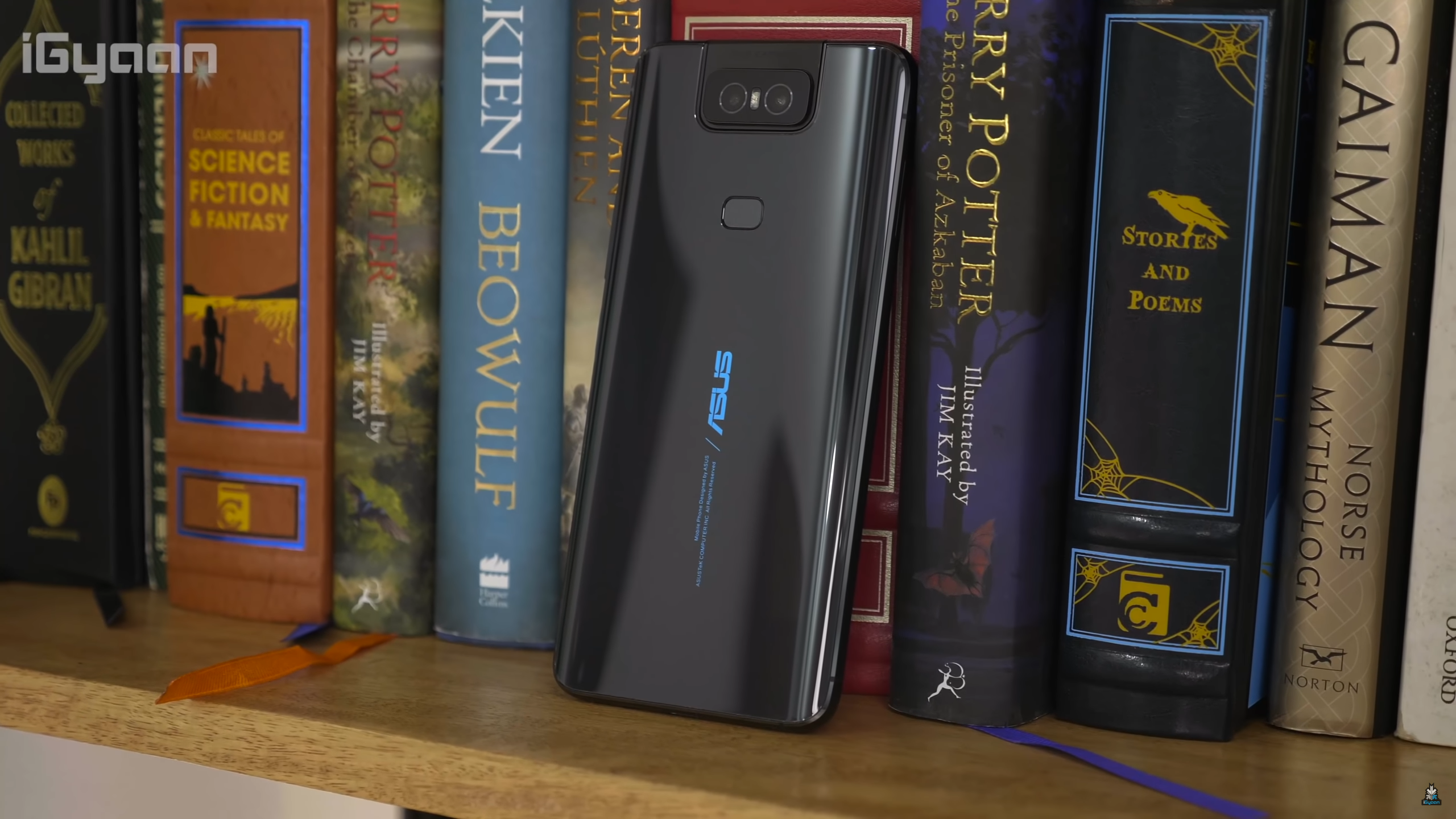
    Asus 6Z Bookshelf

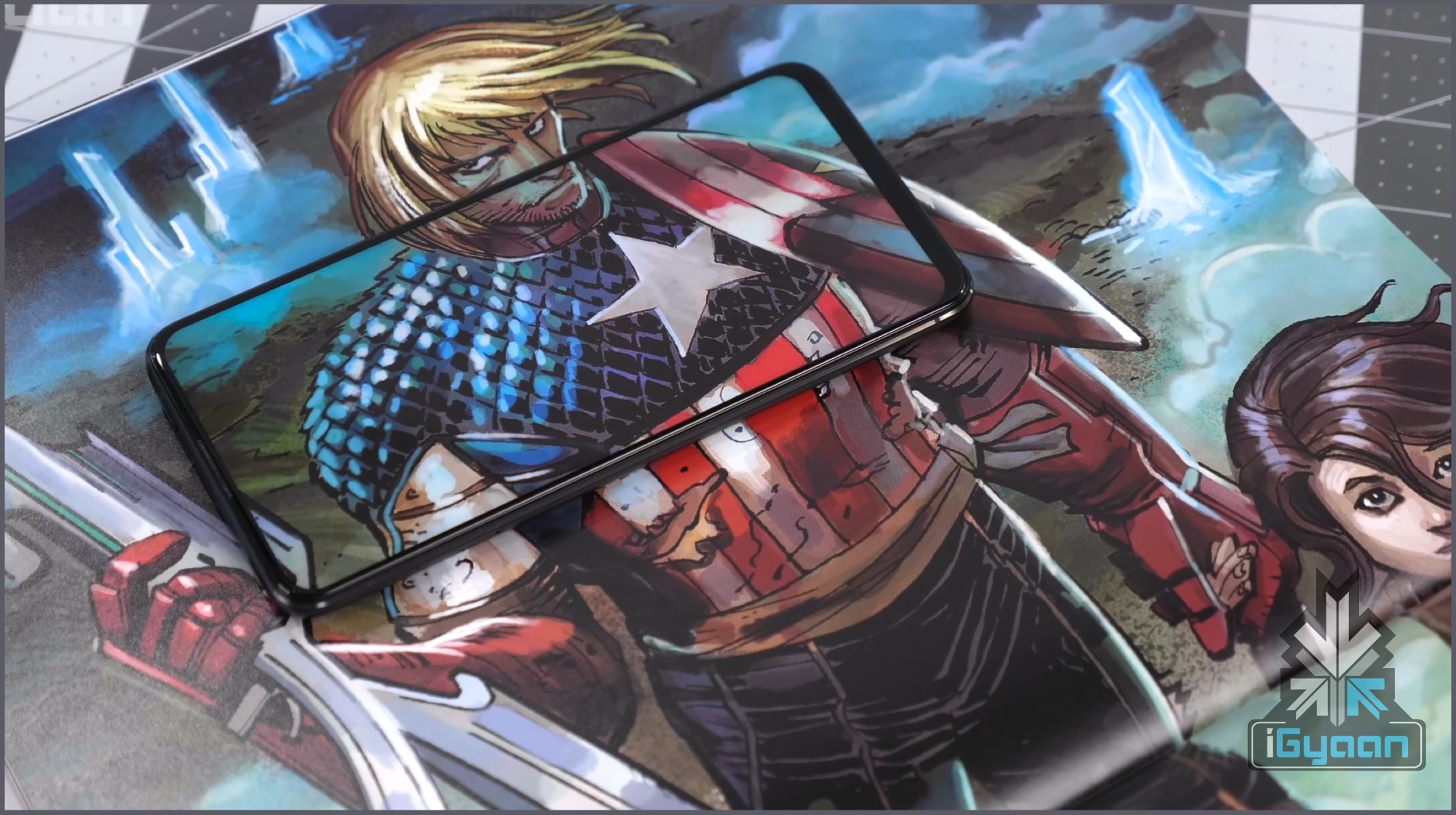
    The 6Z has a glass sandwich design with a metal chassis for reinforcement. The front of the smartphone is dominated by a large display with 92 percent screen to body ratio. As the front is nothing but the display, there is nothing to see here, apart from the earpiece at the top. To our surprise, Asus has accommodated a tiny LED notification light on top of the display which is becoming a rarity these days.

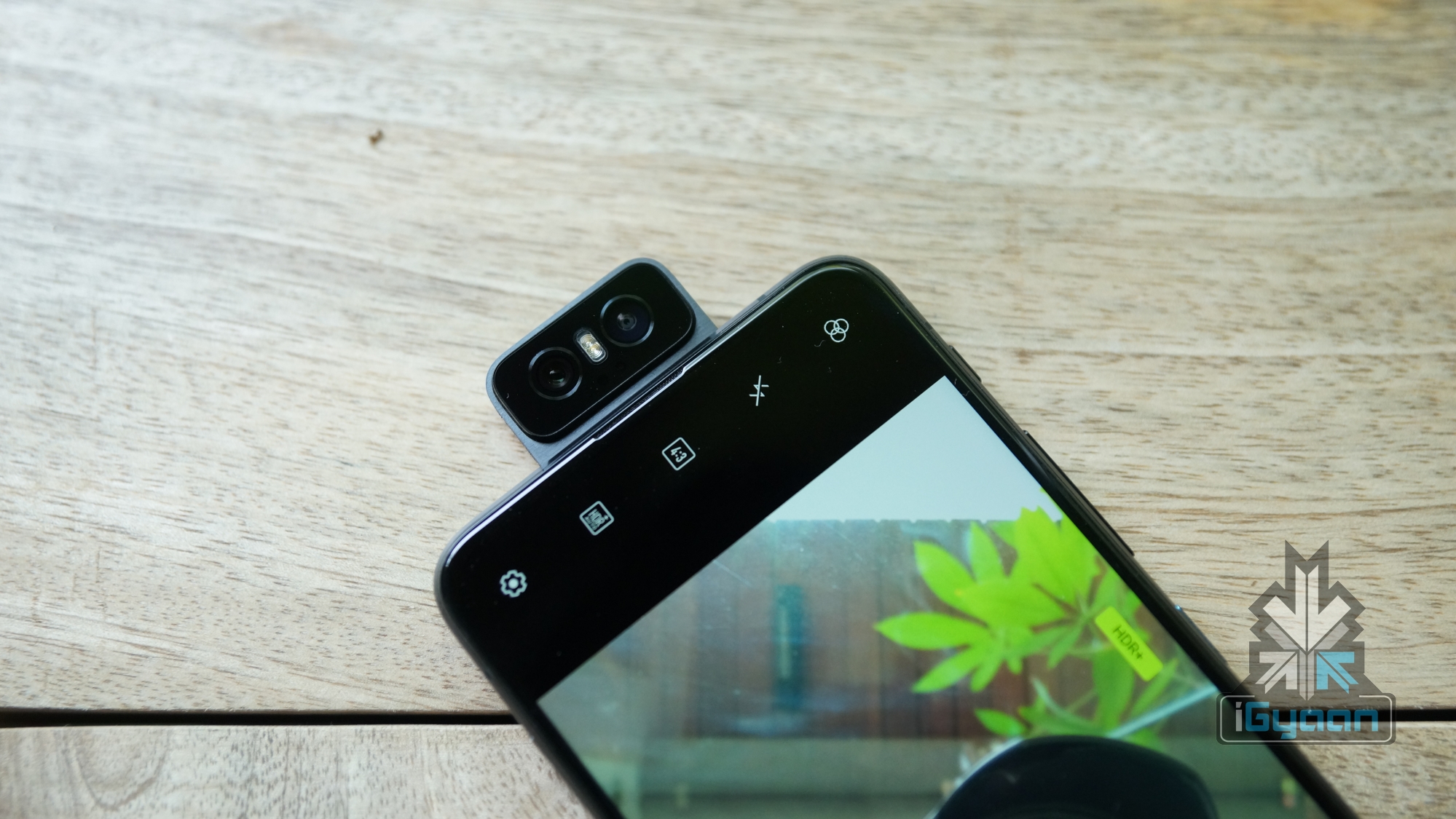
    The right side of the device makes room for the volume rocker, the power and a dedicated Google assistant button while the left side of the device is occupied the dual SIM + microSD card slot. The bottom of the Asus 6Z accommodates the USB Type C port, 3.5 mm audio jack and the loudspeaker grille while the top of the device houses the flip camera that can be used as both front camera and rear camera.
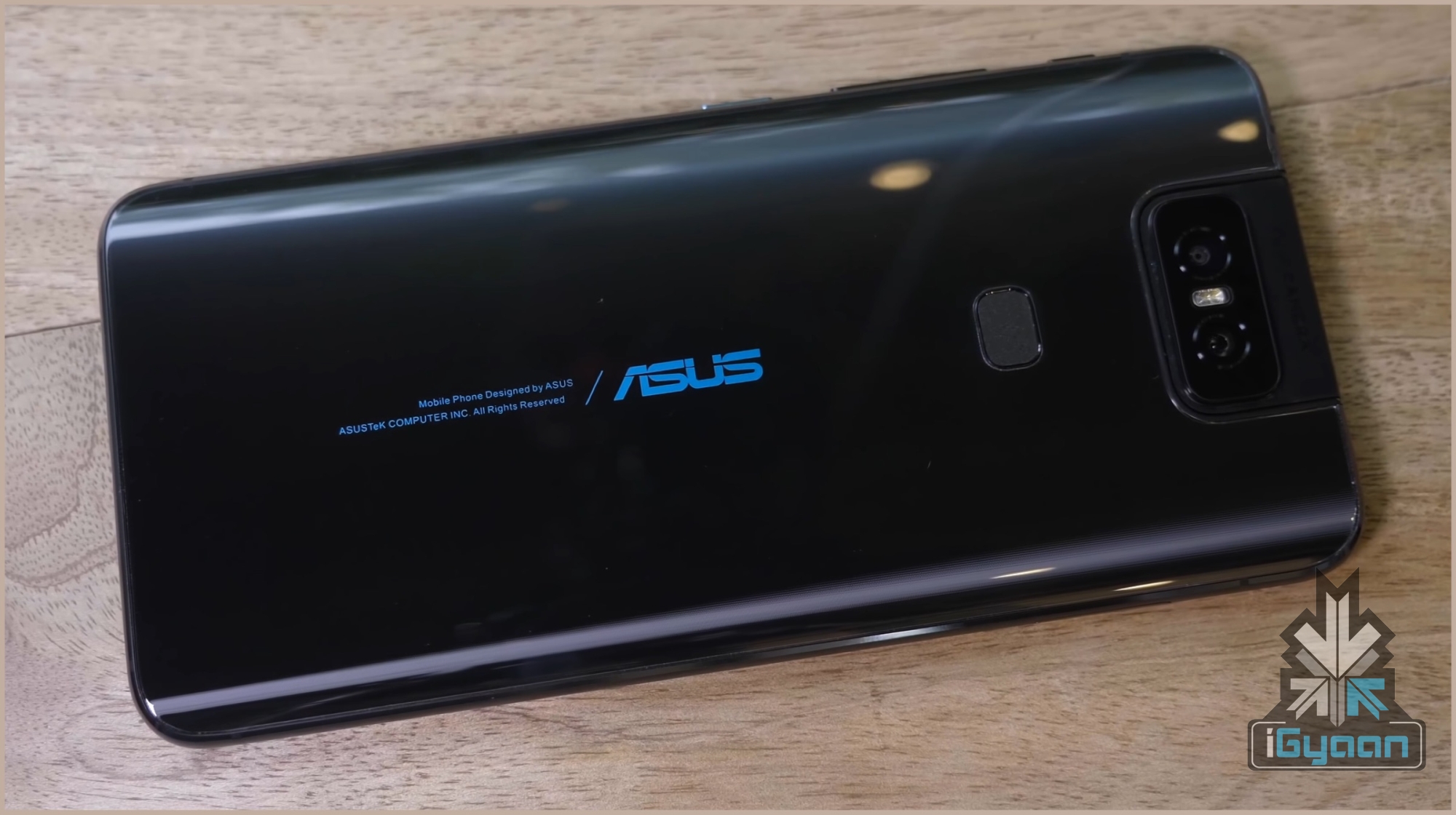
    Asus 6Z Back Panel

    We reviewed the Midnight Black coloured variant of the Asus 6Z which looks and feels premium. The back of the smartphone houses the vertical dual camera setup with the flash. The fingerprint scanner and the company logo is also present on the rear of the device. Overall, the device is solidly built and the design while nothing new, feels fresh. However, we recommend using a case as it can easily slip out of your palm owing to the glass back. Also, the case will prevent the fingerprints which the device easily attracts. 

    The Asus 6Z is a solidly built device, with a heavy yet reassuring feel in the hand. We tried to manually dislodge the camera mechanism but it did not budge. This implies what lengths the company has gone to in making sure the camera lasts a long time. One thing to note though, the Flip Camera mechanism is only rated for 1,00,000 uses. But it is a result of standardised testing done in a lab, so in real life, the longevity of the mechanism may vary depending on the user.

    [section label=”Display”]

    Display
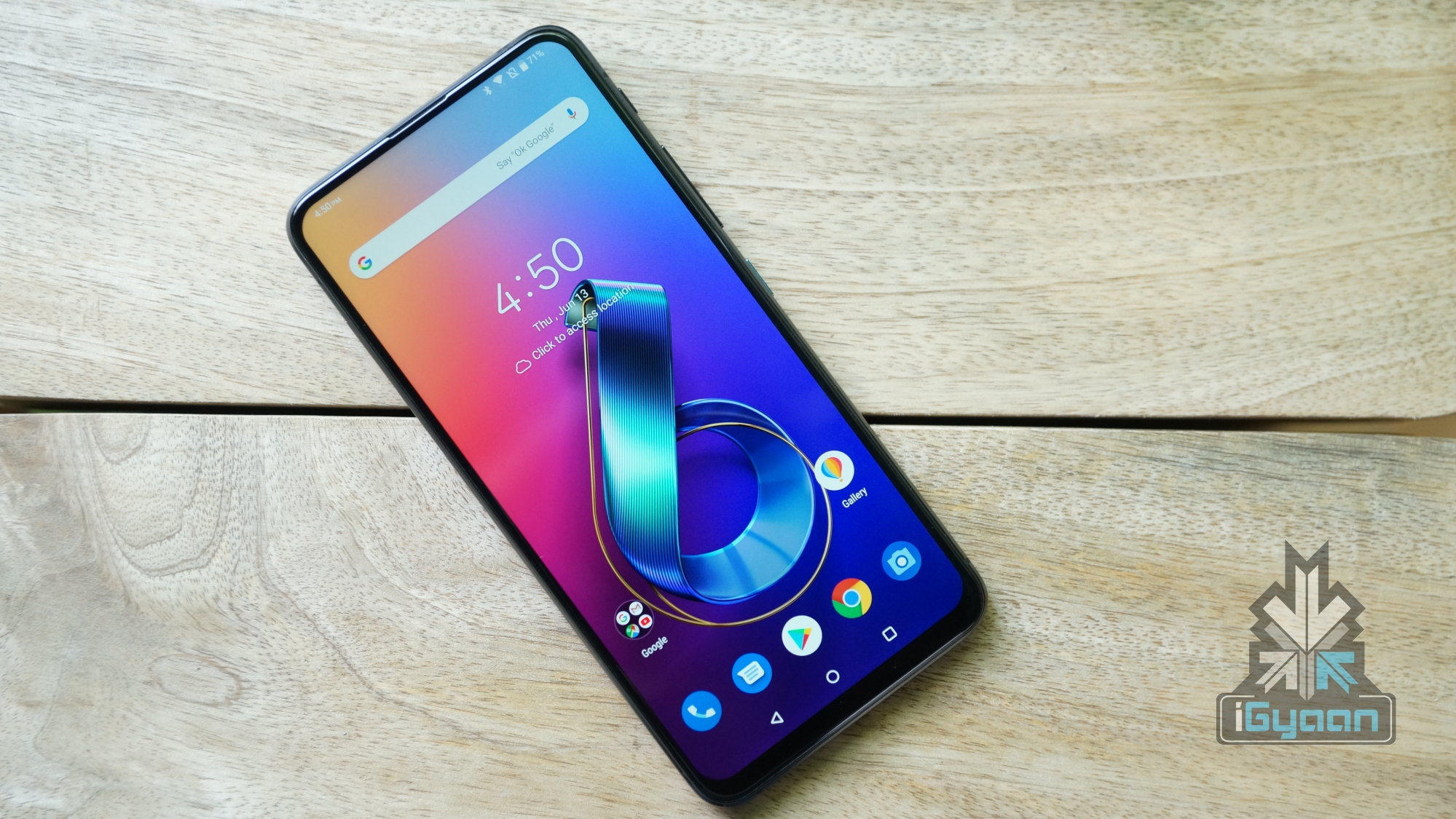
    Asus 6Z Display

    The Asus 6Z has a 6.3 inch LCD display which has a resolution of 2340 x 1080px. Unlike most modern smartphones, the device has no obstructions like a notch or a punch hole cutout. This makes for an impressive 92 percent screen to body ratio on the handset, which feels immersive to watch multimedia content on. One issue we have with the display is the maximum brightness. The panel does not offer great brightness levels outdoors. This impacts the legibility and users will have to squint to make out any content on the device.
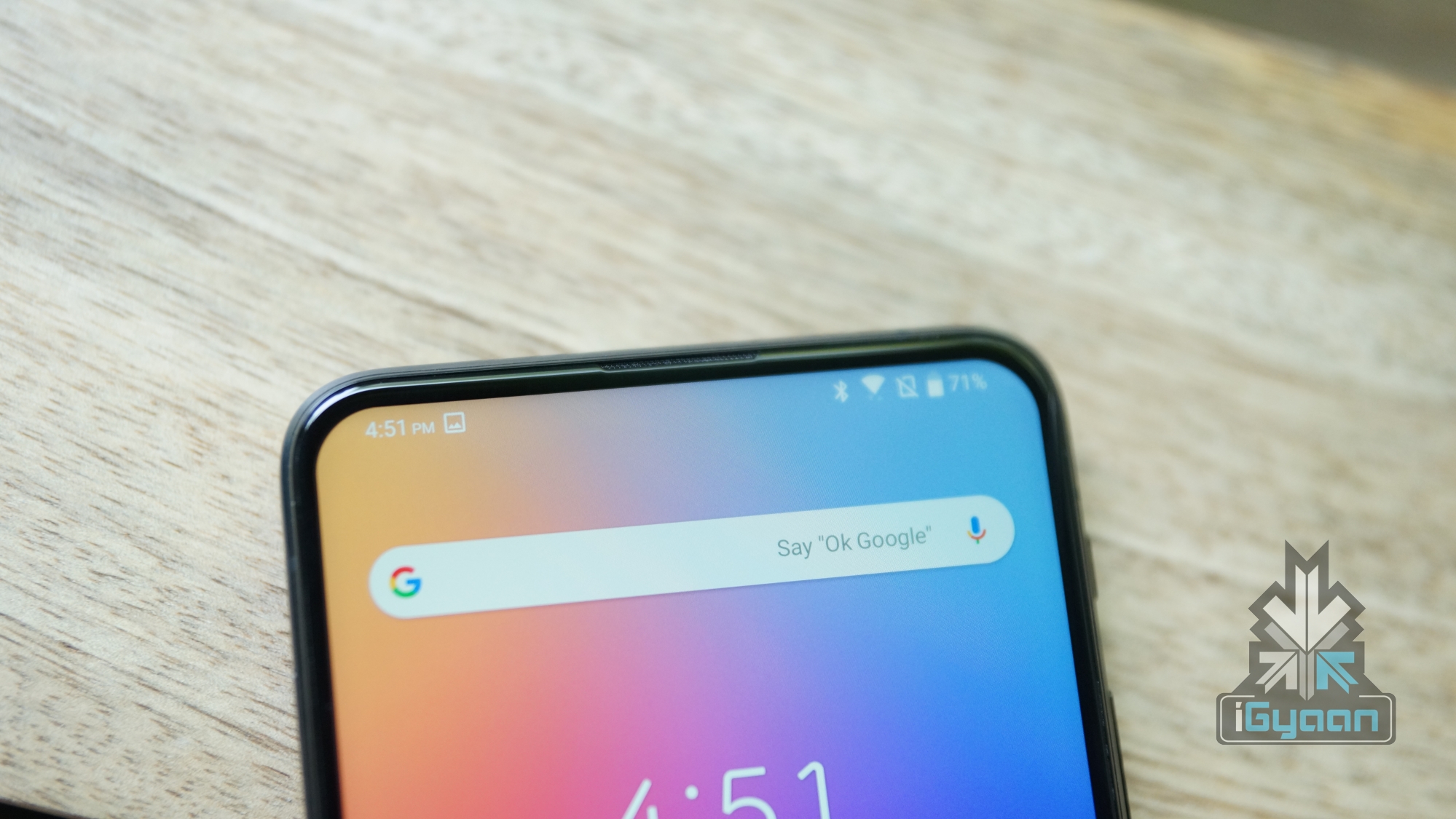
    In terms of quality, the display on the Asus 6Z offers good sharpness, excellent colour reproduction and good contrasts. Unfortunately, as it uses an LCD panel, there are no deep blacks or impeccable viewing angles like in OLED displays. No fret though, as the LCD panel itself is of good quality and should be great for day to day usage.

    [section label=”Performance”]

    Hardware & Performance
    Asus 6Z Gaming

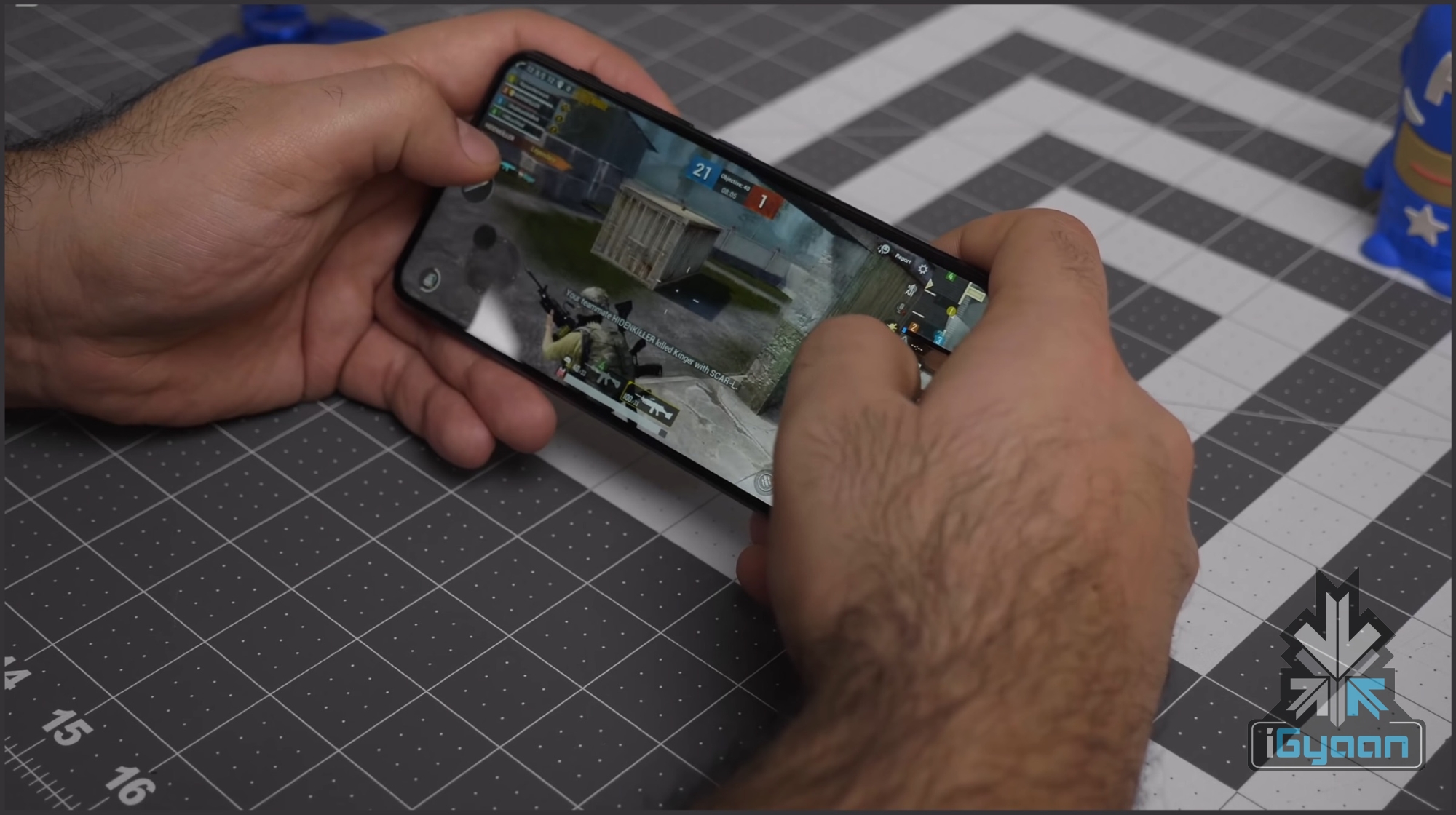
    The Asus 6Z is kitted with the latest and greatest from Qualcomm, the 7nm Snapdragon 855 SoC. The chipset is comprised of an Octa-core CPU and the Adreno 640 GPU. It is coupled with up to 8GB of RAM and 256GB of internal storage options. In terms of hardware alone, the smartphone is right up there with the heavyweight champions of this year. The device, along with impressive specs, has a few software tricks up its sleeve. It offers a feature called GameGenie, which will free up RAM and lets users stream content on YouTube and Twitch, turn on do not disturb mode etc. without leaving the game.
    Asus 6Z Geekbench

    With high-end specifications, the Asus 6Z performs admirably in day to day tasks. It is also an excellent performance while gaming. Playing games like PUBG Mobile, Asphalt 9 and Shadow Fight, the smartphone selected the highest settings. We did not notice any major frame drops while playing the games and the performance was smooth and consistent. However, the device does get a little warm on the back in a 30-minute session of PUBG Mobile.
    Asus 6Z Antutu

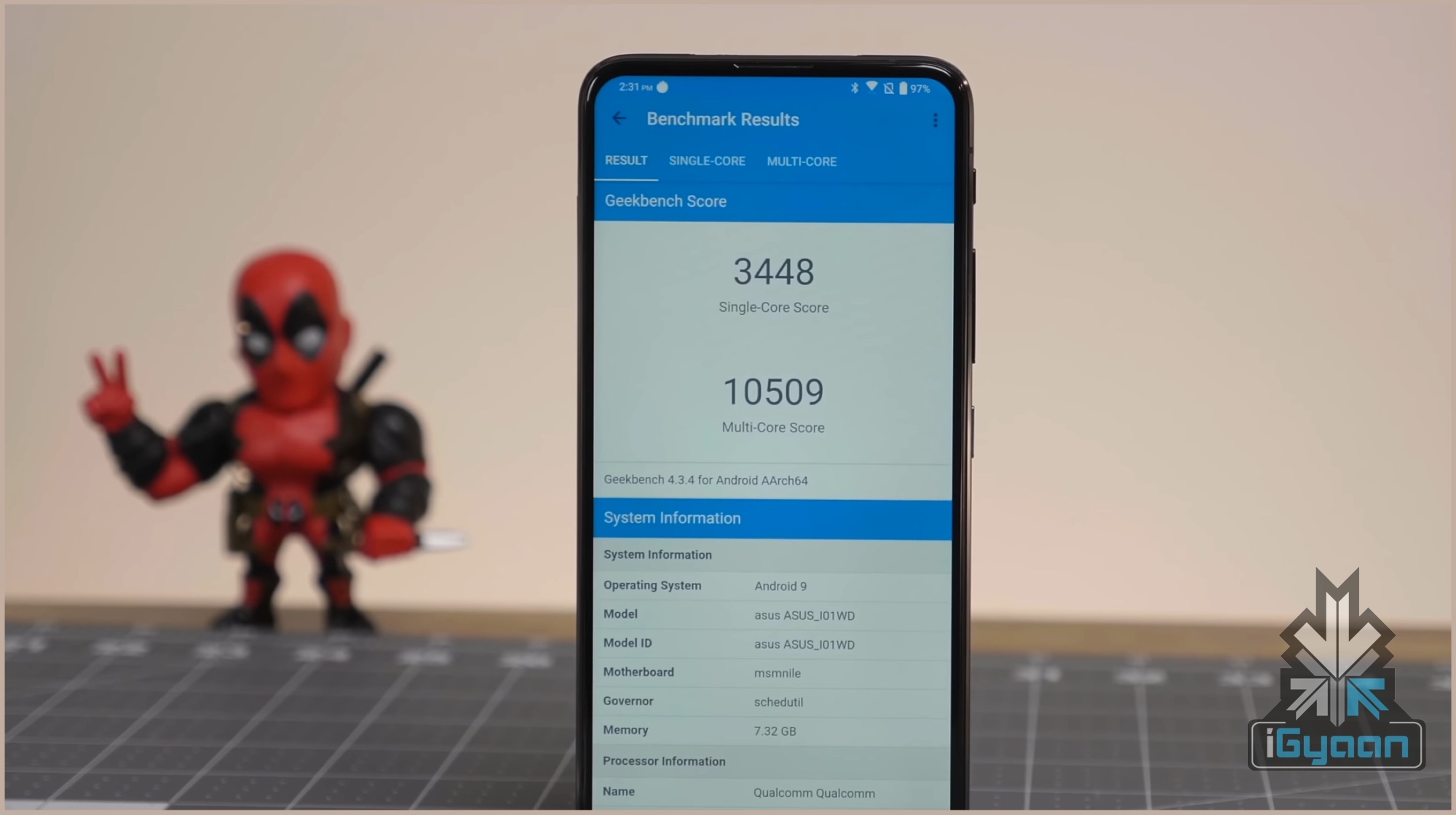
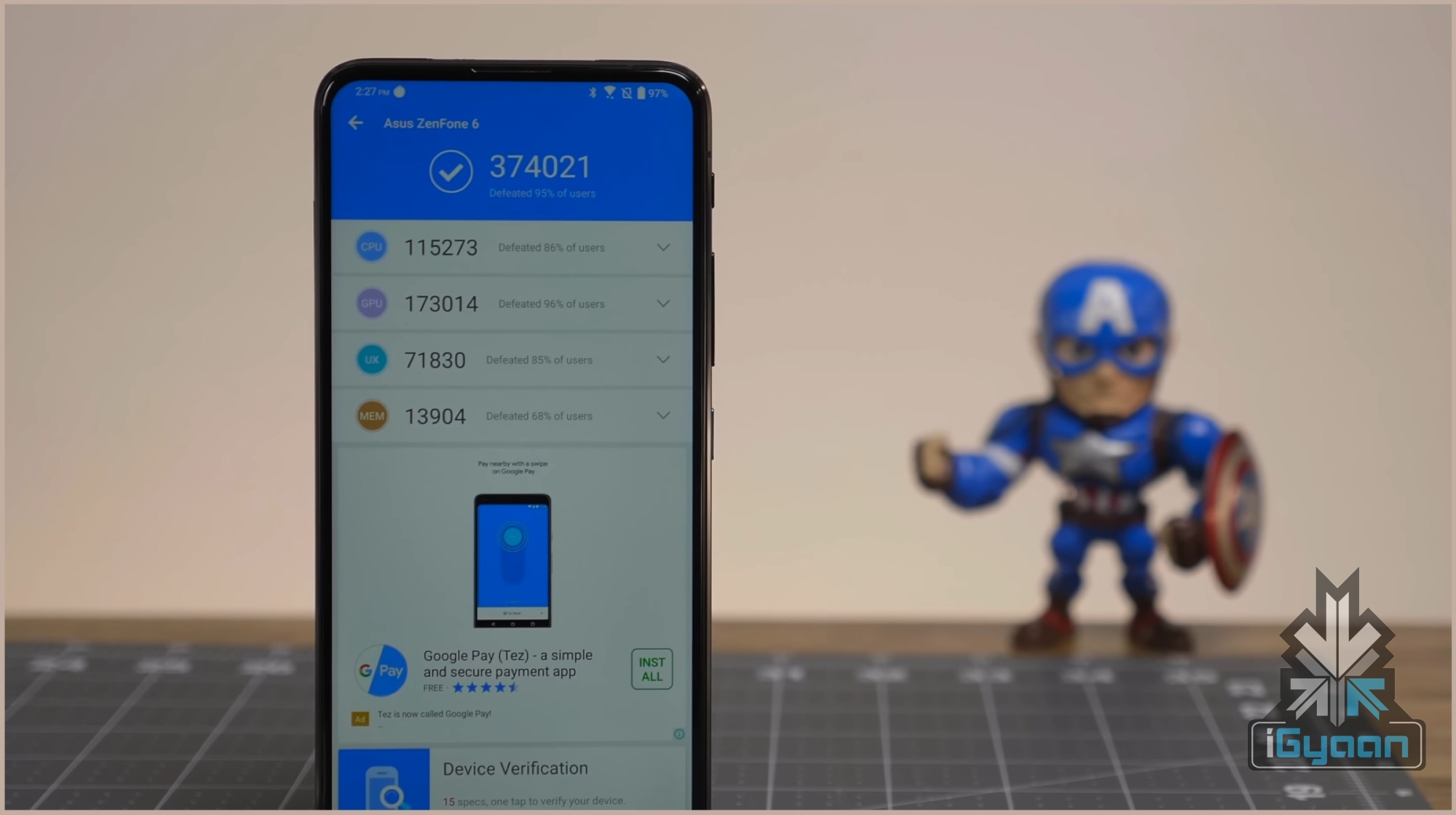
    Using benchmarking applications like Antutu and Geekbench on the Asus 6Z does not tell a different story either. While testing the Antutu benchmark, we got an impressive score of 3,74,021 which is on par with the competition. In Geekbench, the device registered a single core score of 3,448 points and a multi-core score of 10,509 points. As is evident from the numbers, the handset will go through everything thrown at it without breaking a sweat.

    [section label=”Software & UI”]

    Software, UI & Multimedia

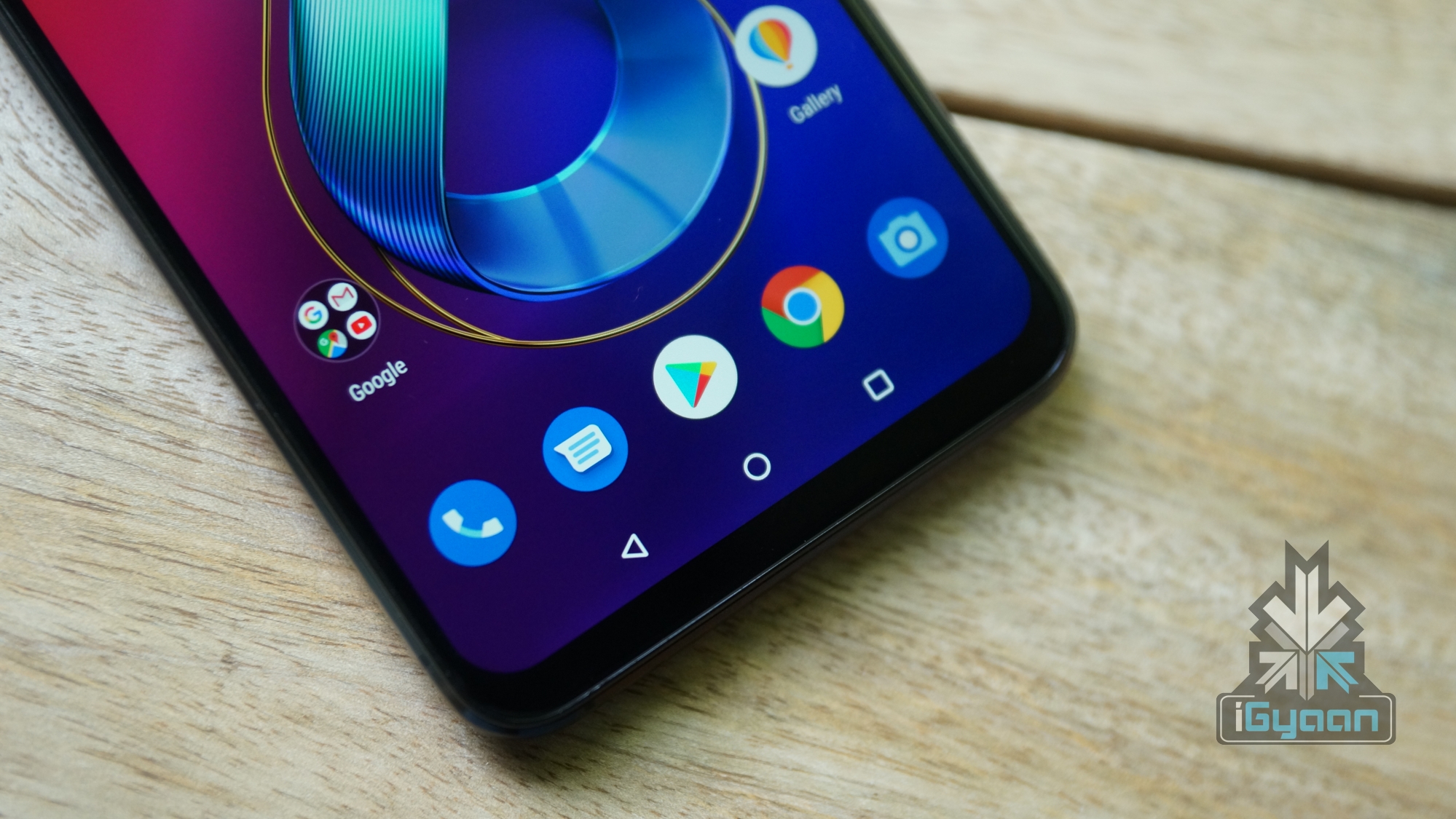
    The Asus 6Z runs the company’s custom UI version 6 by the company on top of Android 9 Pie. The previous generations of the software were disregarded for the excessive bloat and diverting from Stock Android. It seems like the company has taken a note of that. The smartphone’s UI is almost stock, with minimal bloatware and fast animations, which make it a joy to use.

    The Asus 6Z supports the basic Android navigation gestures which are bundled with Android 9 Pie. These let users go back with the dedicated back button on the left, a single tap on the centre pill takes you home and a swipe up on it brings out the multitasking menu. Dragging the pill to the right lets users scroll across various applications open in the background.
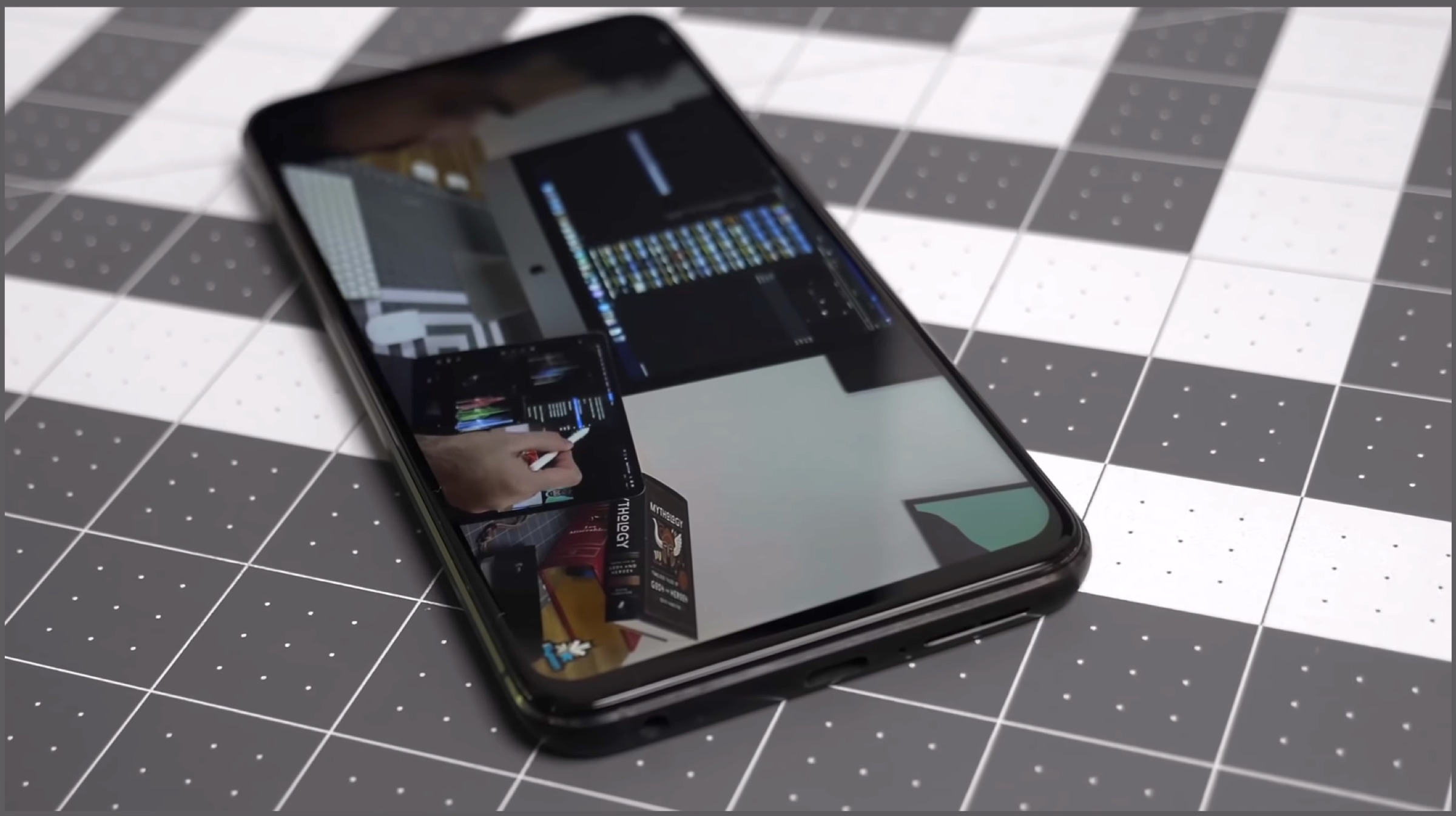
    In terms of sound quality, the Asus 6Z has a single bottom firing speaker which has decent sound output. One downside of the setup is how easy it is to block the speaker grille while holding the device in landscape mode. Audio output via the Bluetooth is great which provides for a good listening experience.

    [section label=”Camera”]

    Camera
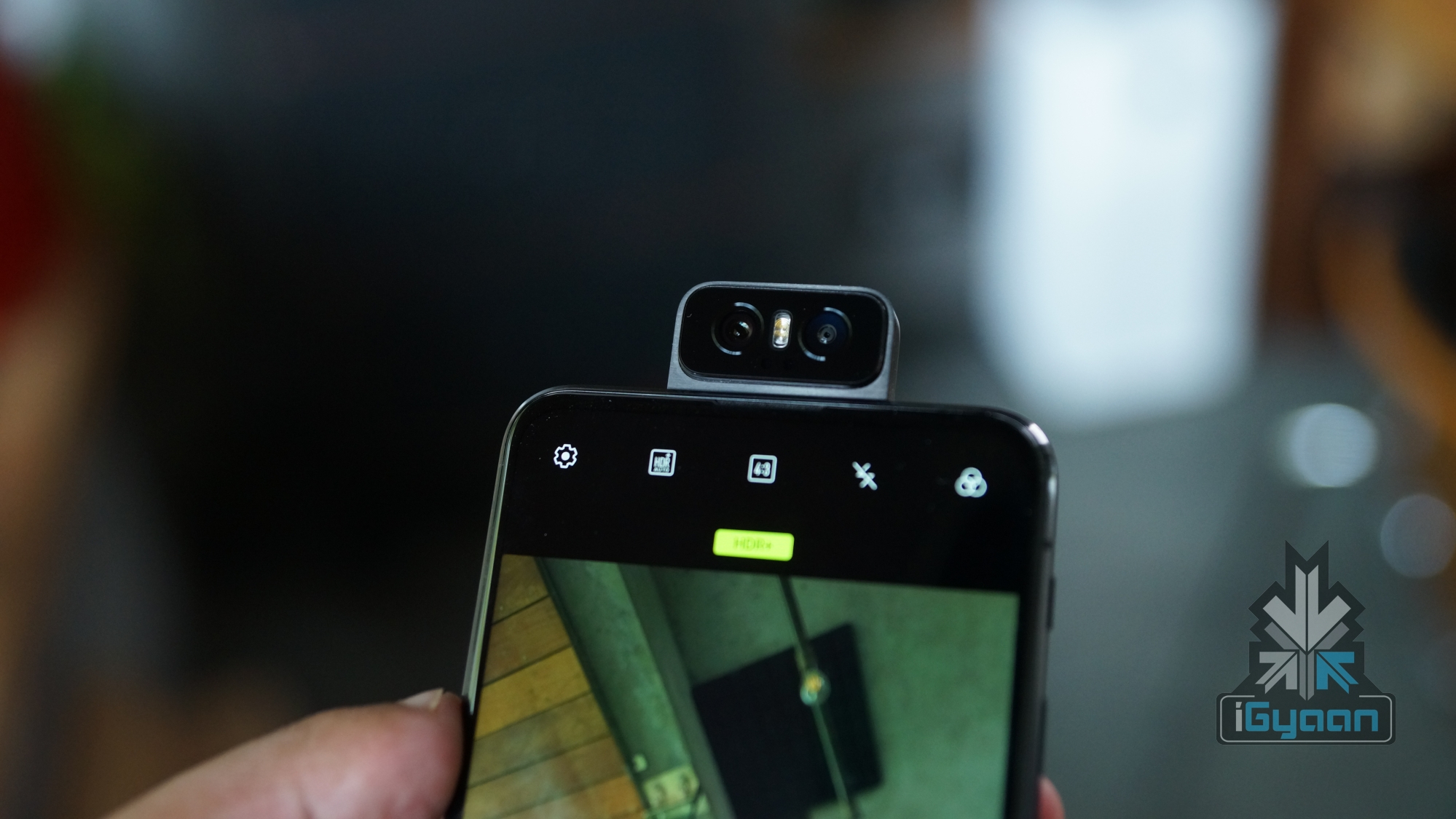
    The major attraction on the Asus 6Z is its unique Flip Camera mechanism. It uses a special motor made of liquid metal to rotate the camera setup 180 degrees. As a result of which, there is no selfie camera on the device as it uses the main camera for taking front facing images and videos. This serves as an advantage for the smartphone as the high-resolution sensors on the back have a lot to offer.
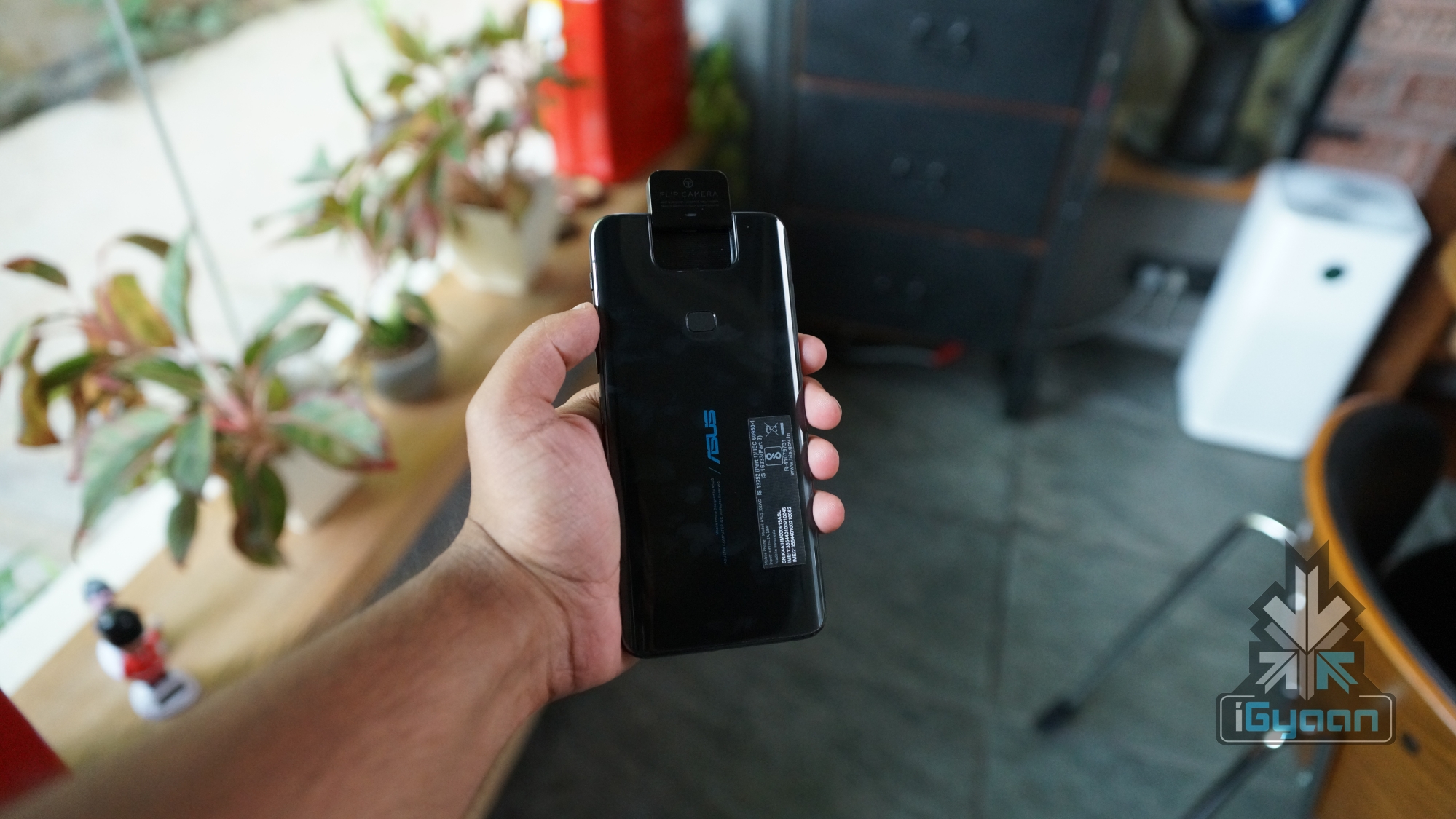
    In terms of optics, the Asus 6Z has a dual camera setup, comprised of a 48MP primary sensor and a 13MP secondary wide angle sensor. The primary sensor is the ubiquitous Sony IMX 586 sensor also found in handsets like the OnePlus 7 Pro. The camera app bundled with the smartphone is easy to use and has most of the controls laid out on the bottom for easy access with one hand.


    In terms of quality, the 48MP primary camera takes great photos. The quality and details are top notch with excellent contrasts. The post-processing adds a little too much saturation but it may fit the taste of some people. An added advantage with the camera is the wide-angle camera, which allows it to fit a lot more in the frame. Like most modern smartphones, there is also a dedicated night mode. This takes a while to take the image but increases the exposure. Images clicked in this mode have better detail but it is no match for Pixel’s Night Sight.


    As the flip mechanism allows for the camera to take front facing shots too, selfies on the Asus 6Z are excellent. The images are as good (because it is the same camera, duh!) which makes for a really fun experience. Portrait mode provides great subject separation and video output is one of the best out there. While the smartphone does not have Optical Image Stabilisation (OIS), it uses Electronic Image Stabilisation which churns out stable footage. In terms of Video recording, the device can record in 4K resolution at up to 60fps.

    Additional features

    There are also some neat tricks that you can do with the Flip Camera on the smartphone. The camera can be placed at a custom angle from 0 to 180 degrees. To do this, there are two options, one via dragging the selfie camera icon up or down or by toggling the volume rockers. It also allows for an auto panorama mode, which as the name suggests taking automatic panoramas with you in it. There is also a neat motion tracking feature, but it is a little slow and doesn’t work every time.

    Side Note: While the camera on the Asus 6Z is commendable and offers many features, the housing becomes too hot to touch after a few minutes of usage. The use of moving parts on the smartphone may affect its life in the longer run.

    [section label=”Battery”]

    Battery and Connectivity
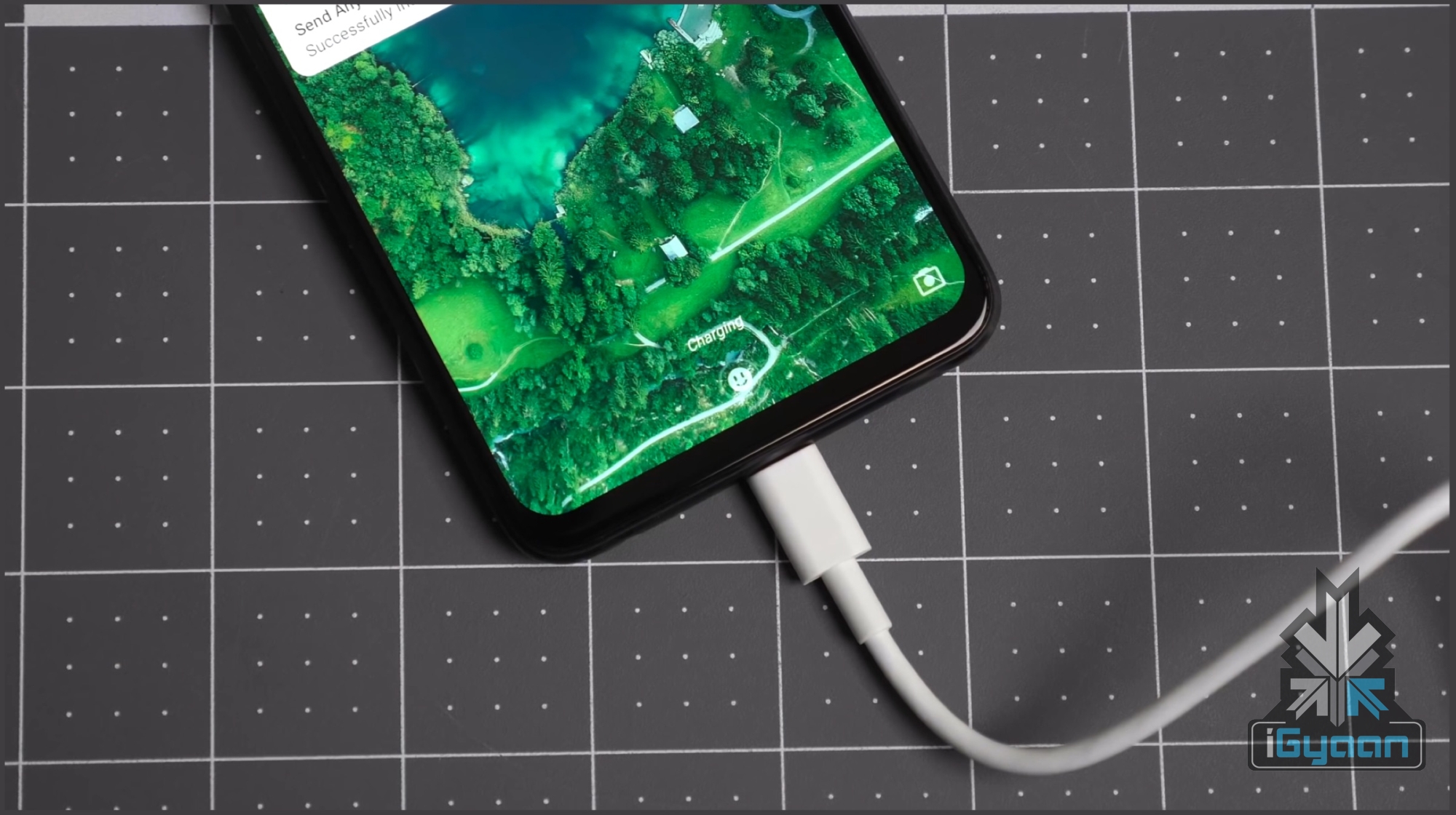
    The Asus 6Z is powered by a mammoth 5000mAh battery which can be charged using the bottom mounted USB Type-C port. The battery life of the device is great, with us getting a screen on time of about seven hours on medium usage. The massive battery, combined with stock Android provides the smartphone with acceptable battery life.

    In terms of connectivity, the Asus 6Z has WiFi 802.11 b/g/n, Bluetooth 5.0 and also supports 4G VoLTE. The smartphone faced no problems in latching on to Wi-Fi networks and performed as expected. Call quality on the device was excellent, with the earpiece producing loud, crisp audio. The handset was able to perform equivalent to its rivals when it is about network and connectivity.

    [section label=”Other Features”]

    Other Features
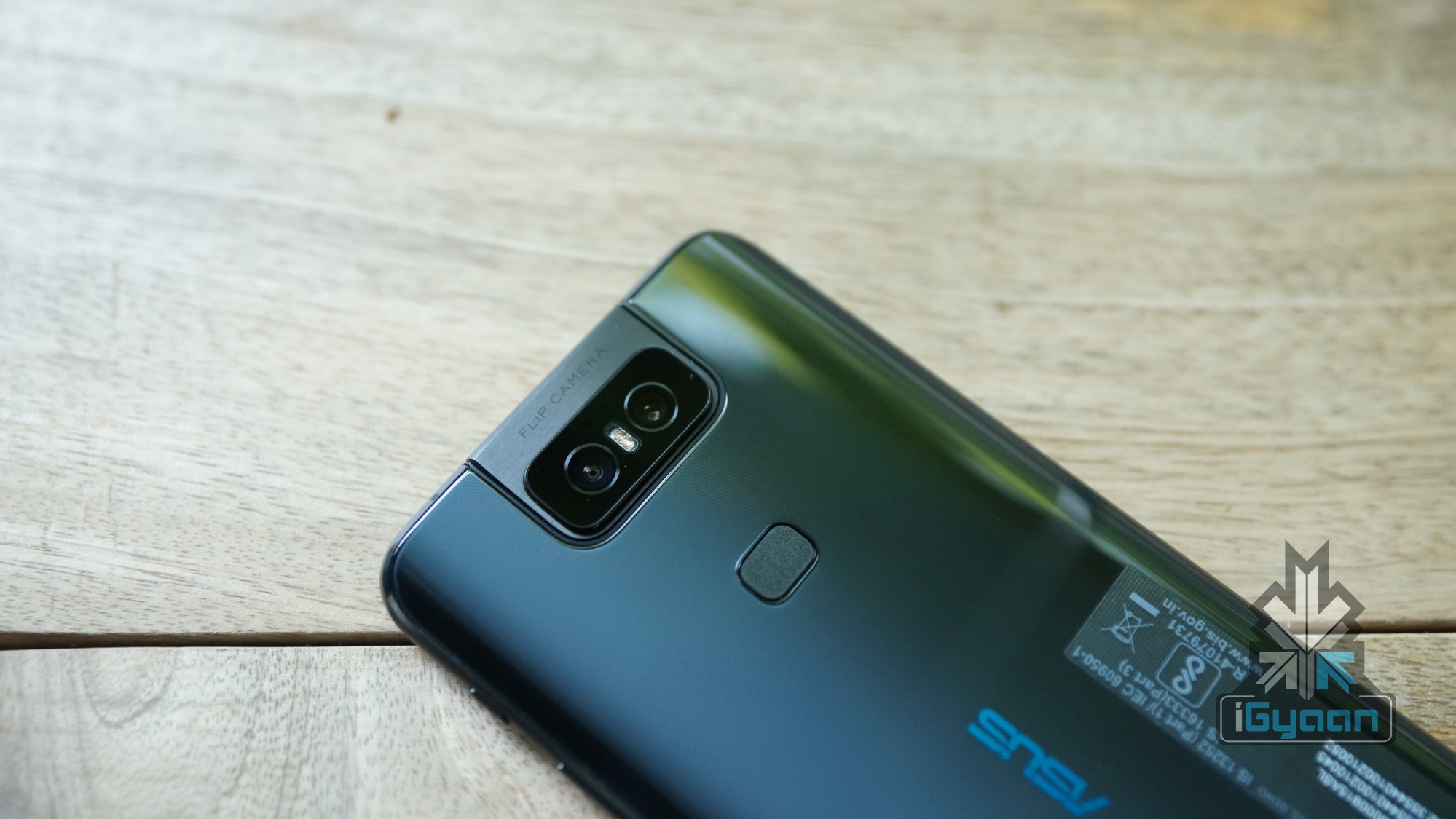
    Asus 6Z Flip Camera

    The Asus 6Z has a rear-mounted fingerprint scanner and supports the ever popular face unlock technology. In our usage, we found the fingerprint scanner to be quick in unlocking the smartphone. As the biometric sensor is placed on the rear, it is inaccessible when placed on a flat surface. For those occasions, face unlock usually serves as a handy feature. Although as the smartphone uses a flip mechanism, this is also useless while laying flat on a table. Face unlock also takes a good second to work, as the machine needs to work fully and retract after detecting your face.
     

    The dedicated Google Assistant button is one of the key highlights of the Asus 6Z. Like mentioned above, the button can be pressed to summon the digital voice assistant. With the smartphone, three individual functions have been mapped to the button. Pressing it once will bring up the Google Assistant which can be used to input commands. Clicking the button twice brings up the Assistant dashboard to glance through updates, while a long press on the button turns on the microphone until the key is pressed. This function works like a walkie talkie and is a good addition for quick or longer commands.

    [section label=”Verdict”]

    Verdict
    The Asus 6Z is a worthy flagship that offers everything you can ask for in a smartphone. It has a big, beautiful display, great software, capable cameras and a solid design. However, there are a few caveats to it, like not enough brightness outdoors and the use of mechanical parts, which may affect the longevity of the device. While the parts feel well built and will not wear off anytime soon, there is still a percentage of uncertainty with moving parts. But, if we ignore all of that and focus on the present, then the smartphone does give the OnePlus 7, even the 7 Pro a run for its money.
    Check out the Asus 6Z on Flipkart

    If you are in a market for a smartphone under Rs. 40,000, the Asus 6Z will not disappoint you. It is truly the newest Flagship Killer in town. However, there are also excellent options such as the aforementioned OnePlus 7, Nubia Red Magic 3 and the Black Shark 2. The latter two of which are gamer oriented and will also offer a lot more if you are into mobile gaming.
    Check out the Nubia Red Magic 3 on Flipkart

    Check out the Black Shark 2 on Flipkart

  • Nokia 4.2 Review: The Best Budget Smartphone?

    Nokia 4.2 Review: The Best Budget Smartphone?

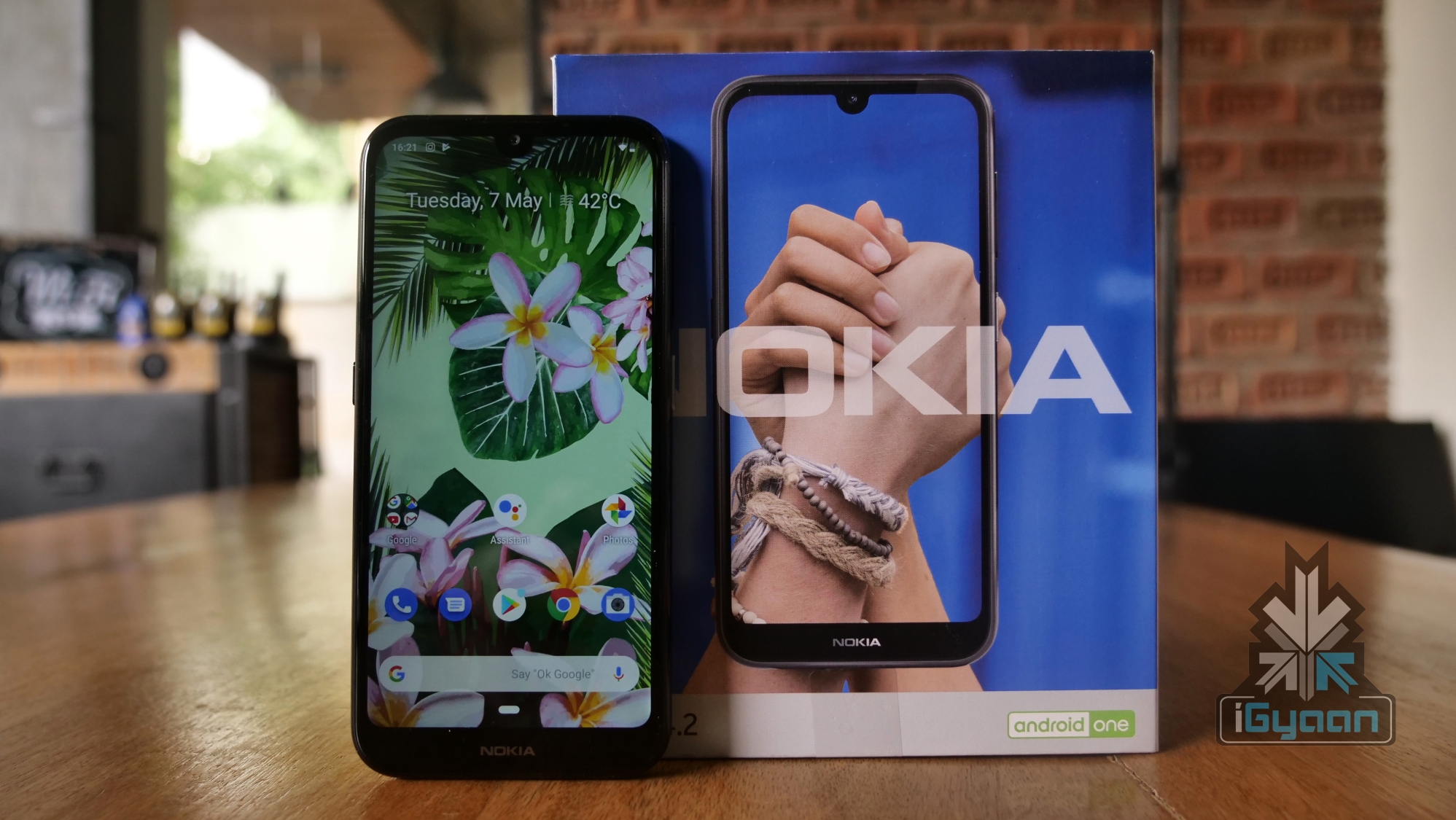
    HMD Global has launched the Nokia 4.2, its latest budget smartphone in the Indian market on the 7th of May. At a price of Rs. 10,990, it goes head to head against the proven champion of the segment, the Redmi Note 7. With a legendary name behind it and a clean build of Android, is it the budget smartphone to buy in 2019?

    We find out in our Nokia 4.2 Review

    What’s In The Box?

    • Nokia 4.2
    • Power Adapter
    • MicroUSB Cable
    • Earphones
    • SIM Card Ejector
    • Quick Start Guide
    • Warranty Card

    Build Quality & Design

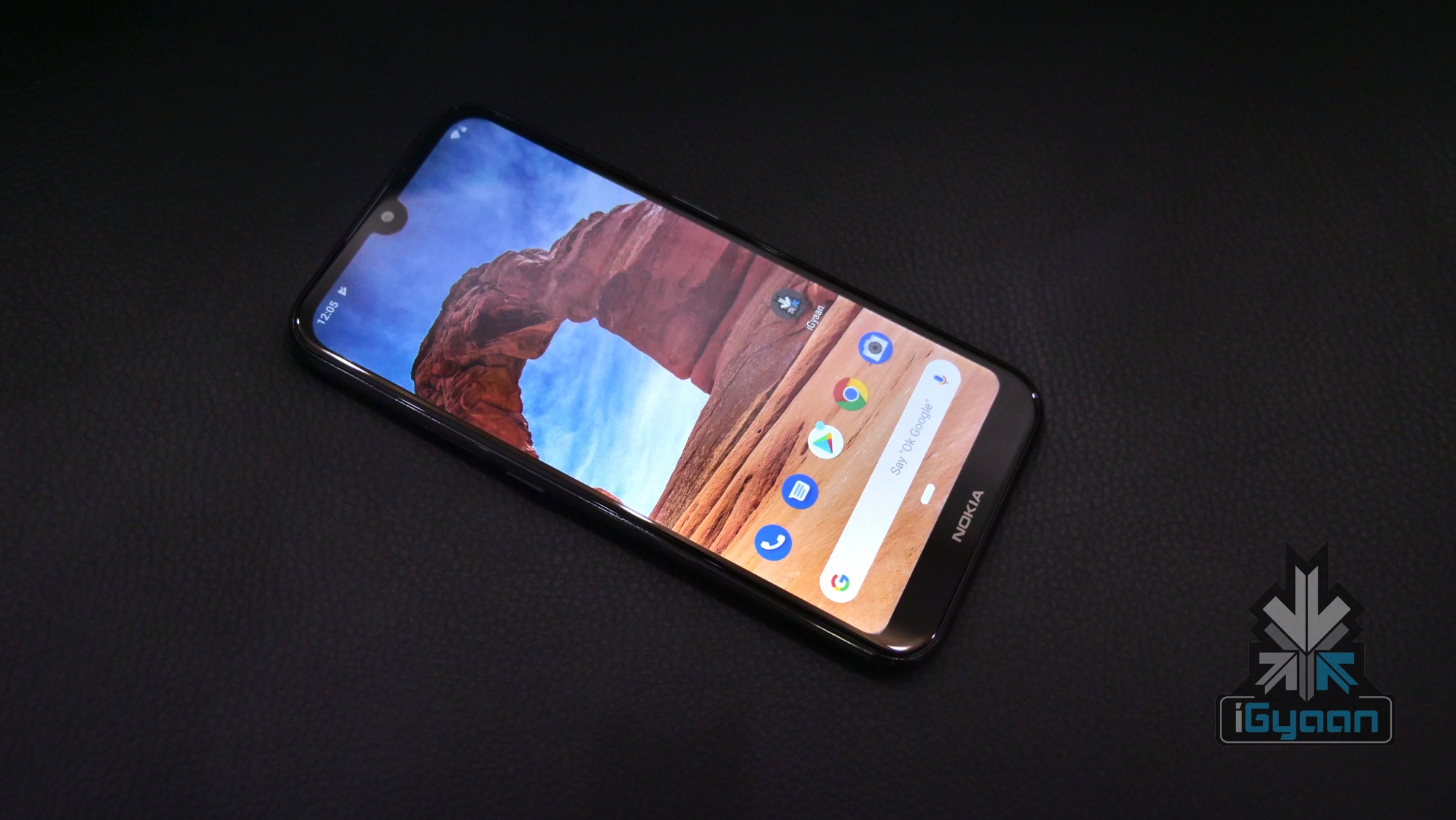
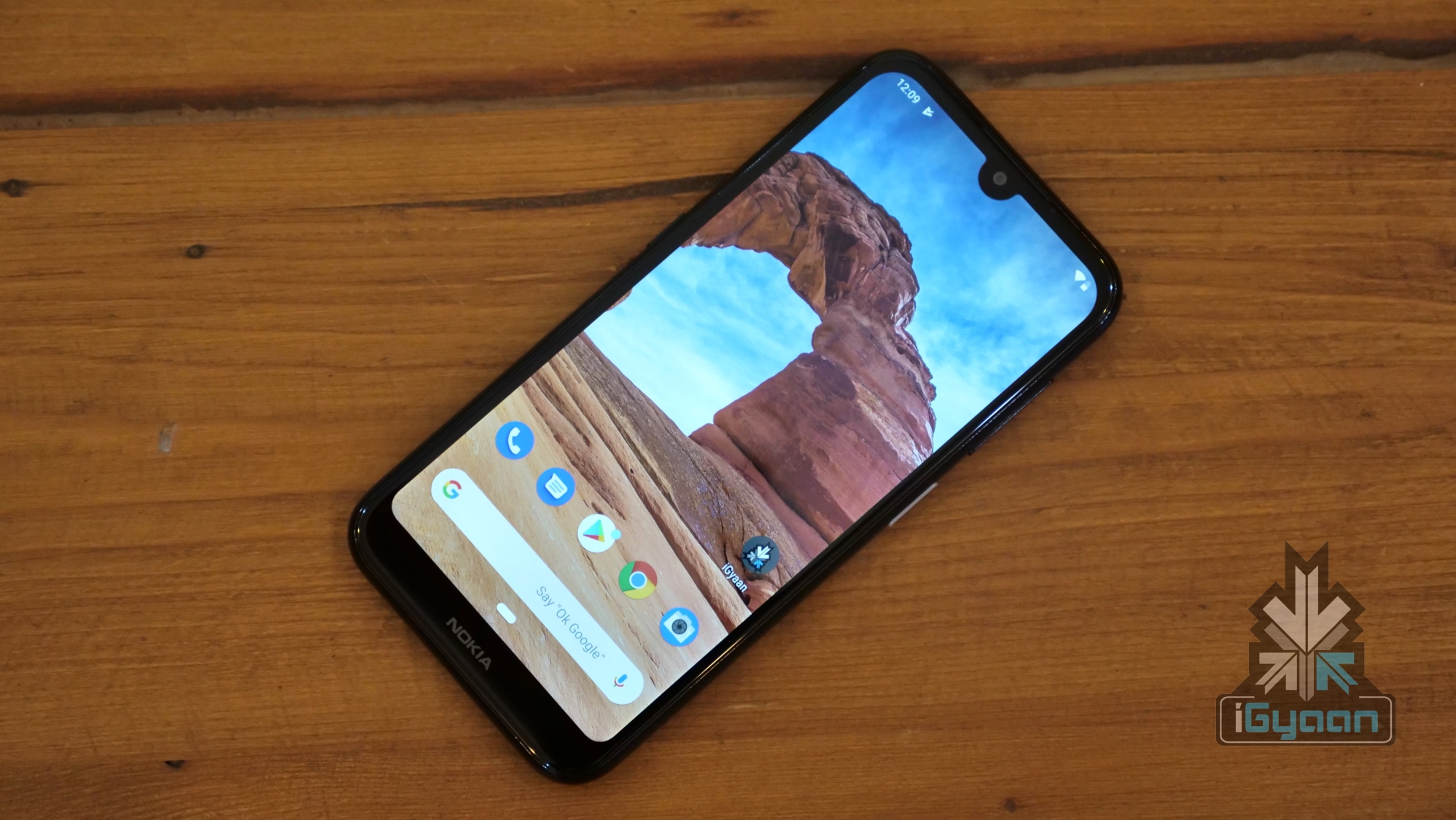
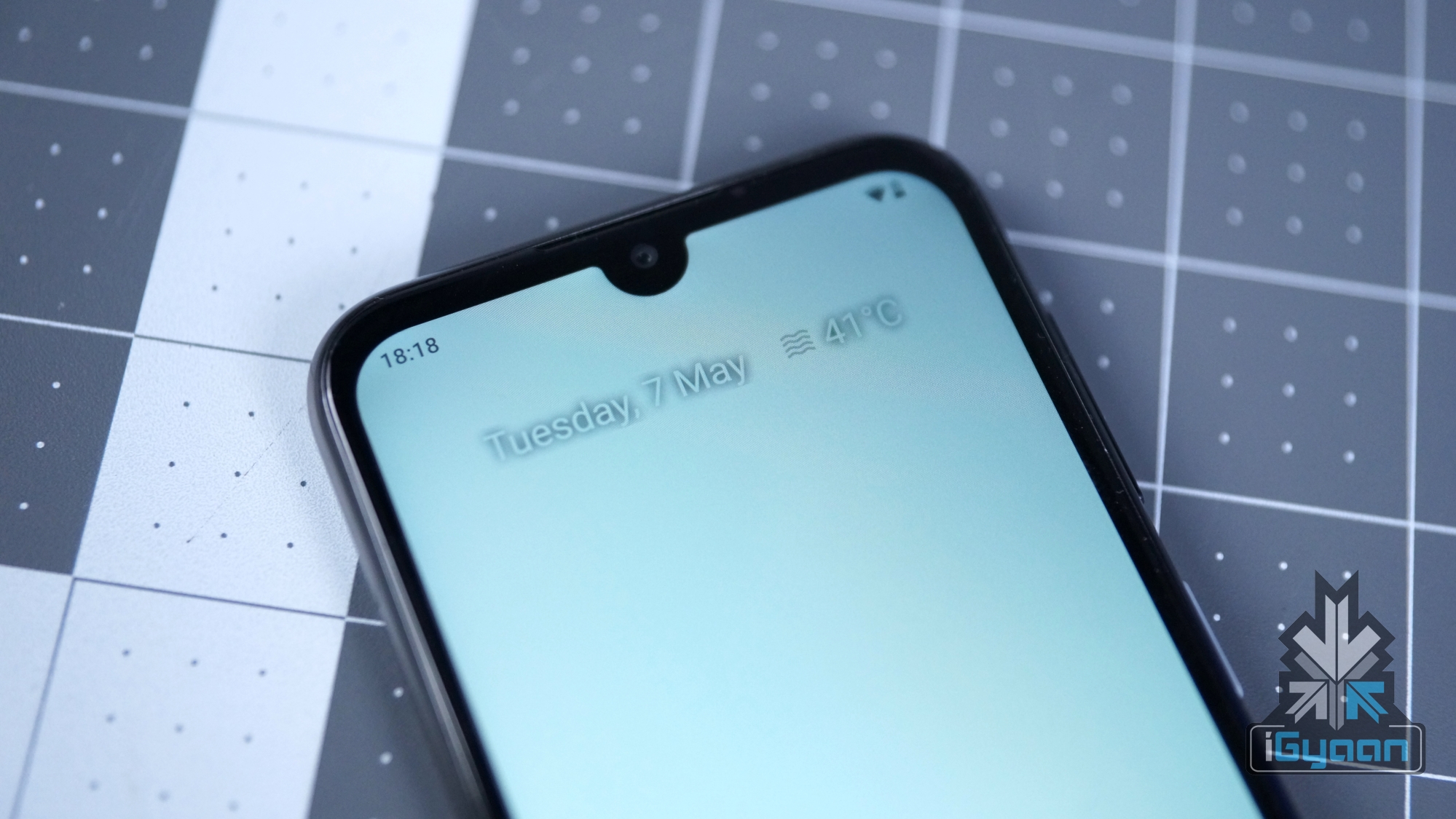
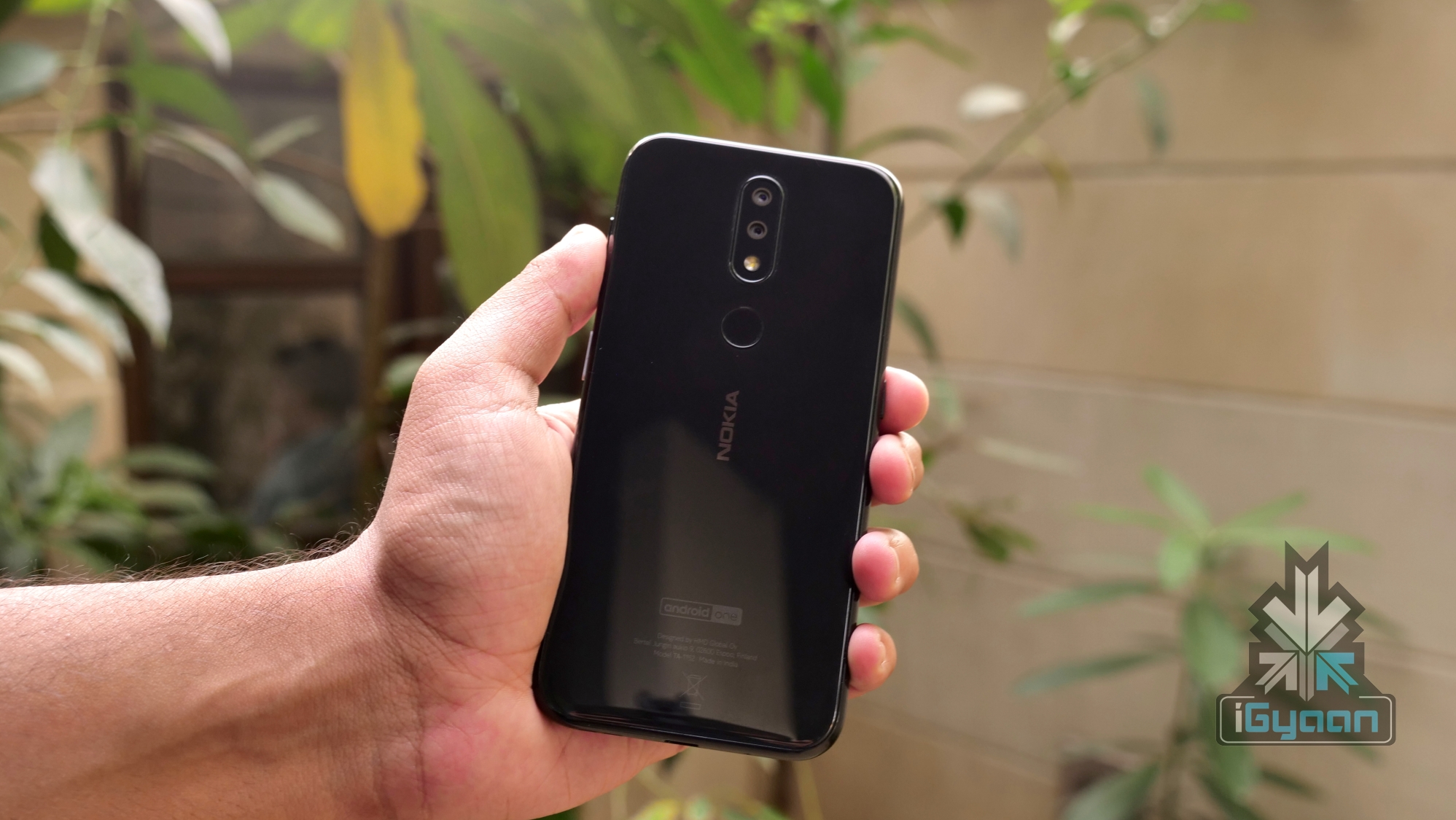
    As far as the build quality and design is concerned, Nokia has not strayed far in taking inspiration for the Nokia 4.2. It features glass on both sides with a polycarbonate frame for reinforcement. The design makes it look a lot like the Nokia 6.1 Plus which was launched last year. The front of the smartphone is dominated by a 5.7-inch display with a waterdrop notch on top of it.

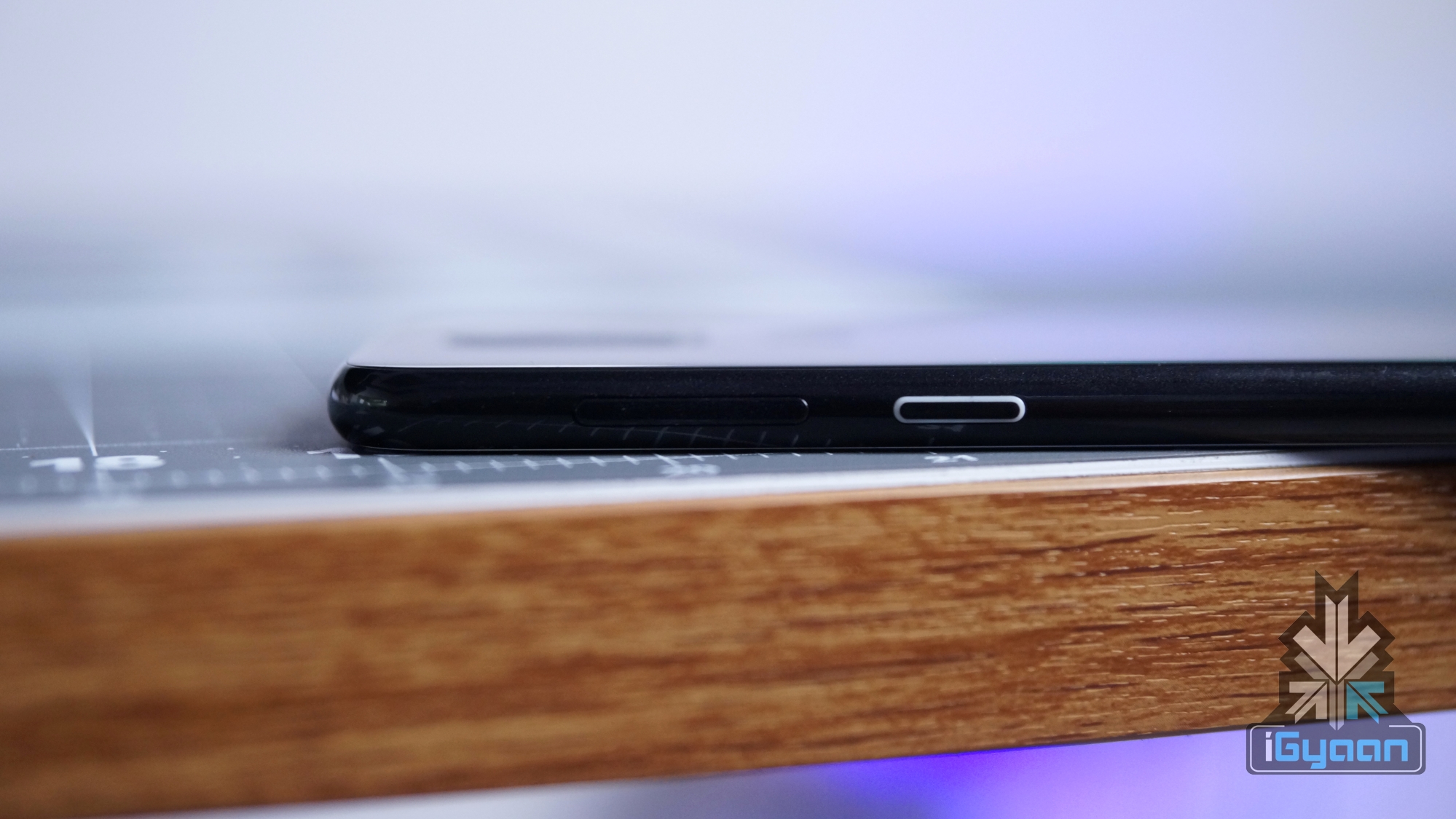
    The right side of the Nokia 4.2 houses the volume rockers and the power button. Interestingly, the power button also features the notification LED, which as the name suggests lights up whenever the device receives a new notification. Unconventionally, the left side of the smartphone has a dedicated Google Assistant button which can be used to summon the voice assistant. This side houses the Hybrid SIM card tray which can either accept two nano SIM cards or one SIM card and a memory card up to 400 GB. While the top of the handset accommodates the secondary noise cancellation microphone and the 3.5mm headphone jack, the bottom has the microphone, micro USB port and the speaker grille lined up together.

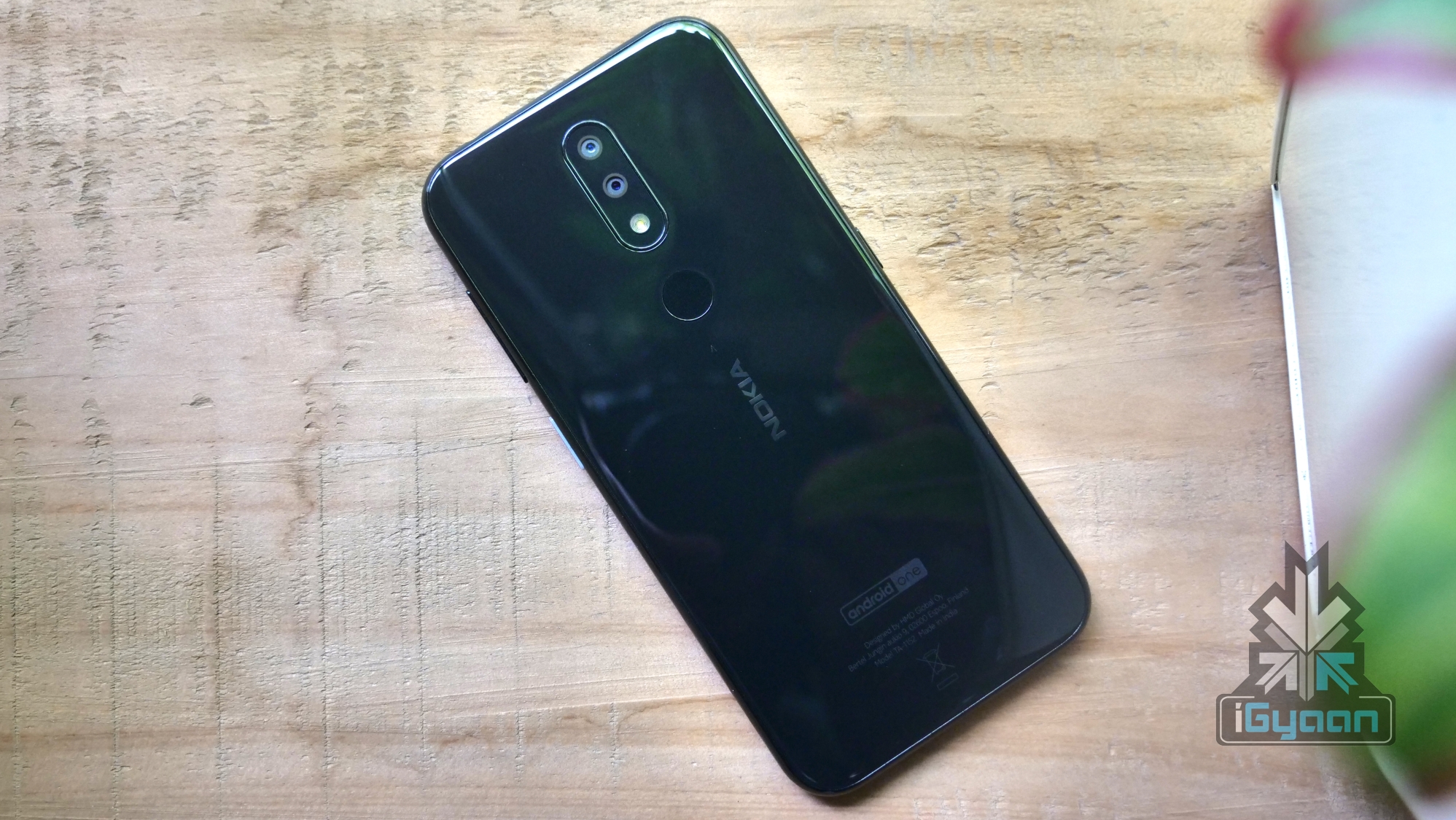
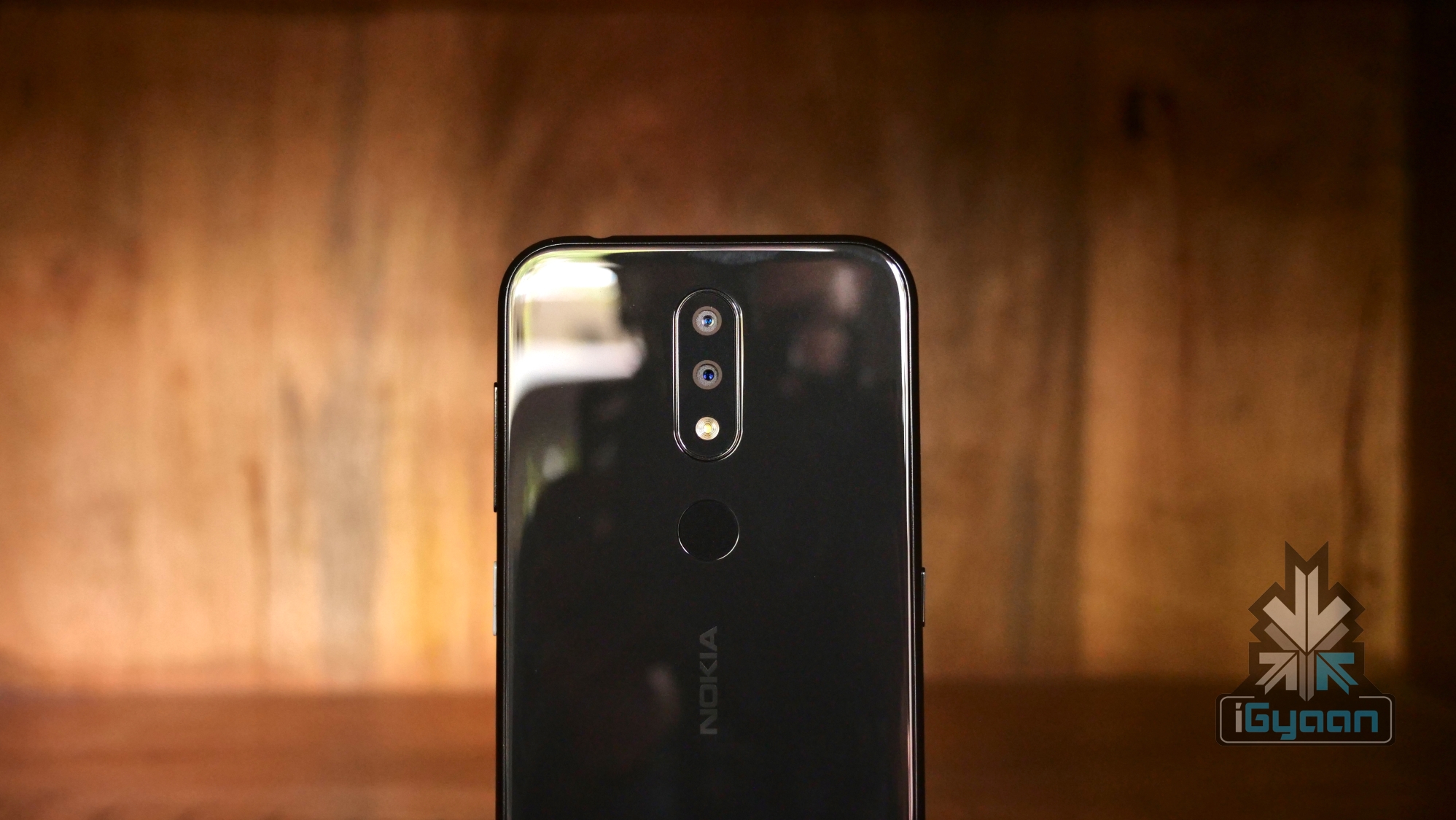
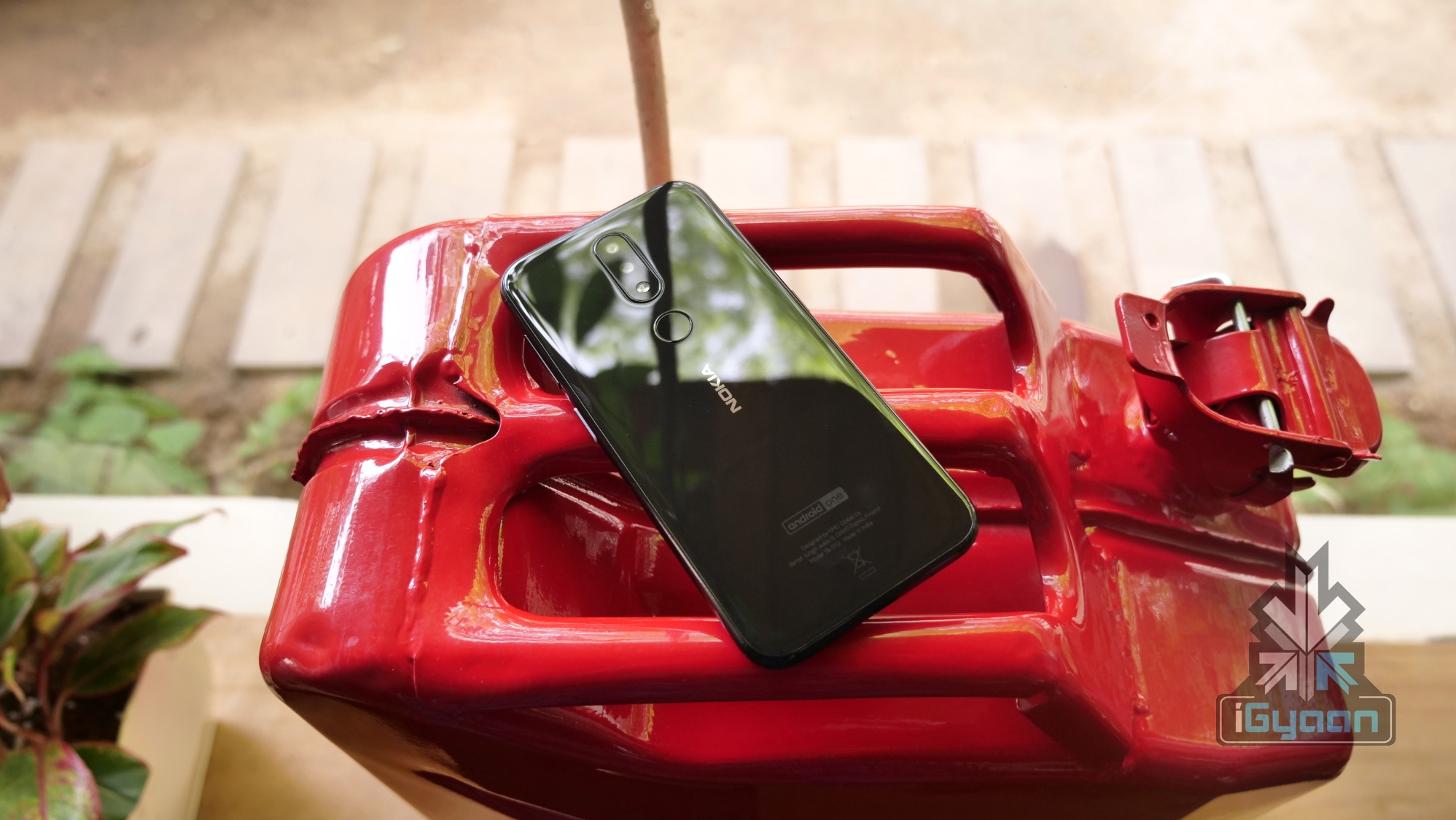
    We reviewed the Black coloured variant of the Nokia 4.2 which looks subtle and premium. The back of the smartphone houses the vertical dual camera setup with the flash. The fingerprint scanner and the Nokia logo is also present on the rear of the device. Overall, the Nokia 4.2 features a solid build quality known to the company’s devices and the smartphone feels robust in the hand. The small and compact form factor of the smartphone ensures it is easy to use with one hand. However, we recommend using a case as it can easily slip out of your palm owing to the glass back. Also, the case will prevent the fingerprints which the device easily attracts. 

    Display

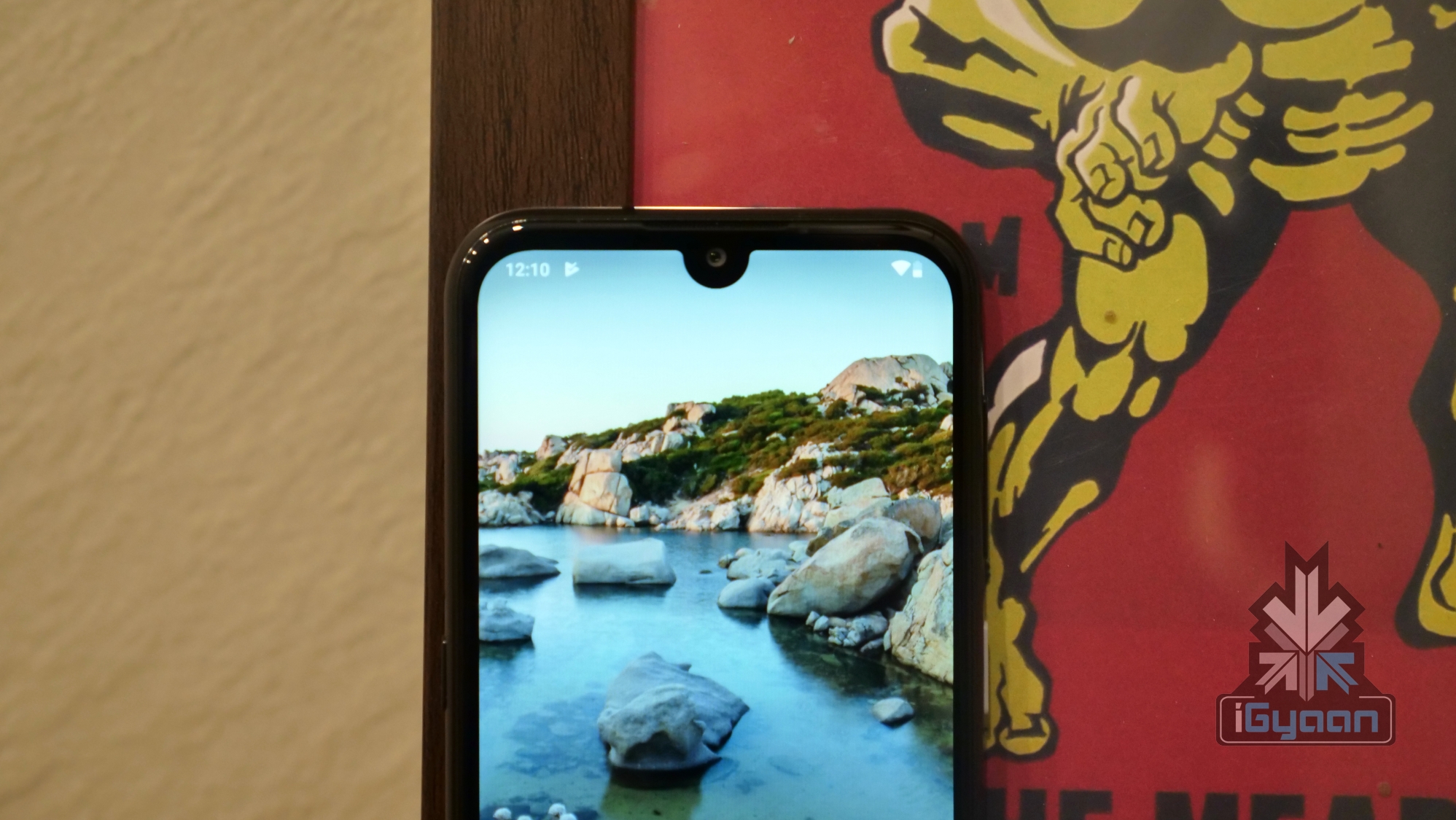
    The Nokia 4.2 has a 5.7-inch display with a resolution of 1520 x 720 px. The sides of the device have thin bezels while there is a significant chin at the bottom. To maximise the screen real estate, the company has implemented a waterdrop style notch on the smartphone, which is becoming increasingly common in the segment.

    In terms of quality, the TFT display of the Nokia 4.2 offers good colour reproduction and average contrast levels. Being a TFT display, you will not get deep blacks or saturation like seen in the Galaxy A20 which incorporates an AMOLED panel. However, the display should be fine for daily use and media consumption, even though we would have preferred a panel with higher brightness levels that facilitate outdoor usage. Given the smartphone competes with the likes of the Redmi Note 7 which has a FullHD display, the display is not the strong suit of the Nokia 4.2.

    Hardware & Performance

    The Nokia 4.2 features the Snapdragon 439 SoC coupled with 3GB of RAM and 32GB of Internal Storage. In terms of day to day usage, the smartphone performed well and we faced zero lags while switching between applications with several apps running in the background. The humble amount of RAM is enough for keeping light applications in memory.

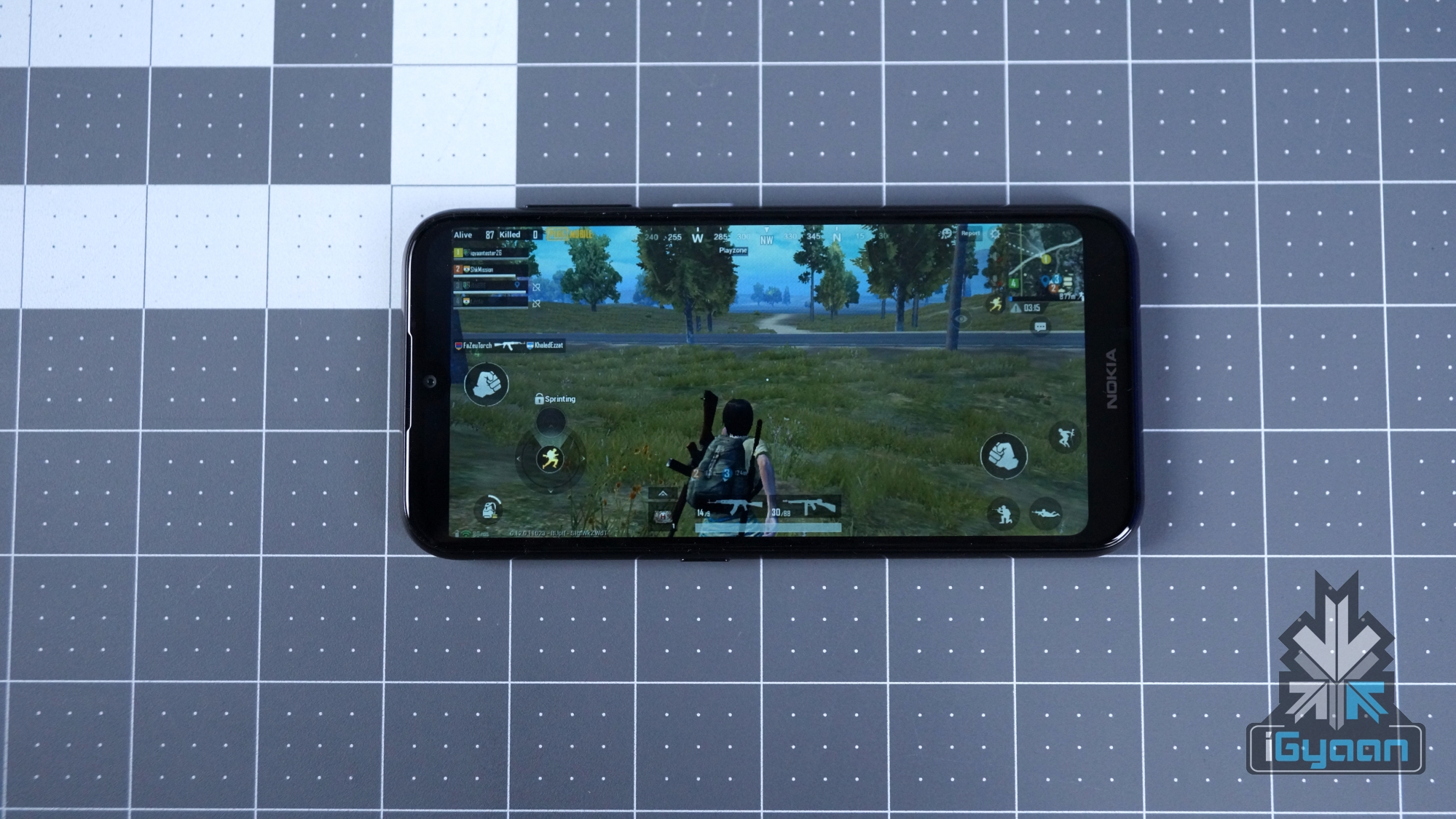
    While the general performance was fine, gaming on the Nokia 4.2 is another territory altogether. While playing PUBG Mobile, the game chose low settings by default and medium frame rates when opened for the first time. The gameplay was average, with minor frame drops and stutters. The next game we tried was Asphalt 9 Legends racing game, which selected the lowest graphics setting by default. Its gameplay was smooth, with playable frame rates and zero stutters. Overall, the performance on the Nokia 4.2 is below average, but gaming on the smartphone is an underwhelming experience.

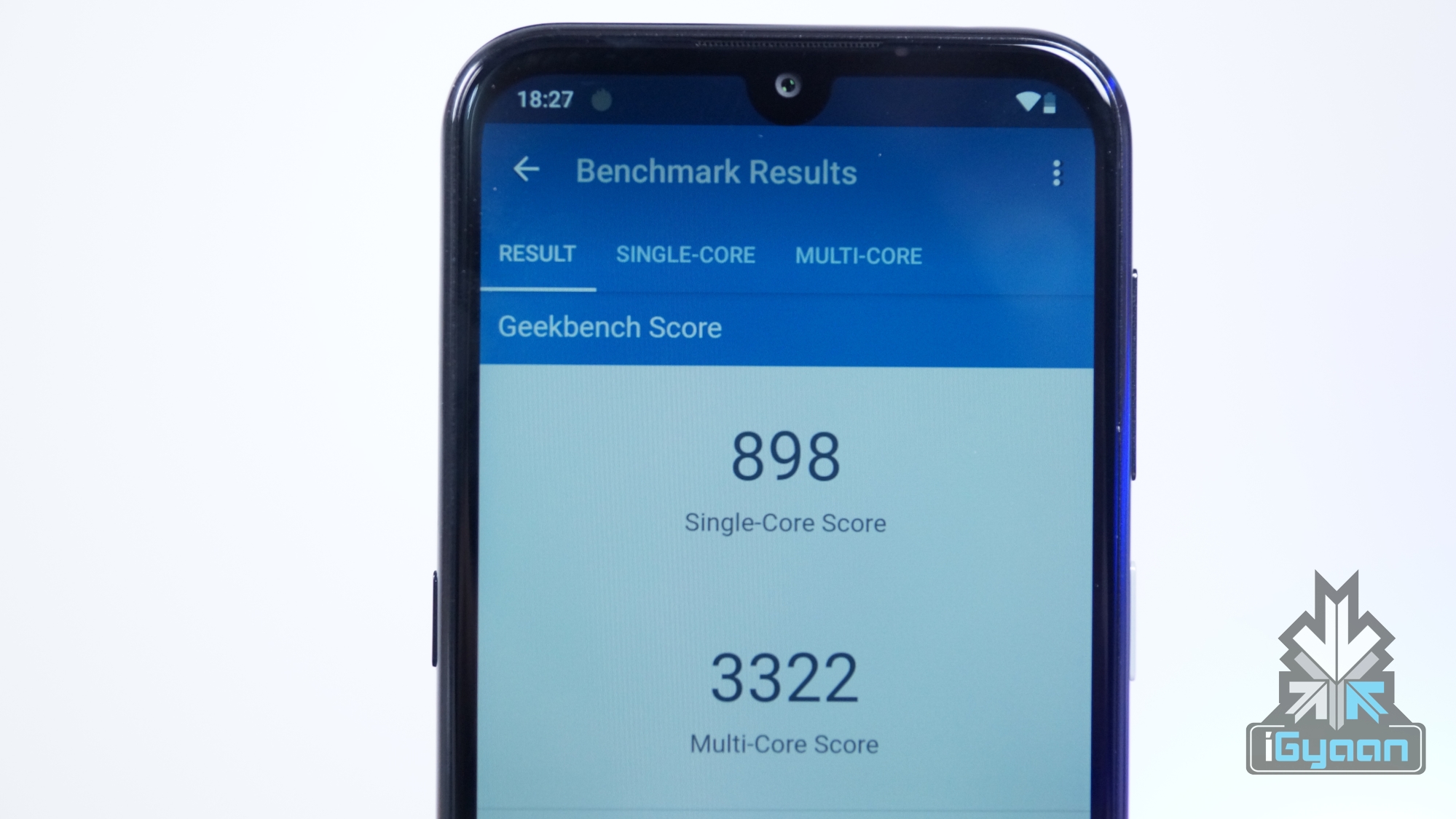
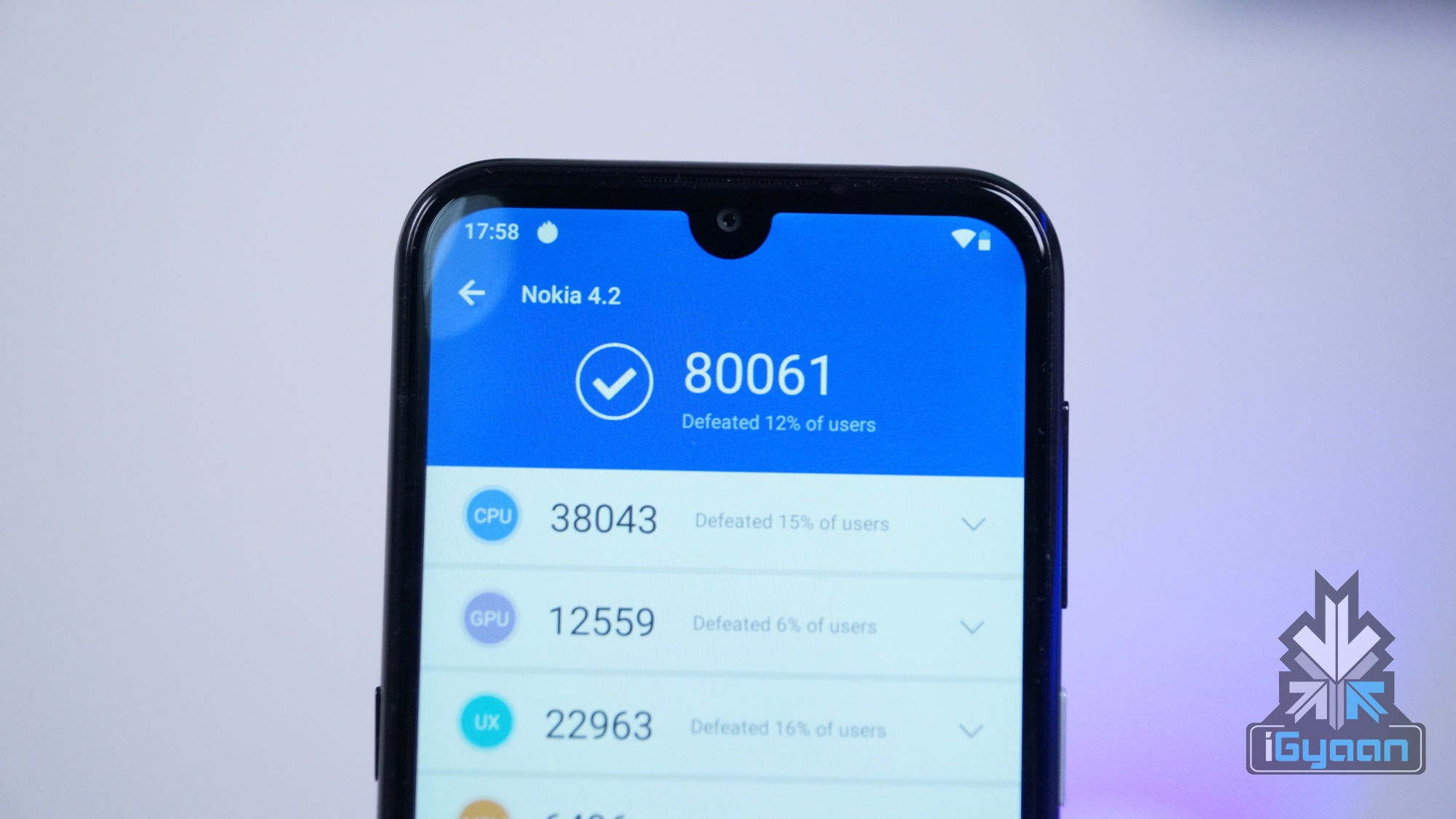
    Using benchmarking applications like Antutu and Geekbench on the Nokia 4.2 does not tell a different story either. While testing the Antutu benchmark, we got a score of 80,061 which is significantly lower than the competition including the Galaxy A20 or the Redmi Note 7. In Geekbench, the device registered a single core score of 898 points and a multi-core score of 3322 points. As is evident from the numbers, the handset should be fine for day to day usage but is not made for performance enthusiasts.

    Software, UI & Multimedia

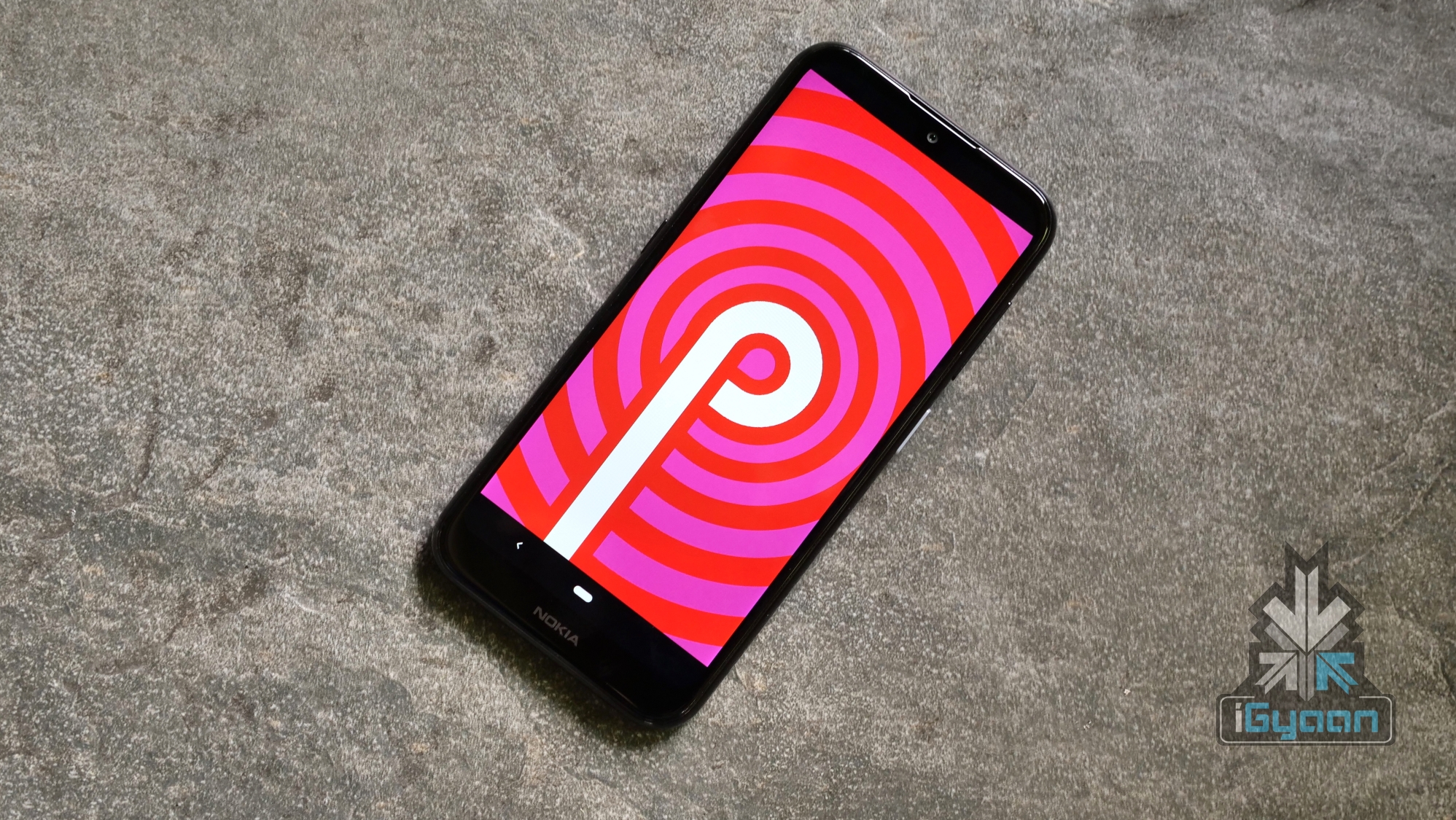
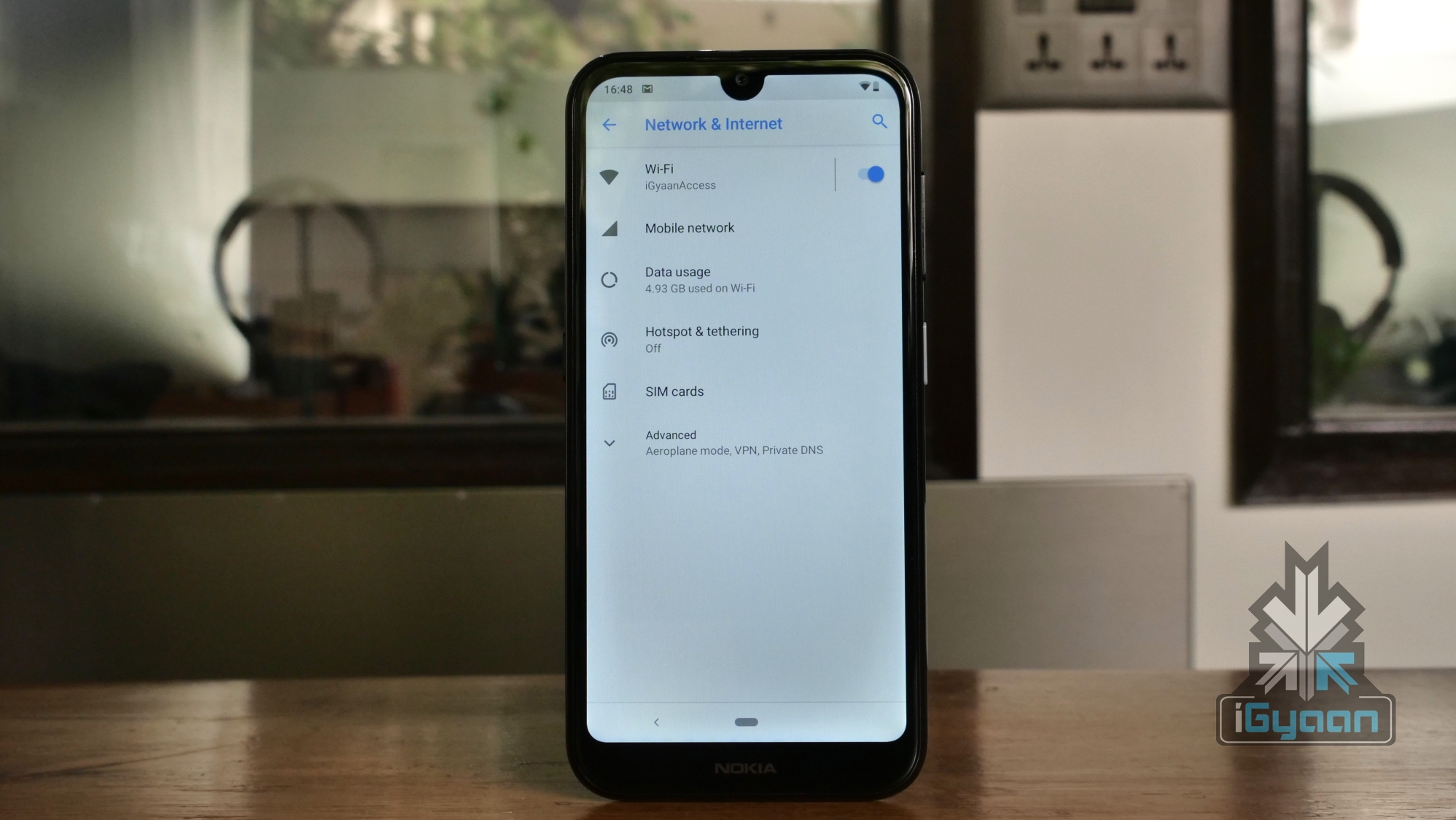
    The Nokia 4.2 runs a stock build of Android 9 Pie with Android One Certification. This essentially implies the smartphone will get guaranteed updates to major Android versions for at least two years and security updates for three years. As this is a stock build of the OS, there is no bloatware or customisation from Nokia, which is appreciated. 

    The Nokia 4.2 supports the basic Android navigation gestures which are bundled with Android 9 Pie. These let users go back with the dedicated back button on the left, a single tap on the centre pill takes you home and a swipe up on it brings out the multitasking menu. Dragging the pill to the right lets users scroll across various applications open in the background.

    In terms of sound quality, the Nokia 4.2 has a single bottom firing speaker which has decent sound output. One downside of the setup is how easy it is to block the speaker grille while holding the device in landscape mode. Audio output via the Bluetooth is above average which provides for a good listening experience.

    Camera

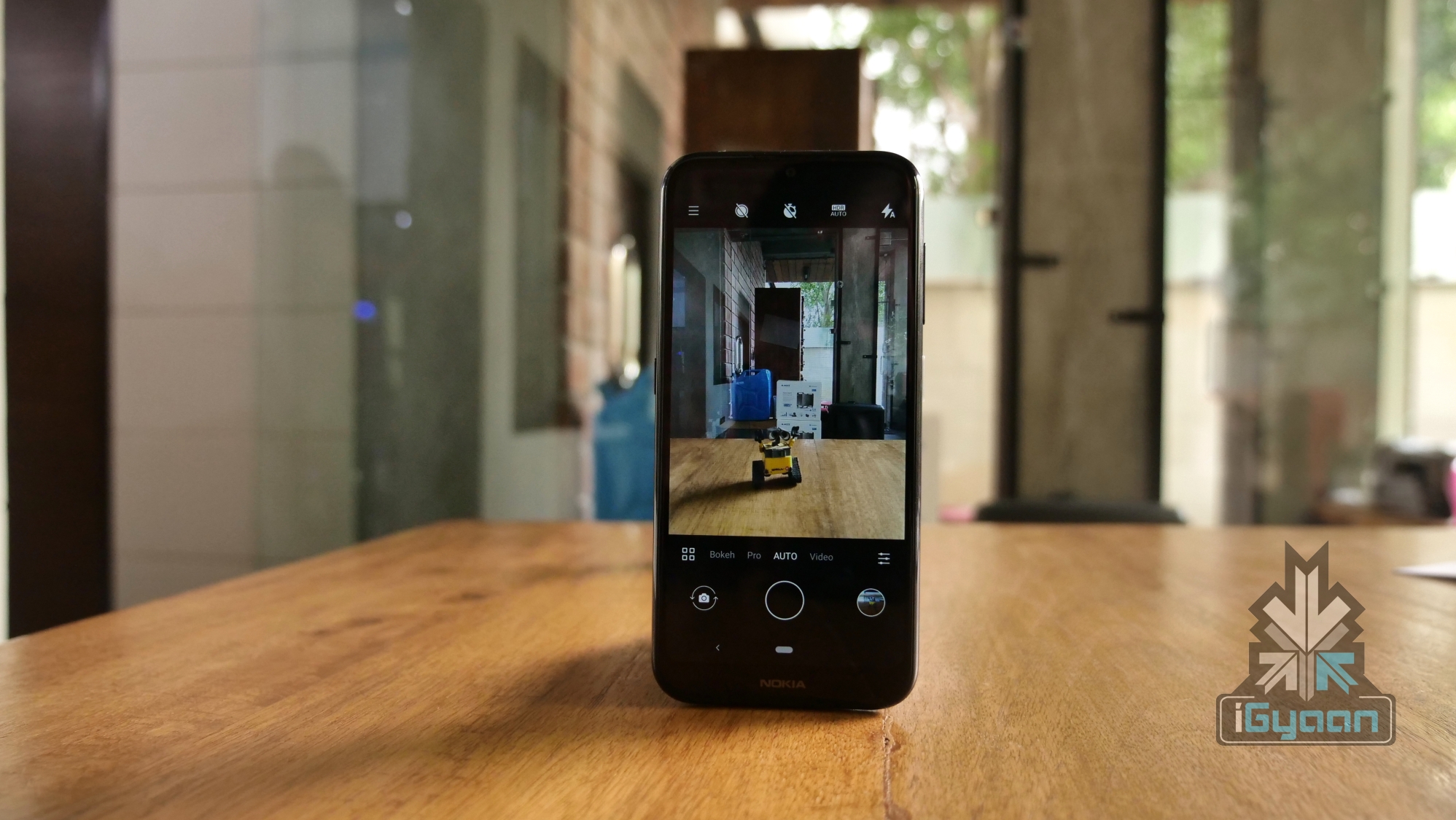
    While the Nokia 4.2 ships without any customisations out of the box, the company has bundled its homegrown camera app. The application is similar to ones found in other Nokia devices. All the major controls are laid out thoughtfully which provide for easy with one hand. There is also a Pro mode, which can be accessed by swiping up on the shutter button. This mode lets users select image properties like shutter speed and ISO manually.

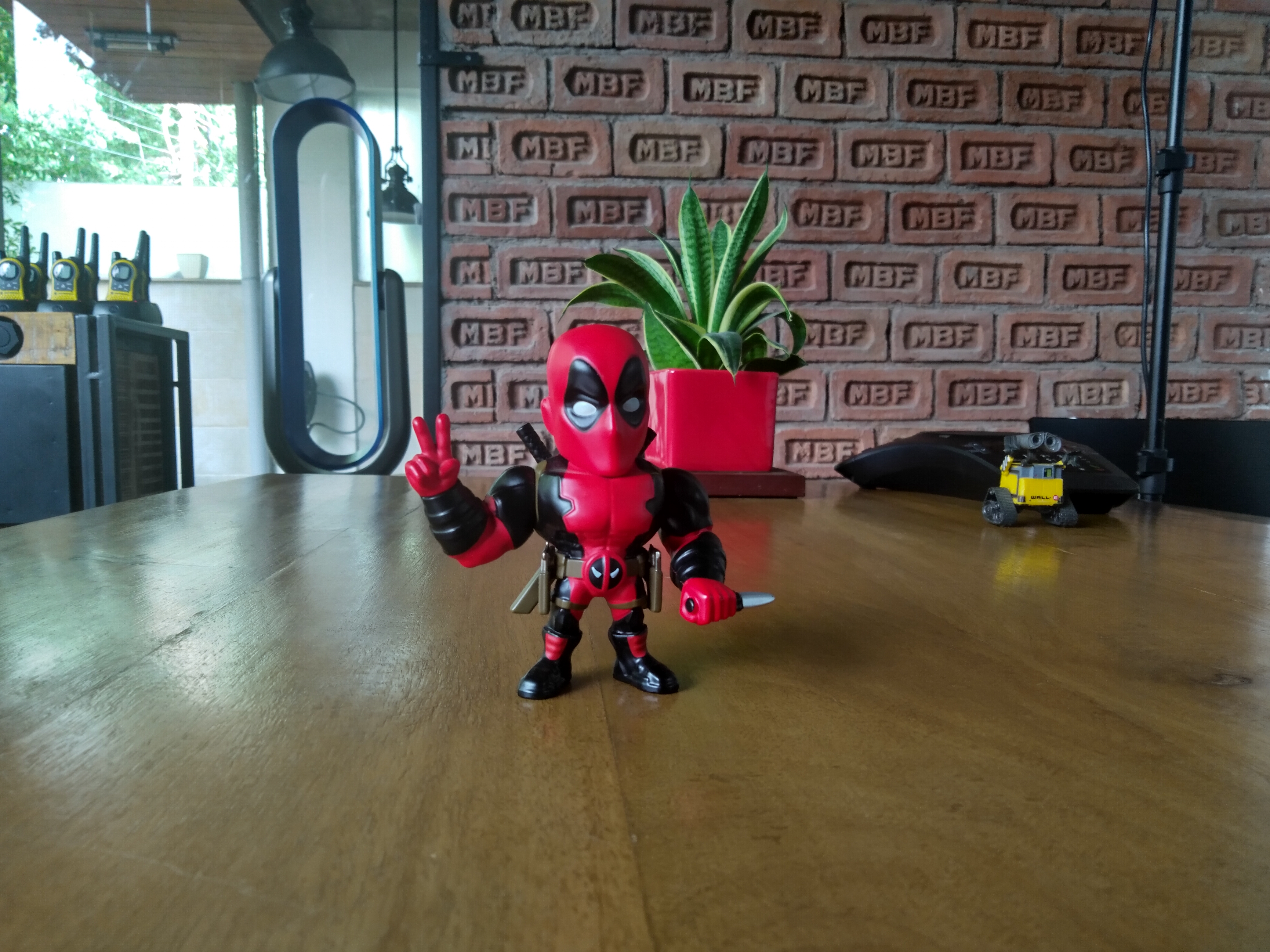
    The Nokia 4.2 has a dual rear camera setup consisting of an f/2.2 aperture equipped 13MP sensor paired with an f/2.2 aperture equipped 2MP depth sensor. Images captured in daylight from the smartphone are above average, with decent contrast and natural colours. One gripe we have about the camera is that it can be a little slow to process the images. Images captured in low light are below average, with softer colours and a visible loss of detail.

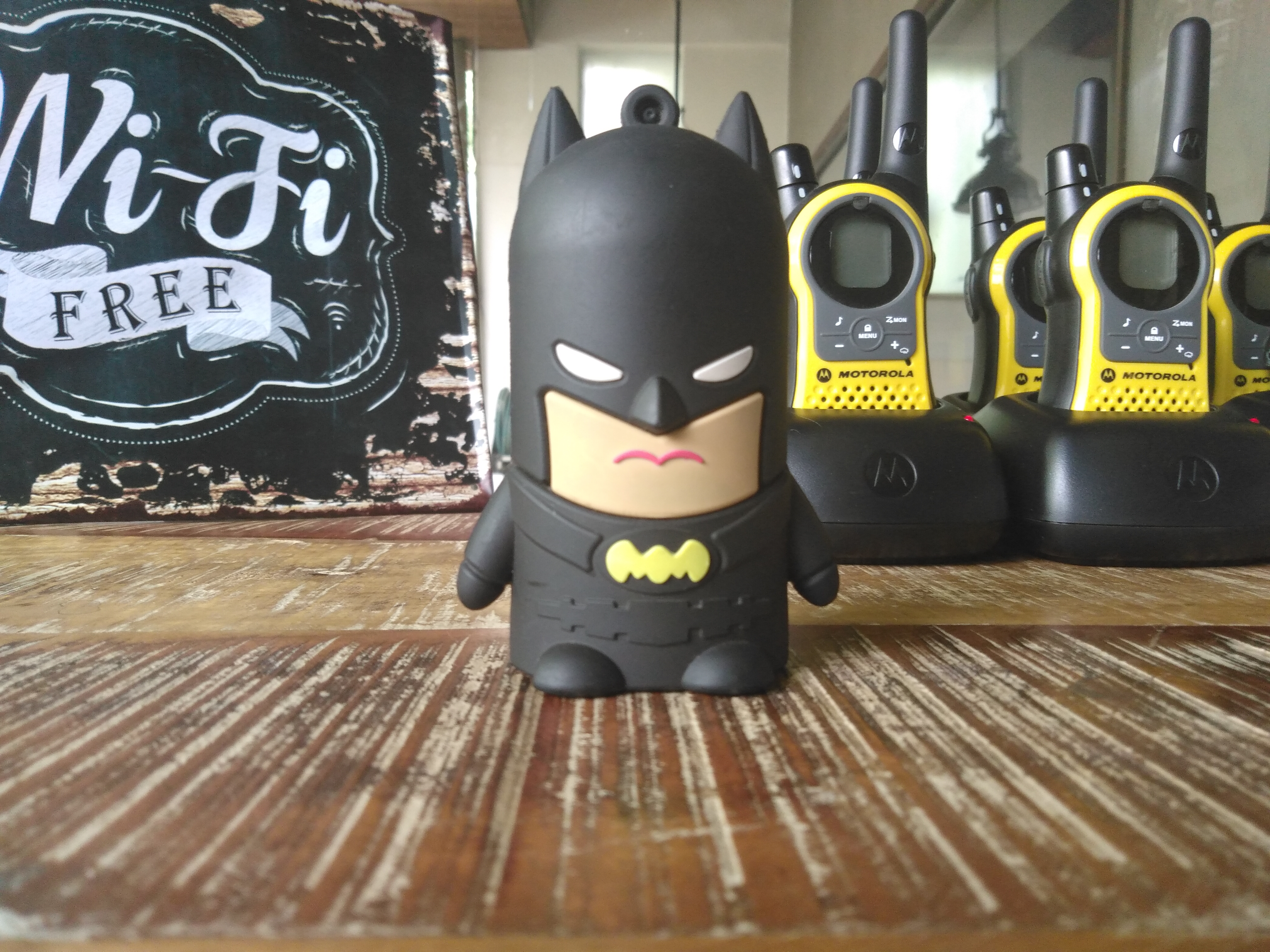
    Like most modern smartphones, there is a Bokeh mode which is dicey on the Nokia 4.2. While the subject separation is good and the device does a decent job of recognising depth, the colours in the result look very artificial. This effect is most prevalent in the day and with good lighting. 

    For selfies, the Nokia 4.2 has an f/2.0 aperture equipped 8MP sensor housed in the notch on top of the display. Images from the front camera are generally great, with accurate colours and good detail. There is a live bokeh mode which also works well. The results are far from what the best can churn out but are worthy enough to be shared on social media.

    Battery and Connectivity

    The Nokia 4.2 is powered by a 3000mAh battery which can be charged using the bottom mounted micro USB port. Frankly, we would’ve prefered a USB Type C port and faster charging than the provided 5 W charger can offer. The battery life of the device is also average, with us getting a screen on time of about four to five hours on medium usage. The low-resolution screen, combined with stock Android provides the smartphone with acceptable battery life.

    In terms of connectivity, the Nokia 4.2 has WiFi 802.11 b/g/n, Bluetooth 4.2 and also supports 4G VoLTE. The smartphone faced no problems in latching on to Wi-Fi networks and performed as expected. Call quality on the device was excellent, with the earpiece producing loud, crisp audio. The handset was able to perform equivalent to its rivals when it is about network and connectivity. Notably, the SAR value of the Nokia 4.2 is 0.79 W/Kg which is well in the safe limit set according to the Indian standards.

    Other Features

    The Nokia 4.2 has a rear-mounted fingerprint scanner and supports the ever popular face unlock technology. In our usage, we found the fingerprint scanner to be a little slow in unlocking the smartphone. As the biometric sensor is placed on the rear, it is inaccessible when placed on a flat surface. For those occasions, the face unlock is a handy feature. Interestingly, there are two ways to set up facial recognition on the Nokia 4.2. The first one takes a while to unlock the smartphone but is a lot safer. The second option, which can be turned on in settings, unlocks the handset much faster but the security aspect of it takes a backseat.

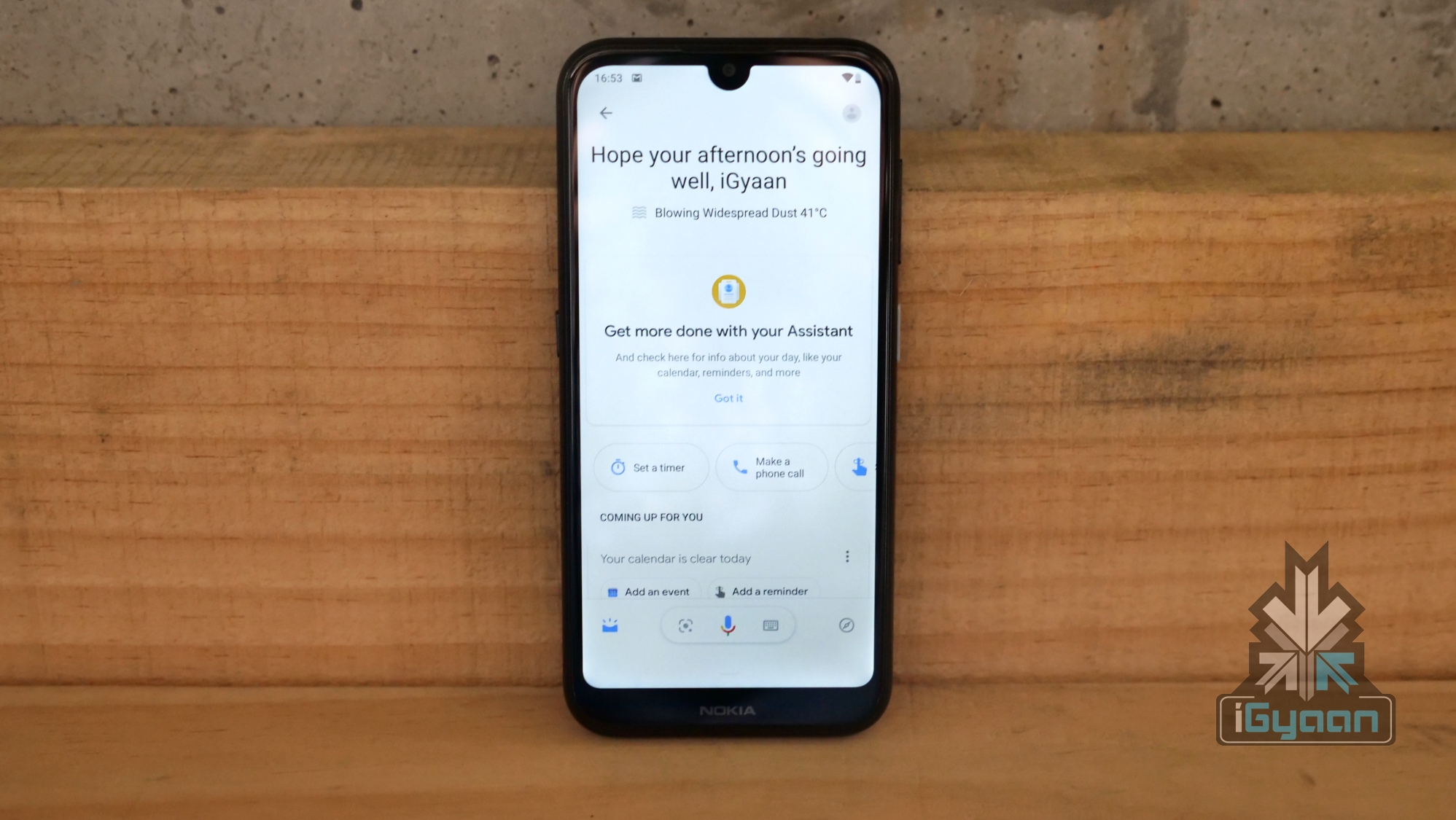
    The dedicated Google Assistant button is one of the key highlights of the Nokia 4.2. Like mentioned above, the button can be pressed to summon the digital voice assistant. With the smartphone, three individual functions have been mapped to the button. Pressing it once will bring up the Google Assistant which can be used to input commands. Clicking the button twice brings up the Assistant dashboard to glance through updates, while a long press on the button turns on the microphone until the key is pressed. This function works like a walkie talkie and is a good addition for quick or longer commands.

    Verdict

    The Nokia 4.2 is a smartphone in a completely new lineup for the company. While it offers a solid build, premium design, stock Android with Android One and the Google Assistant button, its performance and cameras leave a lot to be desired. In a segment where versatile cameras like in the Galaxy A20 and great performance like seen in the Redmi Note 7 is a thing; the Nokia 4.2 doesn’t have a lot of features to justify its asking price. 

    Nevertheless, if you want a smartphone from a brand offering a good after-sales service and software experience, the Nokia 4.2 might just work out for you. However, the Redmi Note 7 has proven itself as a complete package and is an excellent value for money device. We found the Nokia 4.2 to be an underwhelming offering from the company; and recommend you also check out smartphones like Samsung’s Galaxy M20, the Galaxy A20, the Redmi Note 7 or the company’s own Nokia 5.1 Plus if you’re looking for a great budget device.

    Check out the Galaxy A20 on Flipkart

    Check out the Redmi Note 7 On Flipkart

  • Samsung Galaxy A20 Review: A Good Alternative To The Redmi Note 7?

    Samsung Galaxy A20 Review: A Good Alternative To The Redmi Note 7?

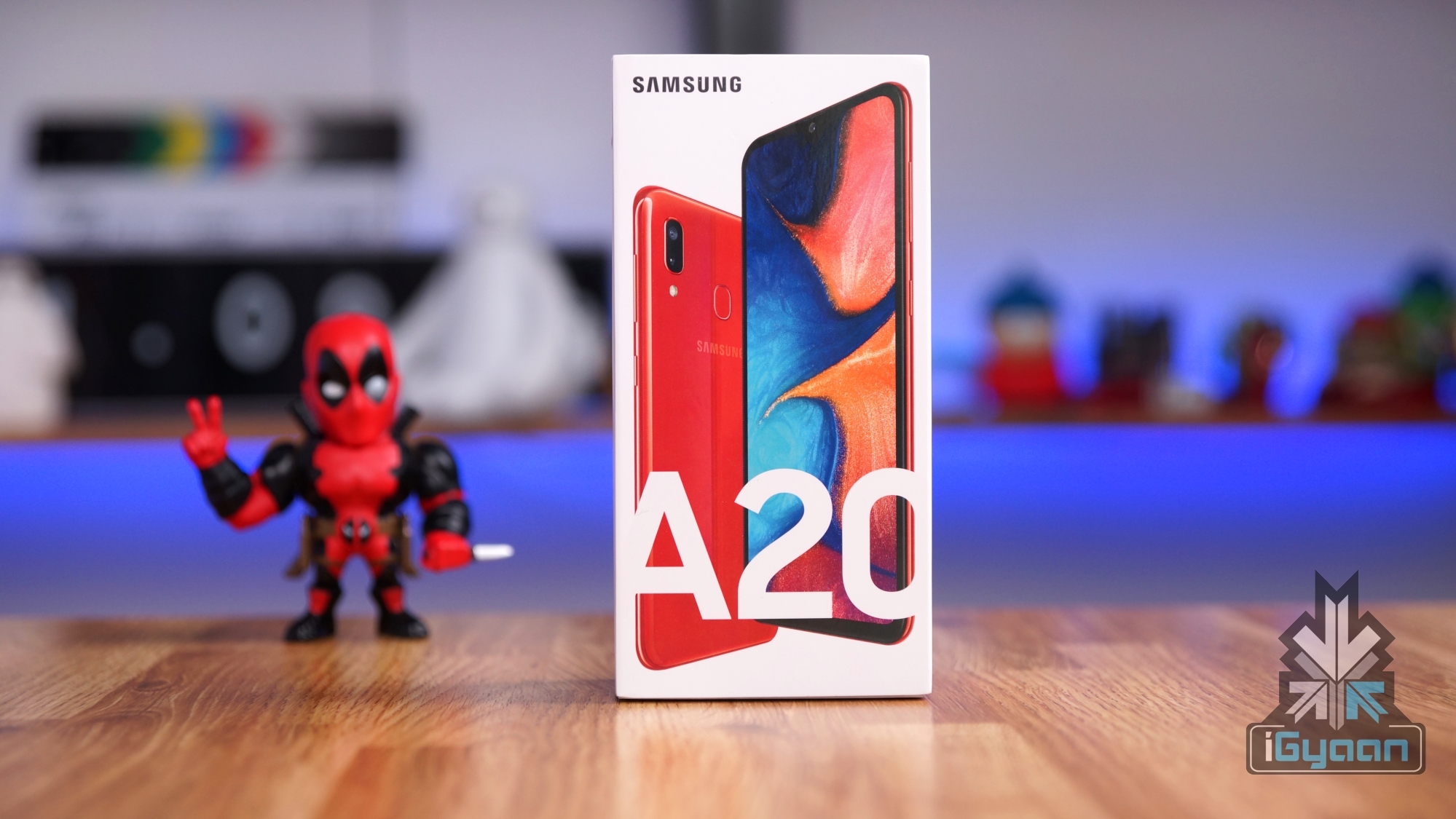
    Samsungs latest entrant in the Galaxy A lineup of smartphones is the Galaxy A20. Priced at Rs. 12,490, it goes head to head with the likes of the Redmi Note 7 and the company’s own Galaxy M20. With a modern design and competitive specifications on paper, can the Galaxy A20 compete with the best in the segment or it is just a disappointing budget handset from the company?

    We find out in our Galaxy A20 review.

    Check out the Galaxy A20 on Flipkart

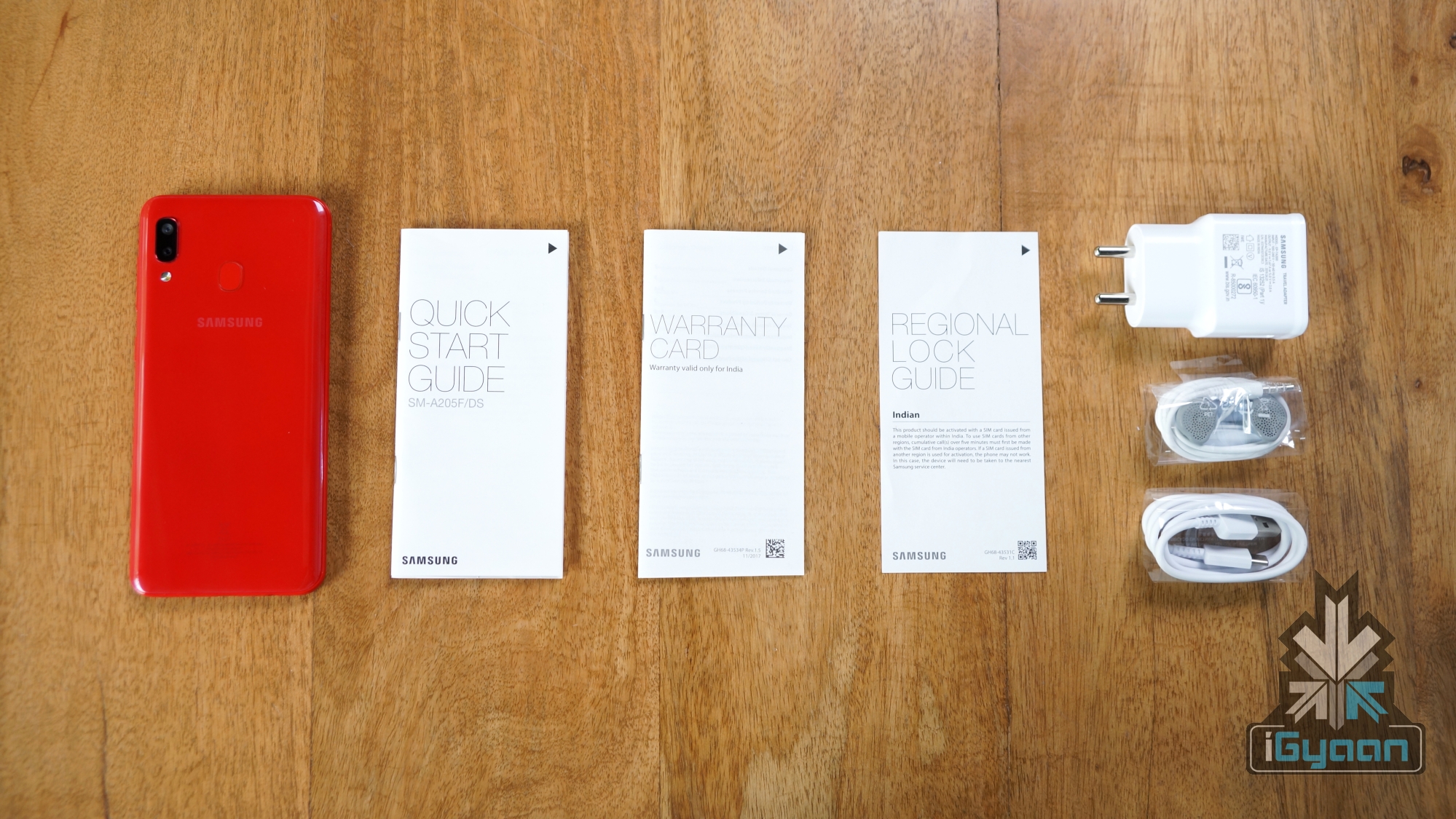
    What’s In The Box?

    • Galaxy A20
    • Power Adapter
    • Earphones
    • SIM Card Ejector
    • Quick Start Guide
    • Regional Lock Guide
    • Warranty Card

    Build Quality & Design

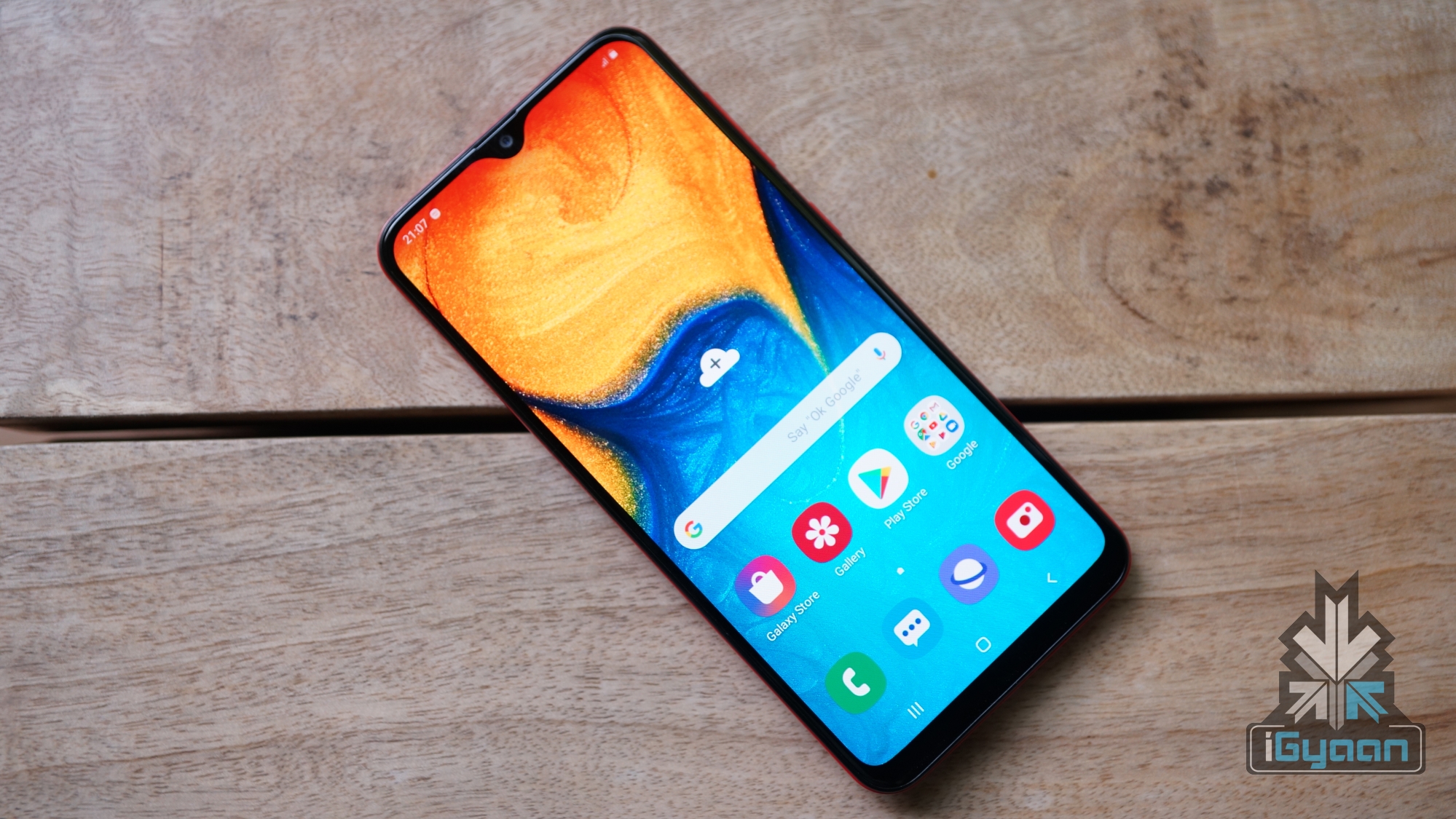
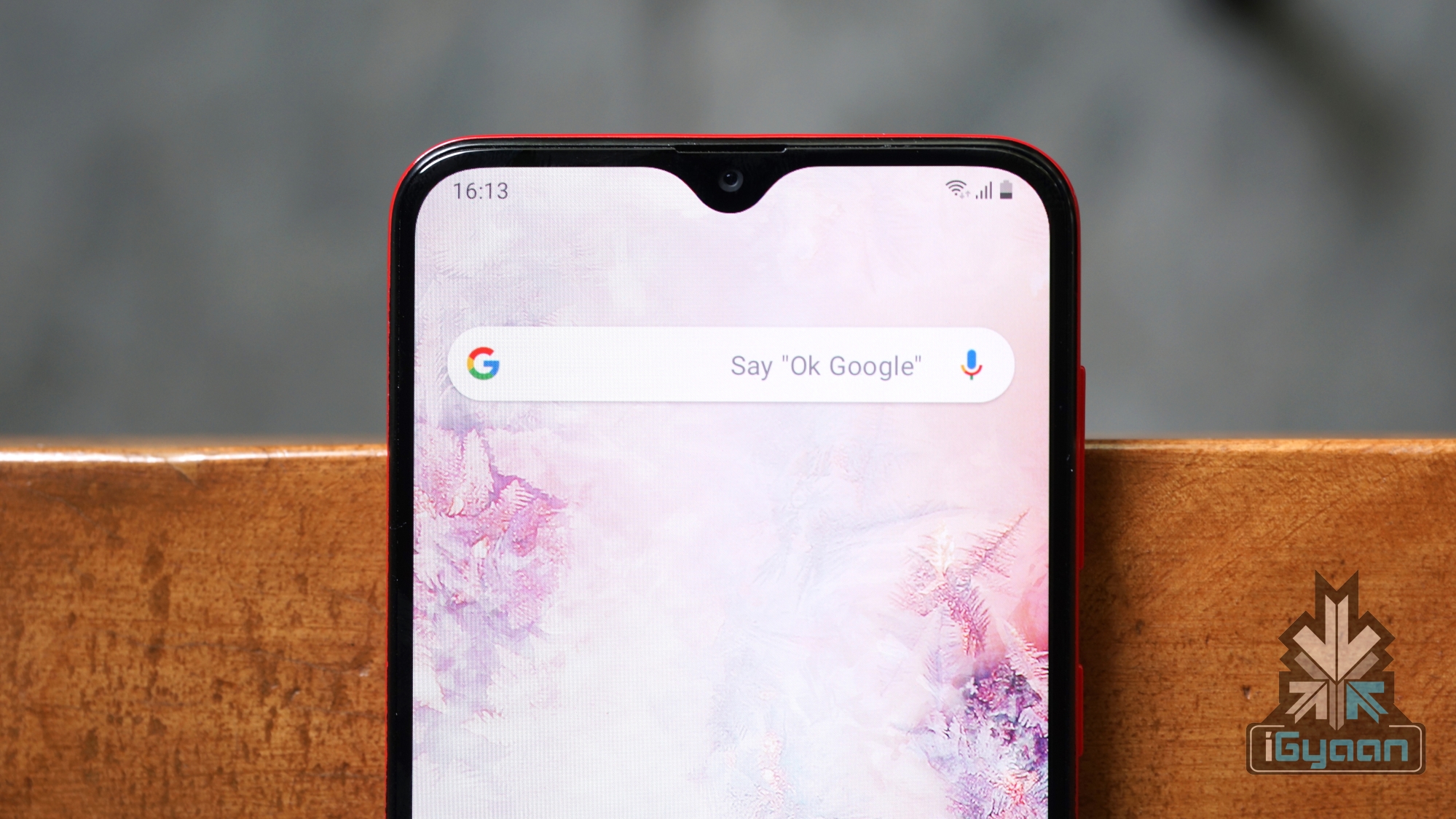
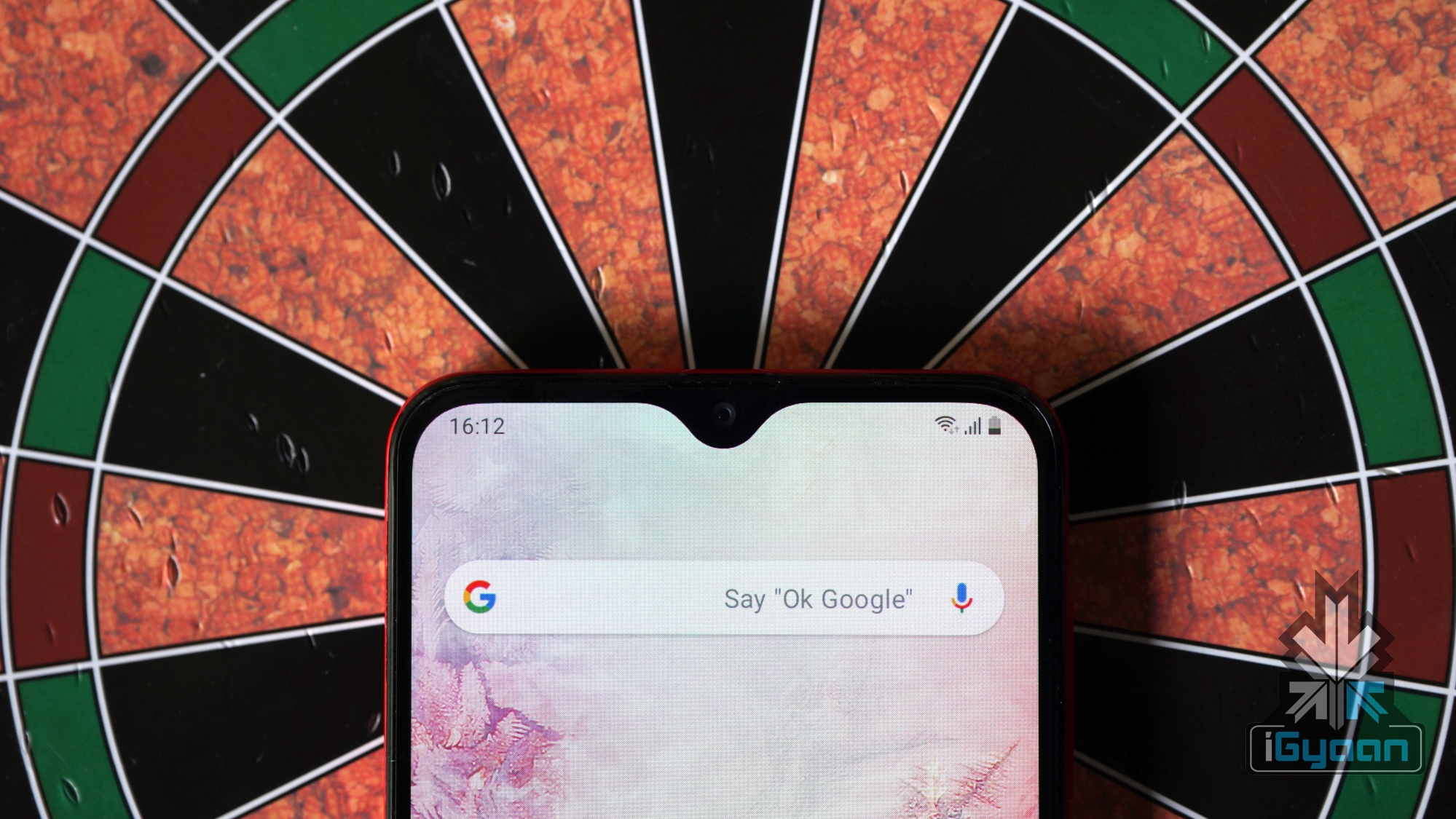
    One look at the Galaxy A20 and you would know Samsung has stuck to the basics while making the smartphone. The device is entirely made out of plastic with a design similar to the Galaxy A30. The front of the handset has a 6.4-inch display which has an Infinity V notch on the top and a considerable chin on the bottom.

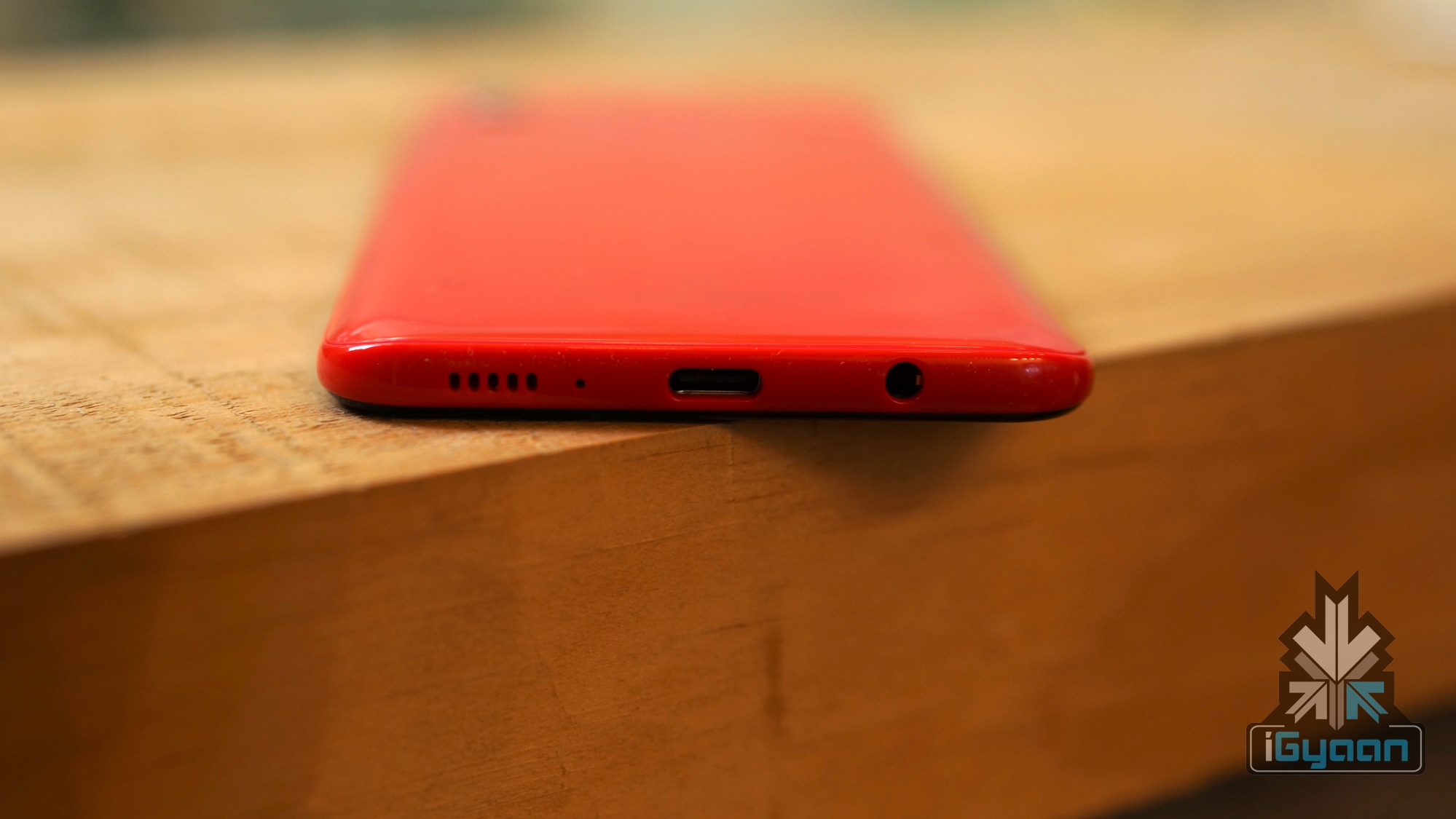
    The right side of the smartphone houses the volume rockers and the power button; while the left side remains completely empty except for the SIM card tray which also has a dedicated microSD card slot. The top of the device has a secondary noise cancellation microphone. At the bottom, there is a 3.5mm headphone jack along with the USB Type-C port and the speaker grille lined up together. The Galaxy A20 features a solid build, with a back that makes it look like glass.

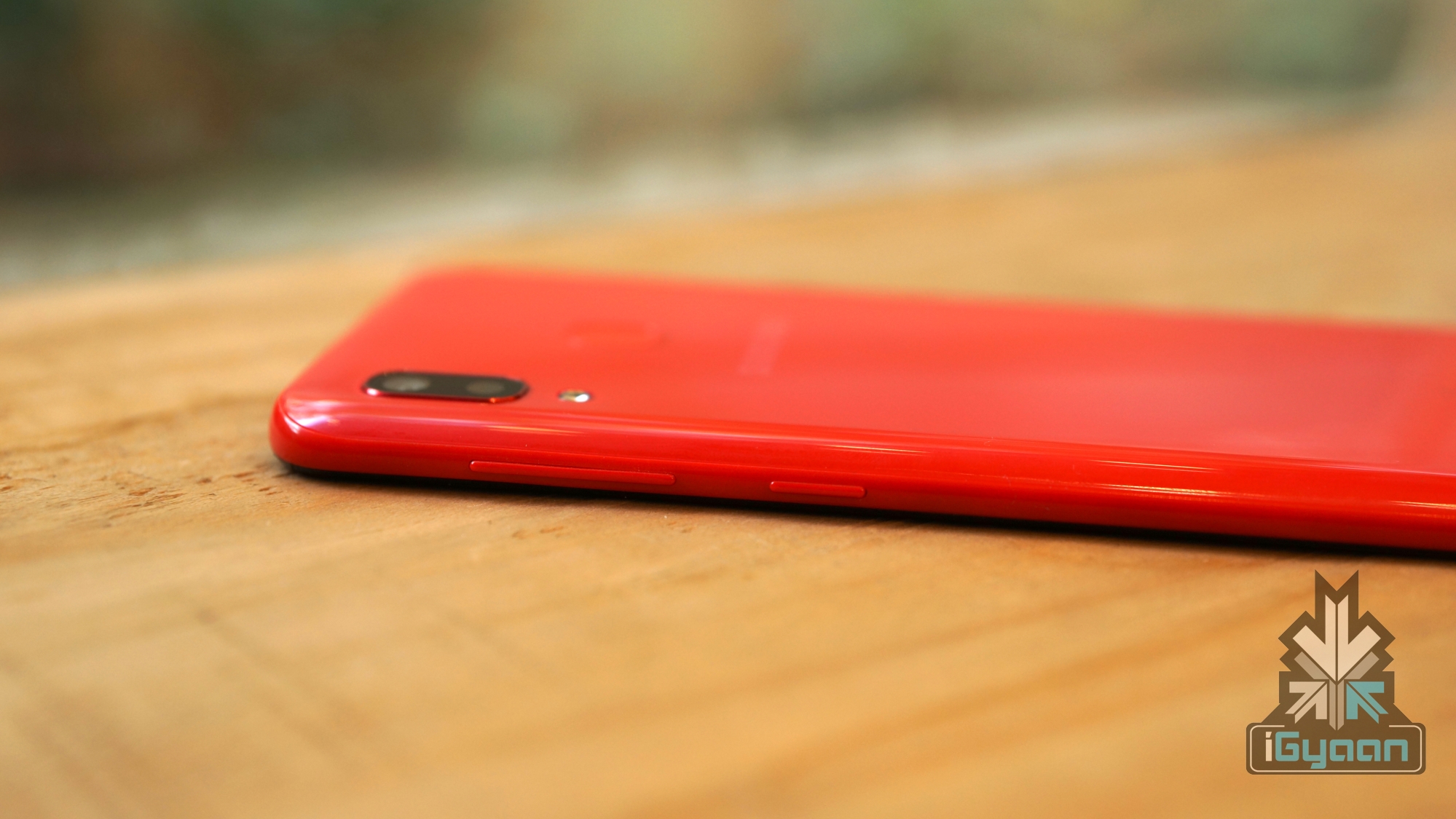
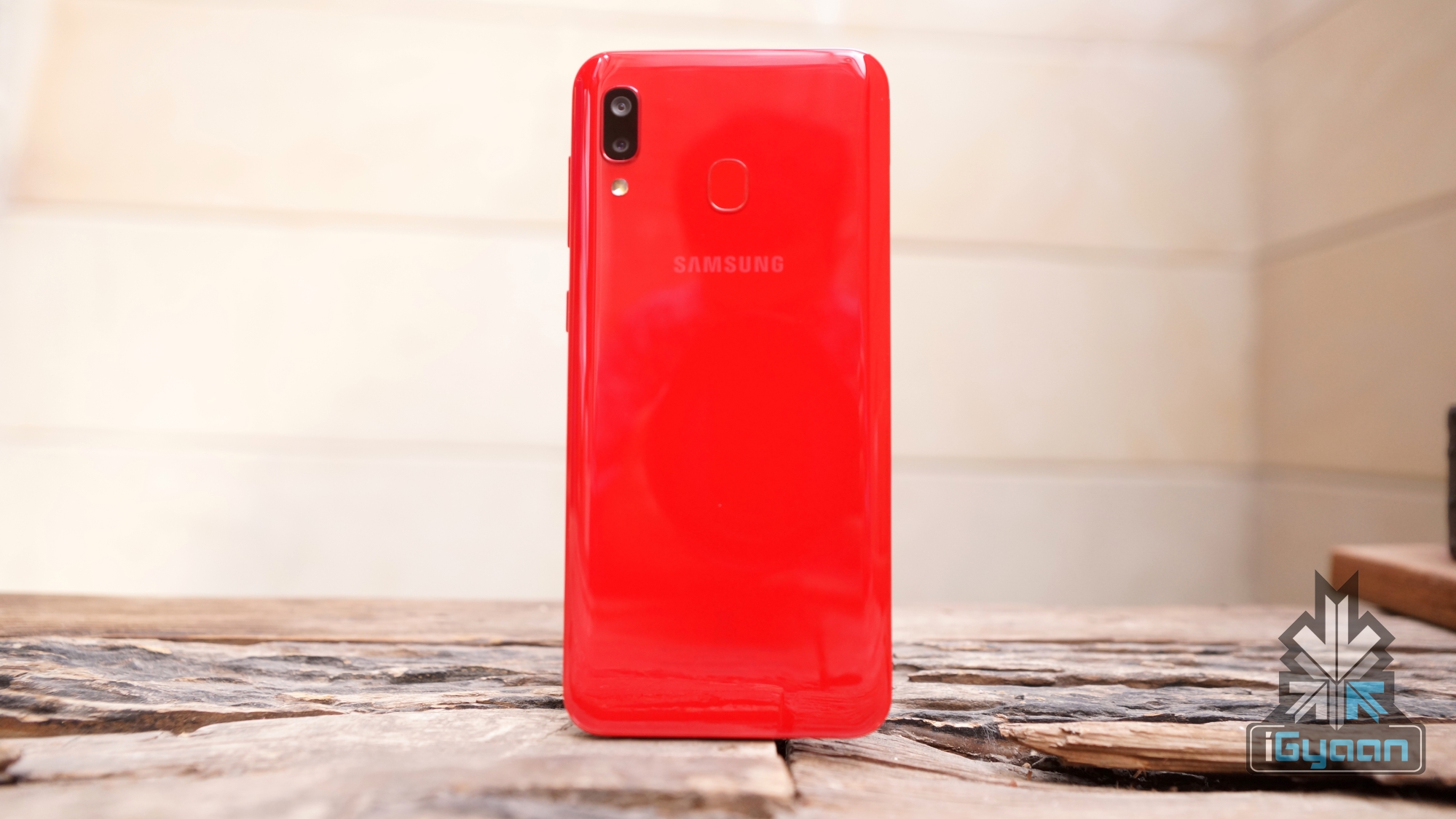
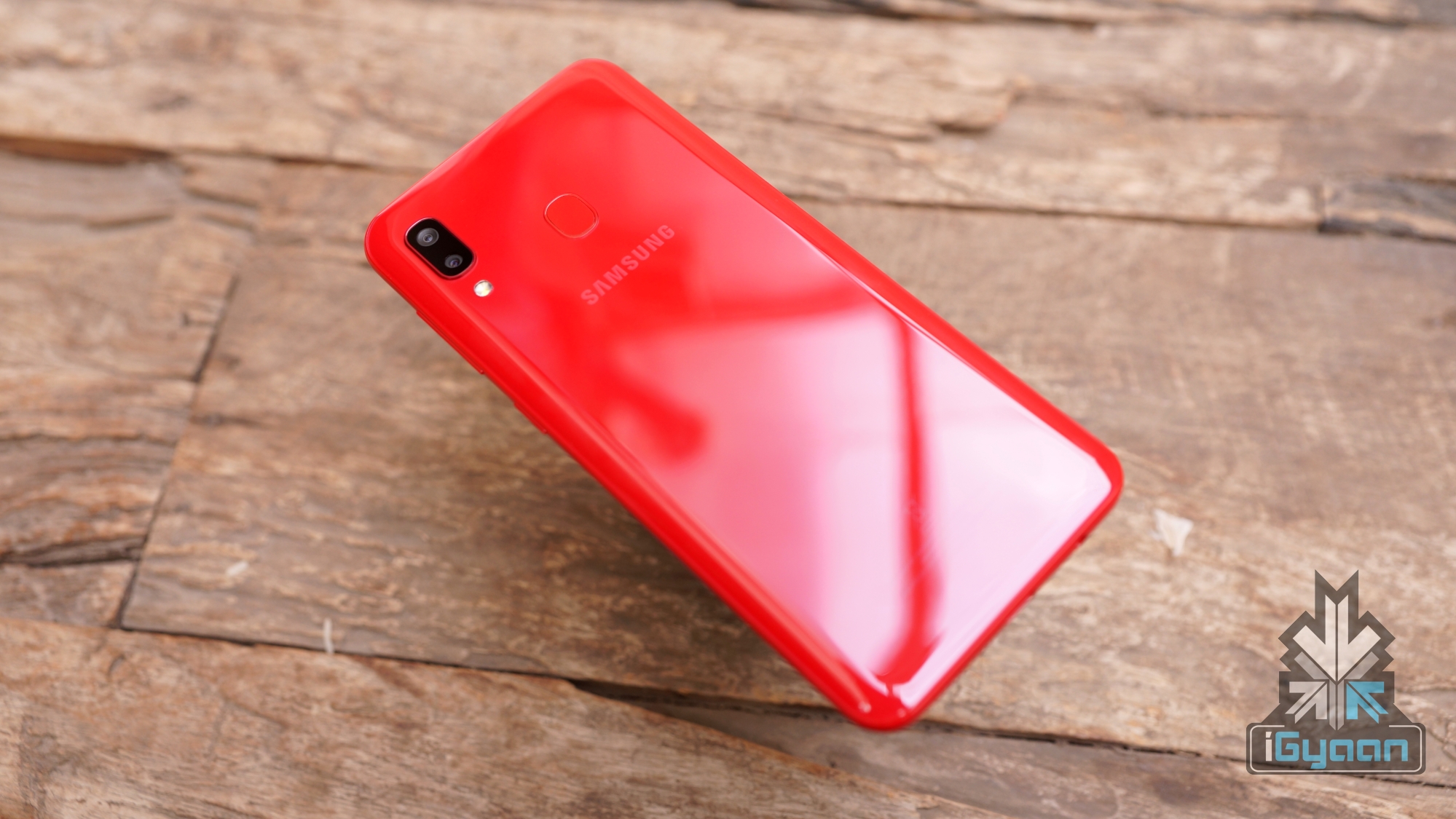
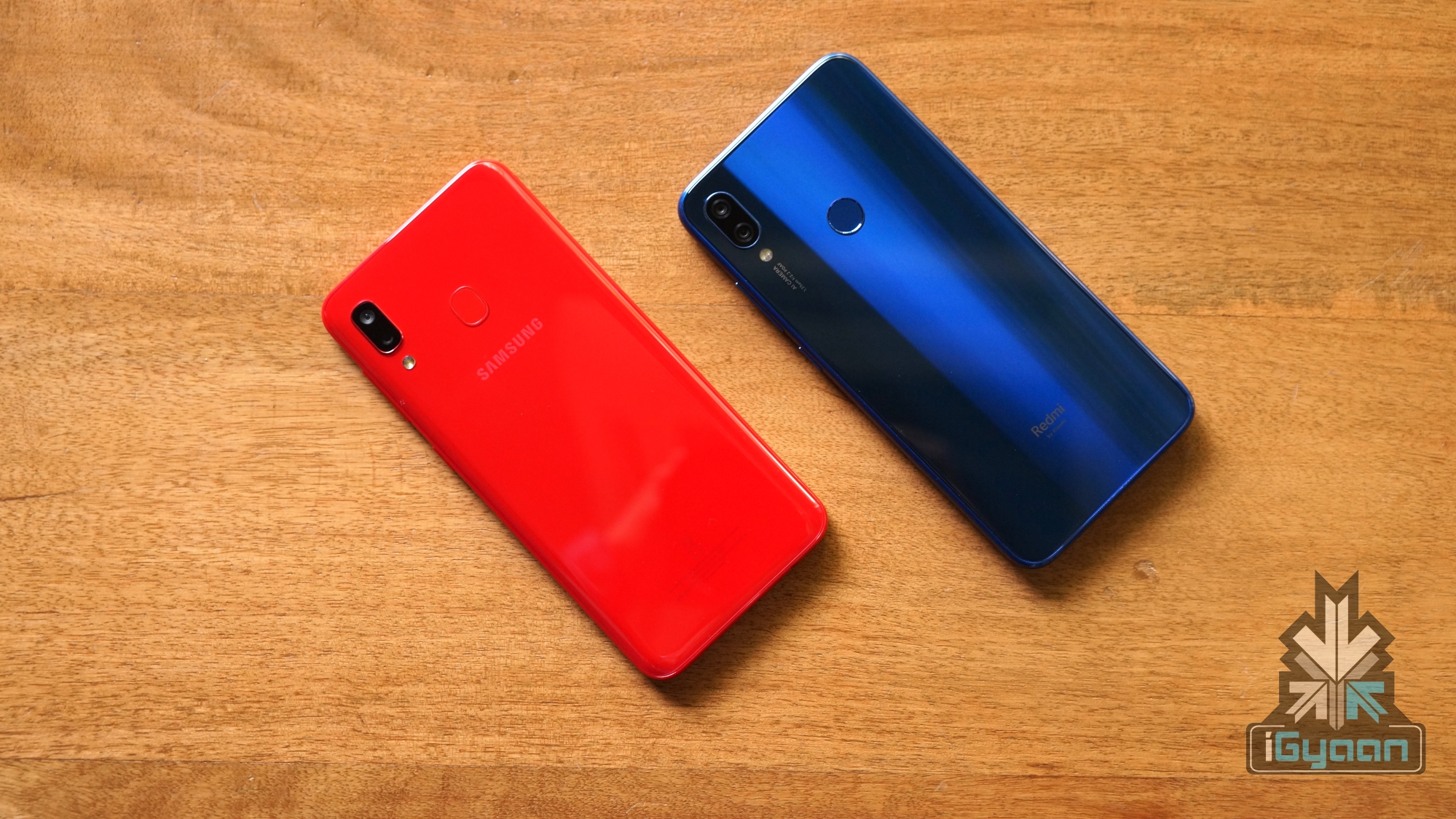
    Our review unit is the red coloured version, which has a glossy finish to it. The popsicle coloured back of the Galaxy A20 houses the vertical dual camera layout with the LED flash like most modern smartphones. When it is laying flat on its back, the smartphone wobbles a bit due to the slightly protruding camera bump. The device has a fingerprint reader on the back with the Samsung branding present right below it.

    While the design of the Galaxy A20 is nothing new, the smartphone looks good and the red colour of our unit definitely attracts attention to it. Using a case is recommended as the back is extremely glossy and easily attracts fingerprints to it. Additionally, a case would also cover the camera bump to an extent, minimising the previously mentioned wobble.

    Display

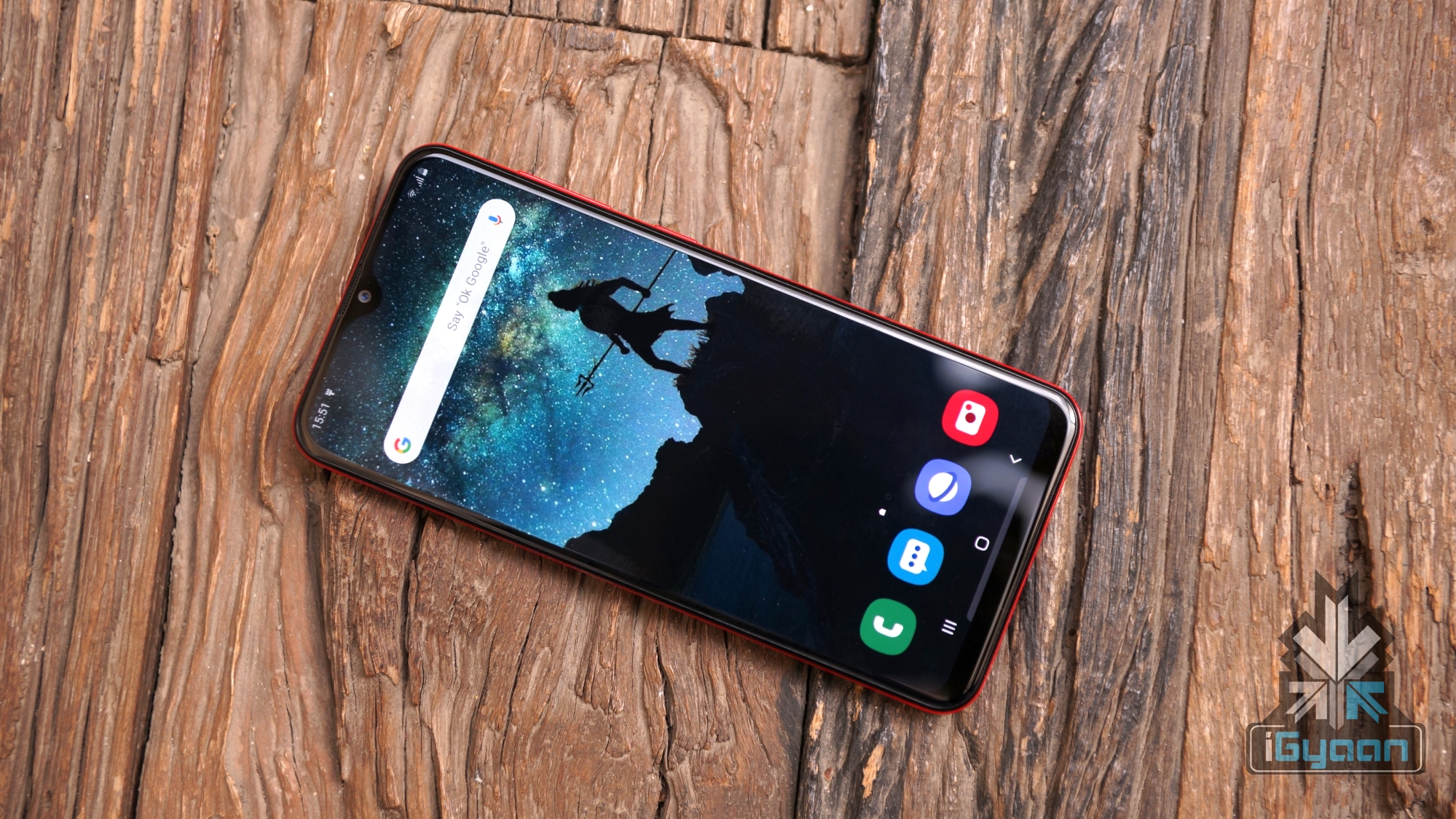
    The display on the Galaxy A20 is marketed as one of the highlights of the smartphone. It has a 6.4 inch Super AMOLED display with a resolution of 1560 x 720 px. To increase the screen real estate of the device, Samsung has used an Infinity V style notch on the top of it.

    In terms of quality, the Galaxy A20 has a great display for multimedia consumption. The colours have great contrast, the blacks are deep, there are good viewing angles and the brightness outdoors is sufficient. However, due to the low resolution, the sharpness takes a backseat. The display on the Galaxy A20 is great for watching videos and playing games, although we would’ve appreciated a Full HD display in the device. Given, it competes with devices like the Redmi Note 7 that has a display panel with Full HD resolution. 

    Hardware & Performance

    The Galaxy A20 features the Octa-core Exynos 7884 SoC, combined with 3GB of RAM and 32GB of onboard memory. For day to day tasks, the smartphone performs well, and we faced zero lags while switching between applications with several apps running in the background. The humble amount of RAM is enough for keeping light applications in memory. Gaming, on the other hand, is another experience on the Galaxy A20.

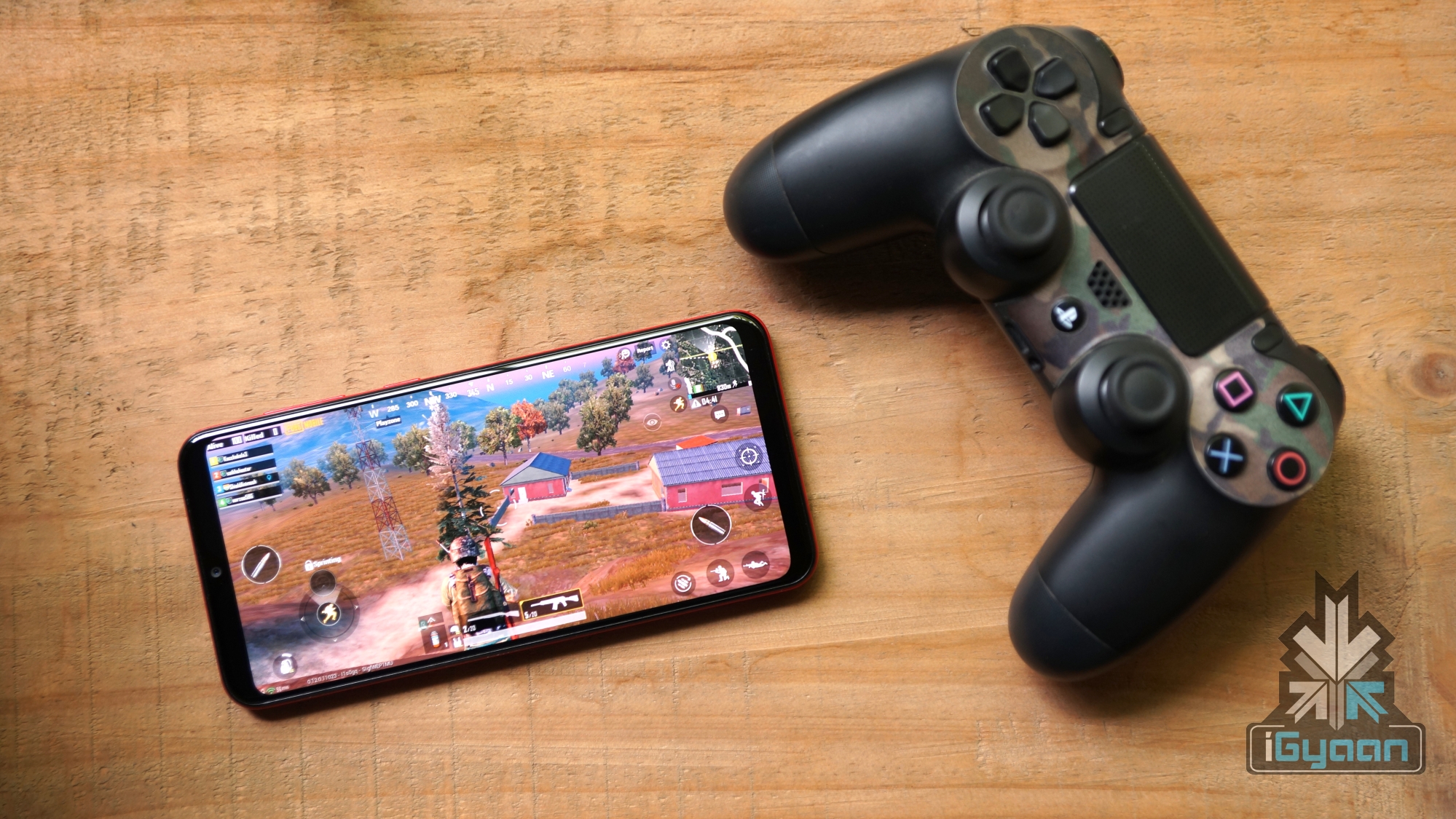
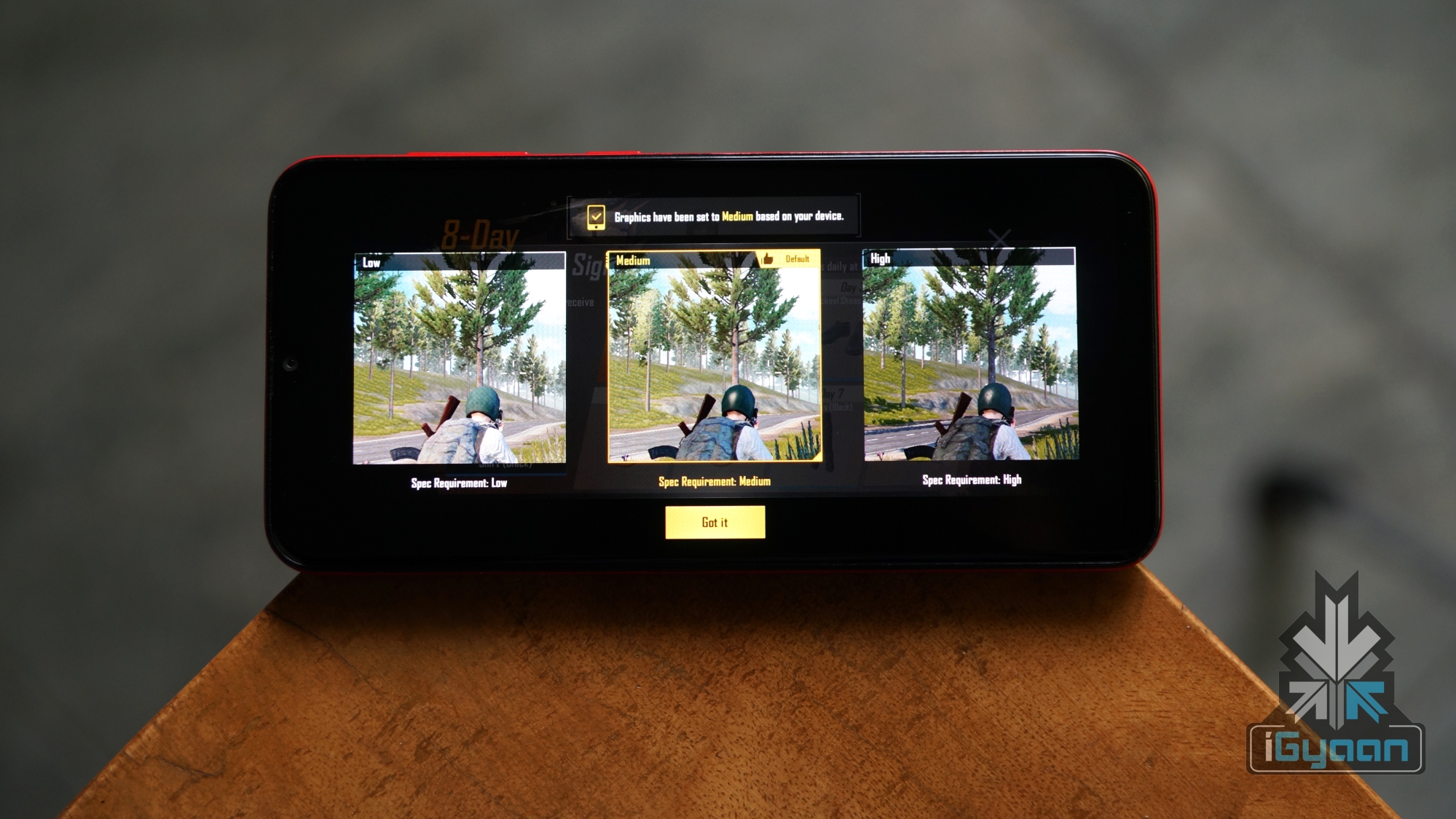
    While playing games like PUBG Mobile on the device, it surprisingly chose the medium setting by default but gave unplayable frame rates at the setting. Selecting a low graphics setting and the smooth frame rate option churned out a playable experience. While there were a few frame drops, the gameplay was stable enough, combined with the skills of the player, we were able to earn a satiable Chicken Dinner.
    Another game that we tried was Need For Speed: No Limits, which is a racing game that for the larger part ran without any frame drops. The gameplay was mostly smooth and we didn’t encounter any hiccups while playing it or rather hitting into the walls due to the insufficient game skills.

    There was a bug that we encountered however which exited any game or heavy application that was opened for the first few times. After opening the app for more than two times, the bug seemed to vanish automatically. After the initial few times, we did not face the issue again.

    In terms of benchmarks, the Galaxy A20 scores slightly less than the smartphones in the price range. While testing the Antutu benchmark, we got a score of 95,067 which is significantly lower than the competition including the Galaxy M20 or the Redmi Note 7. In Geekbench, the device registered a single core score of 1217 points and a multi-core score of 3694 points. As is evident from the numbers, the handset should be fine for day to day usage but is not made for performance enthusiasts.

    Software, UI & Multimedia

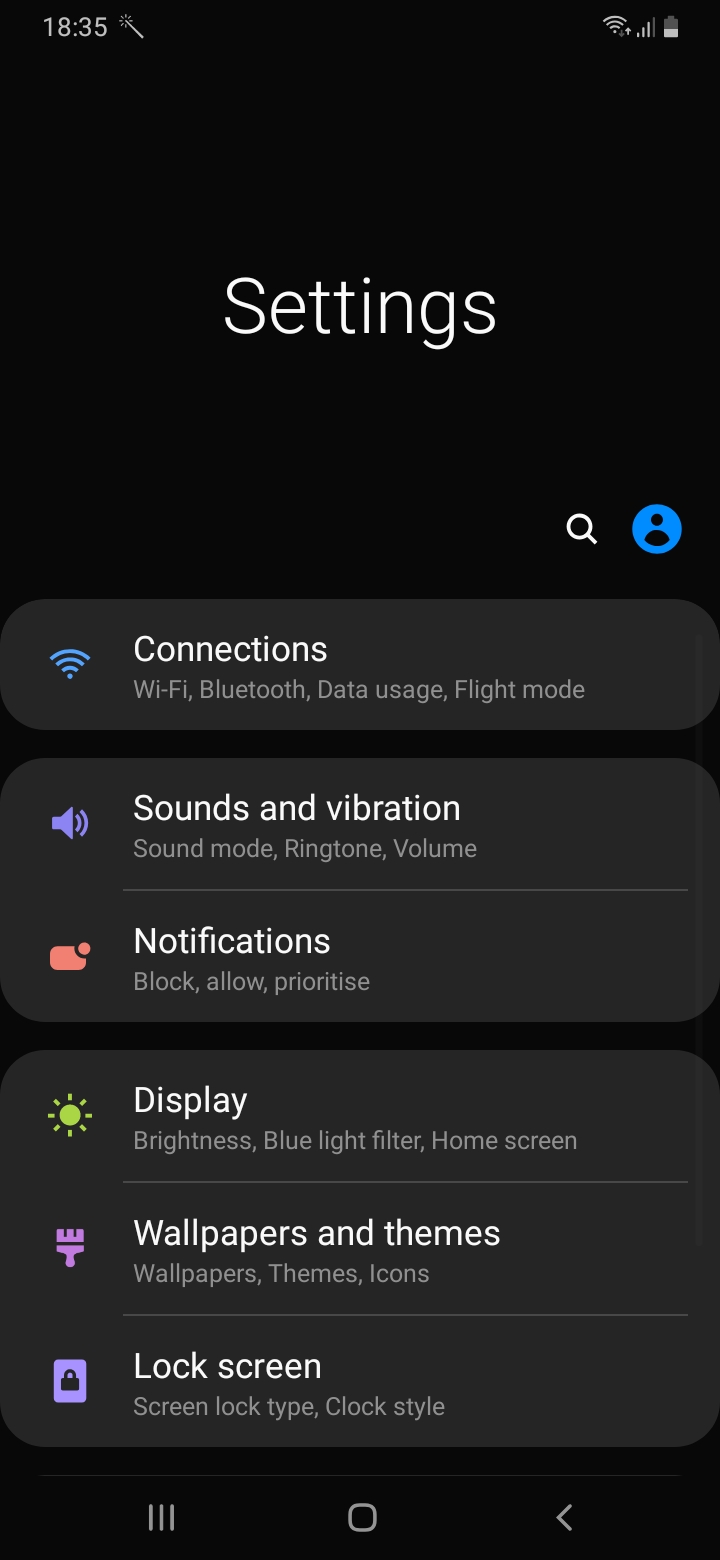
    The Galaxy A20 runs on the company’s latest OneUI version 1.1 on top of the current Android 9 Pie. Like the other smartphones running the software, the Galaxy A20 offers a refined software experience. There is a native dark mode inside the settings which makes the whole UI suited for use in dimly lit environments. Notably, this setting helps in prolonging the battery backup on the smartphone.

    The icons in OneUI are big and the menus easy to access and reach. Unfortunately, there is no Always On Display despite having an AMOLED panel which although is not a dealbreaker. The UI also supports gestures in addition to the conventional navigation buttons. These gestures use an upward swipe from the left to go into the multitasking menu. To go back, a swipe up from the right is required while swiping up from the centre takes you to the home screen. There is also support for Samsung Pay Mini on board, which is activated by a swipe up from the bottom of the display below the navigation buttons.

    In terms of sound quality, the smartphone has a single bottom firing speaker which has decent sound output. One downside of the setup is how easy it is to block while the speaker grille while holding the device in the landscape mode. Audio output via the Bluetooth is above average which provides for a good listening experience.

    Camera

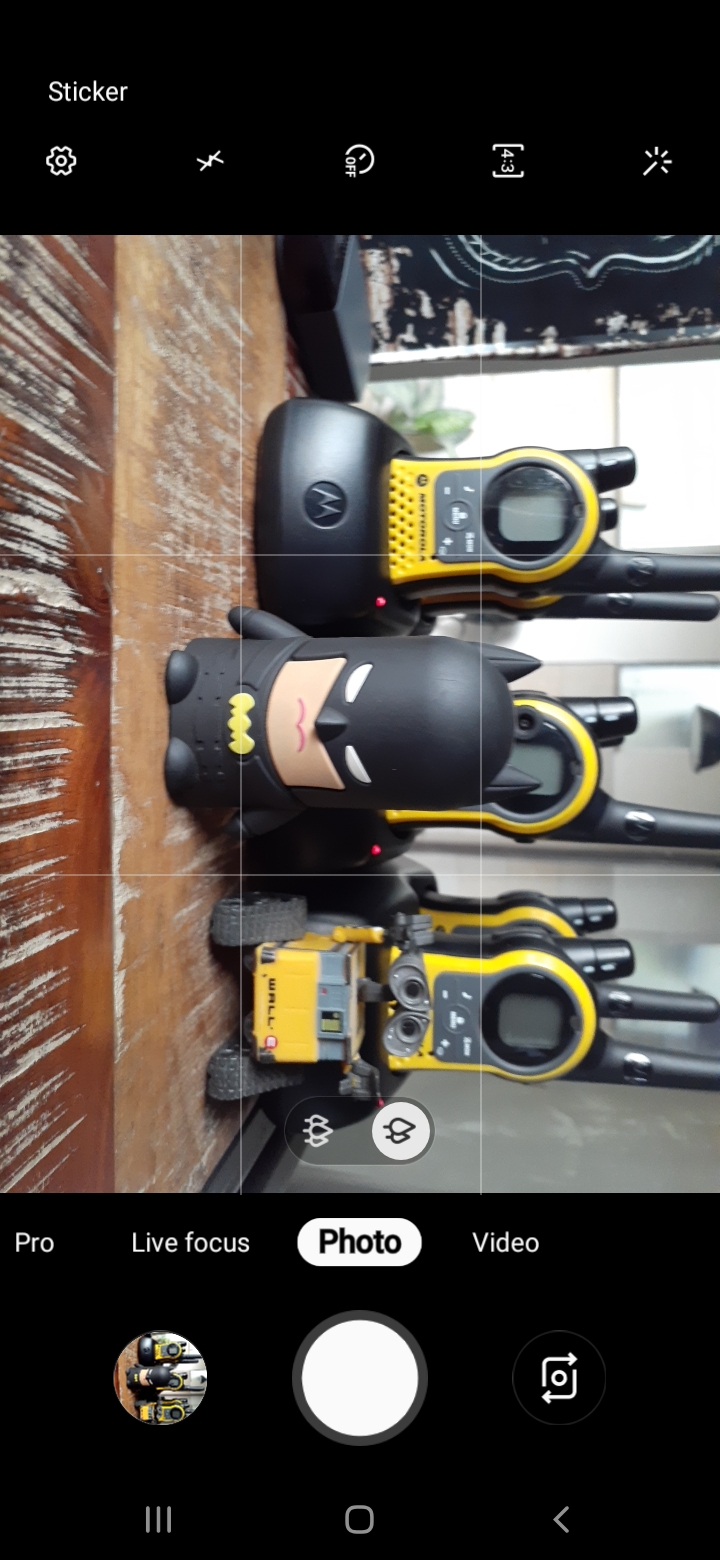
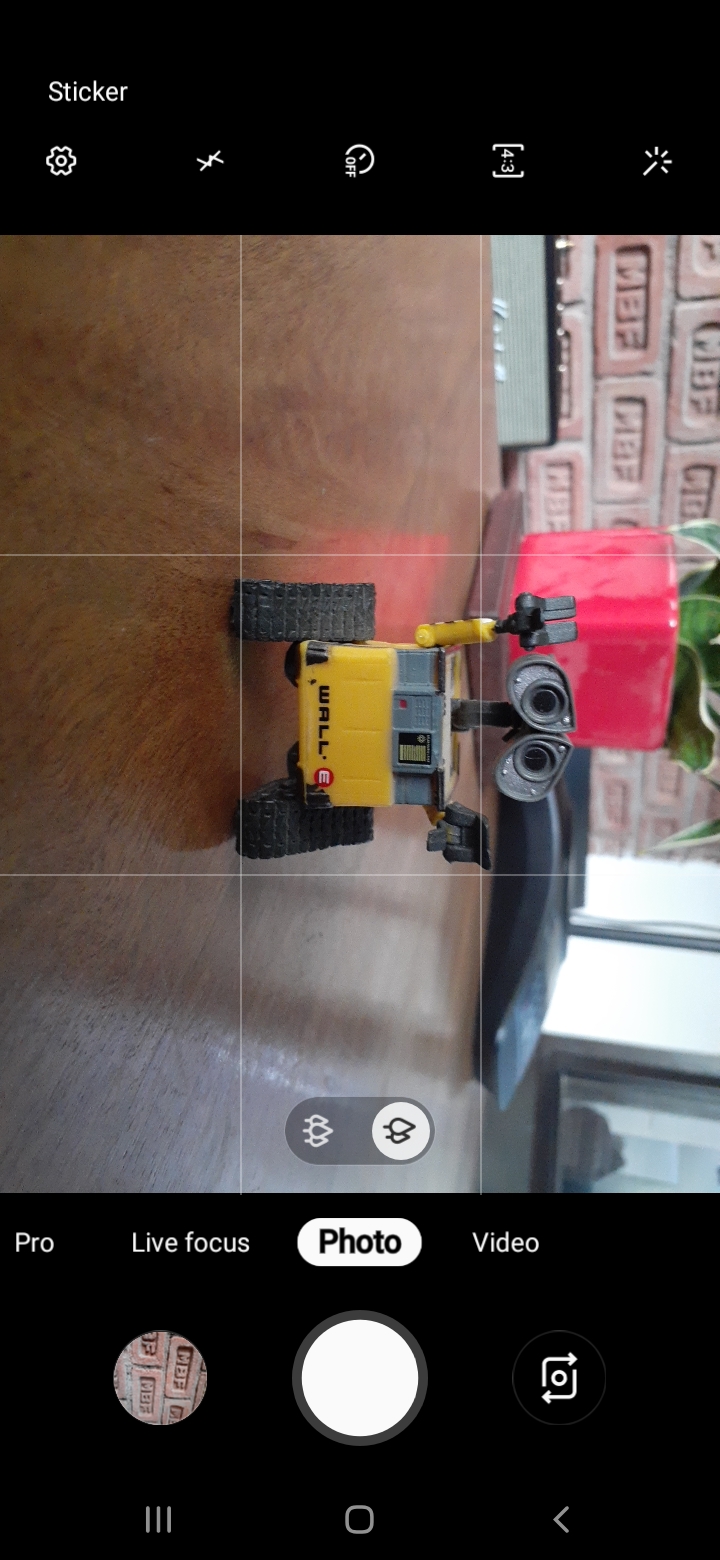
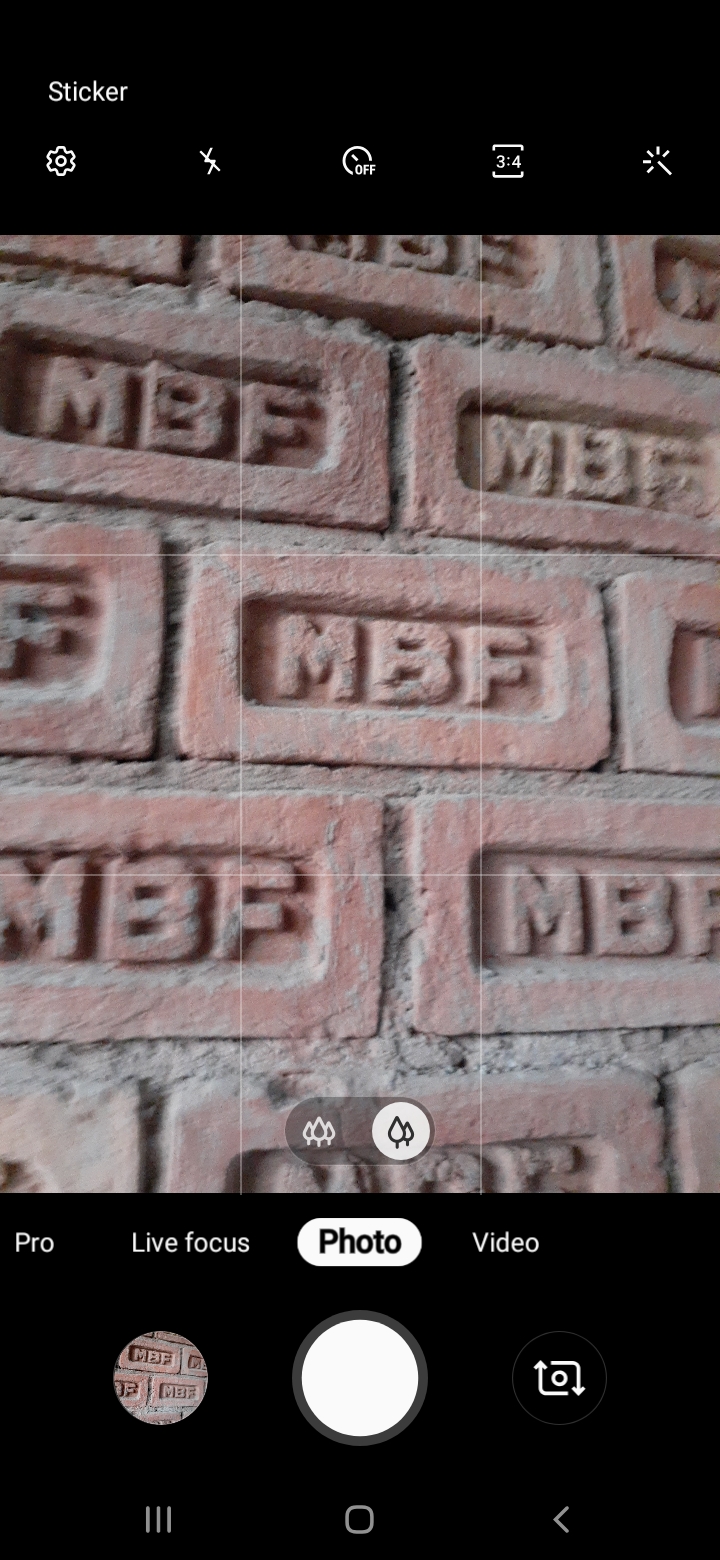
    The Galaxy A20 has an all new camera app that ships with the OneUI. It seems to be inspired by the camera UI of iOS and Pixel devices. All the controls are lined up within the reach of one hand. The app also uses a swipe gesture to switch between the front and the back cameras which is an appreciable feature.

    Video output from the rear and the front camera is locked to 30fps in 1080p resolution. There is also an option to record videos with the ultra-wide angle camera. Sadly, there is no option of switching between the different sensors while recording video. 

    The Galaxy A20 has a dual rear camera setup consisting of an f/1.9 aperture equipped 13MP sensor and an f/2.2 aperture equipped 5MP Ultra-wide sensor. Images captured in daylight have good contrast and saturation levels typical to Samsung devices. One downside of the images is the loss of detail which occurs due to an aggressive image processing.
    Like most modern smartphones, there is a portrait mode called Live Focus inside the camera app. The background blur is average at best, giving you results that have a decent background separation.
    An added bonus the Galaxy A20 has over its competitors is the presence of an ultra-wide sensor on the rear. While the sensor does not pack high resolution, it helps in providing a wider field of view. Switching between both the lenses is fun and we found ourselves intrigued by the secondary sensor which illustrates the versatility of this kind of camera setup.

    For selfies, the Galaxy A20 has an f/2.0 aperture equipped 8MP camera housed in the notch on top of the display. Images from the front camera, like the results from the rear, perform well in good lighting. However, the colours are a little washed out and the details are not properly retained. But, if you’re a casual user of the front camera, the quality should be perfectly fine for occasional usage or sharing on your favourite social media platform.

    Battery and Connectivity

    The Galaxy A20 is powered by a 4000 mAh battery which supports 15W charging via the bottom mounted USB Type-C port. A significant size of the cell in the smartphone, combined with a low-resolution display ensures a great battery life overall. With a light to medium usage, the battery will easily last you more than a day. The average screen on time we received in our usage was around seven hours. 

    In terms of connectivity, the device supports Wi-Fi 802.11 b/g/n and Bluetooth v4.2. The Galaxy A20 faced no problems latching on to a Wi-Fi signal nor did it have any trouble connecting to a pair of Bluetooth headsets. Unfortunately, as it is a budget device, there is no support for the 5Ghz network band on Wi-Fi. The call quality of the smartphone was excellent, with clear sound output through the earpiece which is housed in the notch. Even in an area where signals are generally weak, the smartphone performed admirably. Noteworthy, the Head SAR value of the Galaxy A20 is just 0.389 W/kg which is significantly lower than it’s Chinese rivals.

    Other Features

    The Galaxy A20 has a rear mounted capacitive fingerprint sensor and also supports the increasingly popular face unlock technology. Both of these technologies help in swiftly accessing the smartphone. The fingerprint scanner is effective in unlocking the device, but it takes a good second to do so. Face unlock, on the other hand, is a faster albeit less safe option but is useful when the handset is lying flat on a table as the rear-mounted fingerprint sensor is inaccessible in this state. One more notable feature the smartphone has is the aforementioned triple card slot. The user can simultaneously insert two nano SIM cards and a microSD card which can go all the way up to 512GB.

    Verdict 

    Galaxy A20 (Left) & Redmi Note 7 (Right)

    The Galaxy A20 represents a new line of budget smartphones by Samsung and provides some competitive specs at a lucrative price. While the device is a compelling option in the price range, it still leaves a lot to be desired. With a more high-resolution display, slightly better gaming performance and a more detail-oriented camera, it would’ve made it a strong competitor to the Redmi Note 7.

    If you’re in the market for a smartphone from a brand offering great service support, a great display, long lasting battery and versatile cameras, the Galaxy A20 is a good option for the price. On the other hand, if you are looking for a phone that offers the best value for money, the Redmi Note 7 might be your best bet. However, if you’re adamant on buying a Samsung device and want better performance, display and cameras, we recommend you check out the Galaxy A30 or the Galaxy M30 which cost slightly higher than the Galaxy A20 but offer great value for money.

    Check out the Galaxy A20 on Flipkart

    Check out the Redmi Note 7 On Flipkart

  • OnePlus Bullets Wireless Earphones Unboxing And Review

    OnePlus Bullets Wireless Earphones Unboxing And Review

    OnePlus launched its first-ever Bluetooth earbuds along with the OnePlus 6 in May. Just like its smartphones, OnePlus claims that its Bullets Wireless earbuds will be a value for money proposition for consumers across the world. Priced at US$ 69 or Rs 3990, the OnePlus Bullets Wireless earbuds will go on sale in India on June 19th via the company’s official online store.

    [section label=”Unboxing”]

    Let’s unbox the new earbuds and see what all we get inside the retail unit!

    • OnePlus Bullets Wireless
    • USB Type C Cable
    • Carrying Case
    • Documentation
    • 3 x Earplugs
    • 3 x Fins

    [section label=”Initial Impressions”]

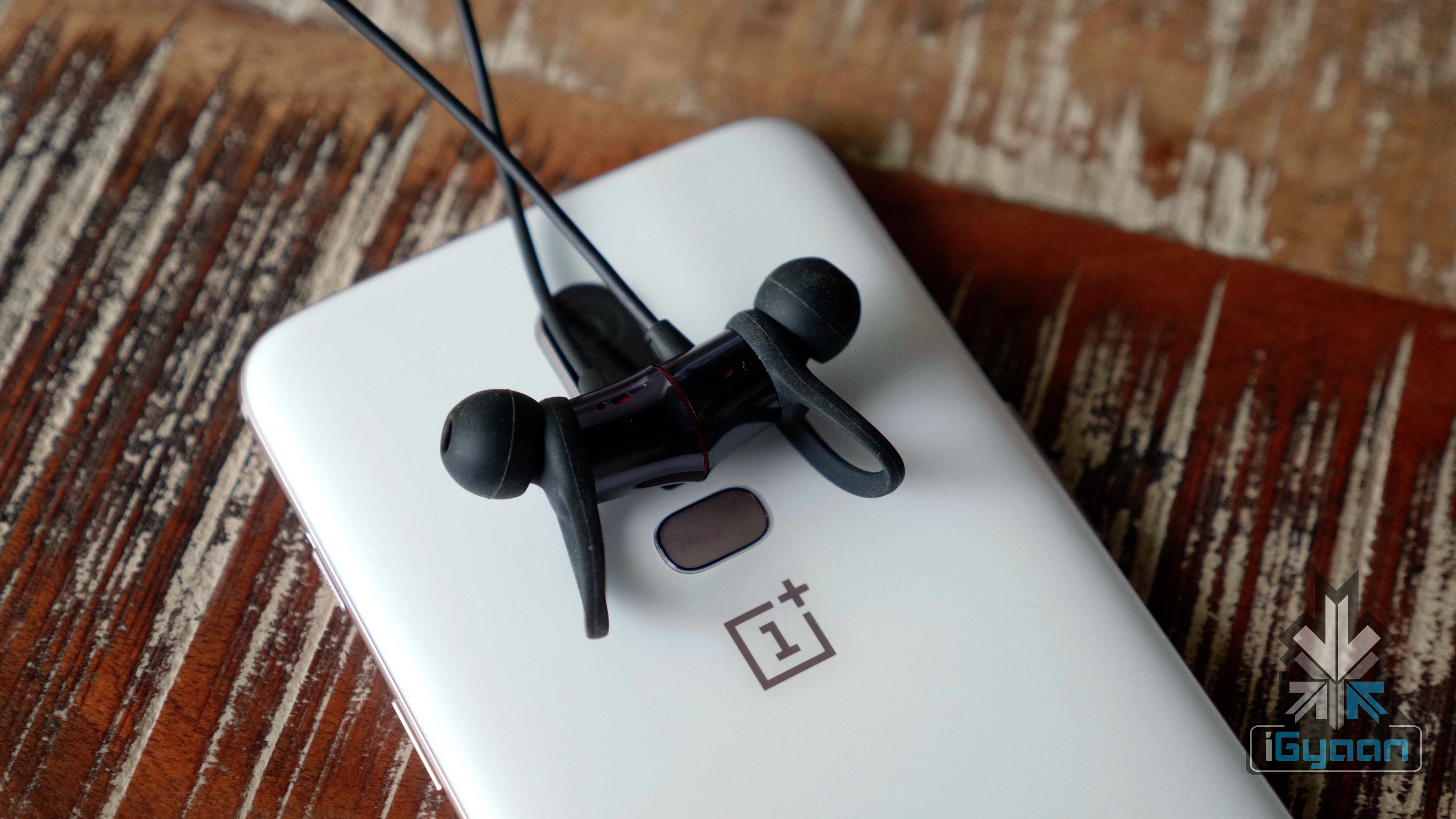
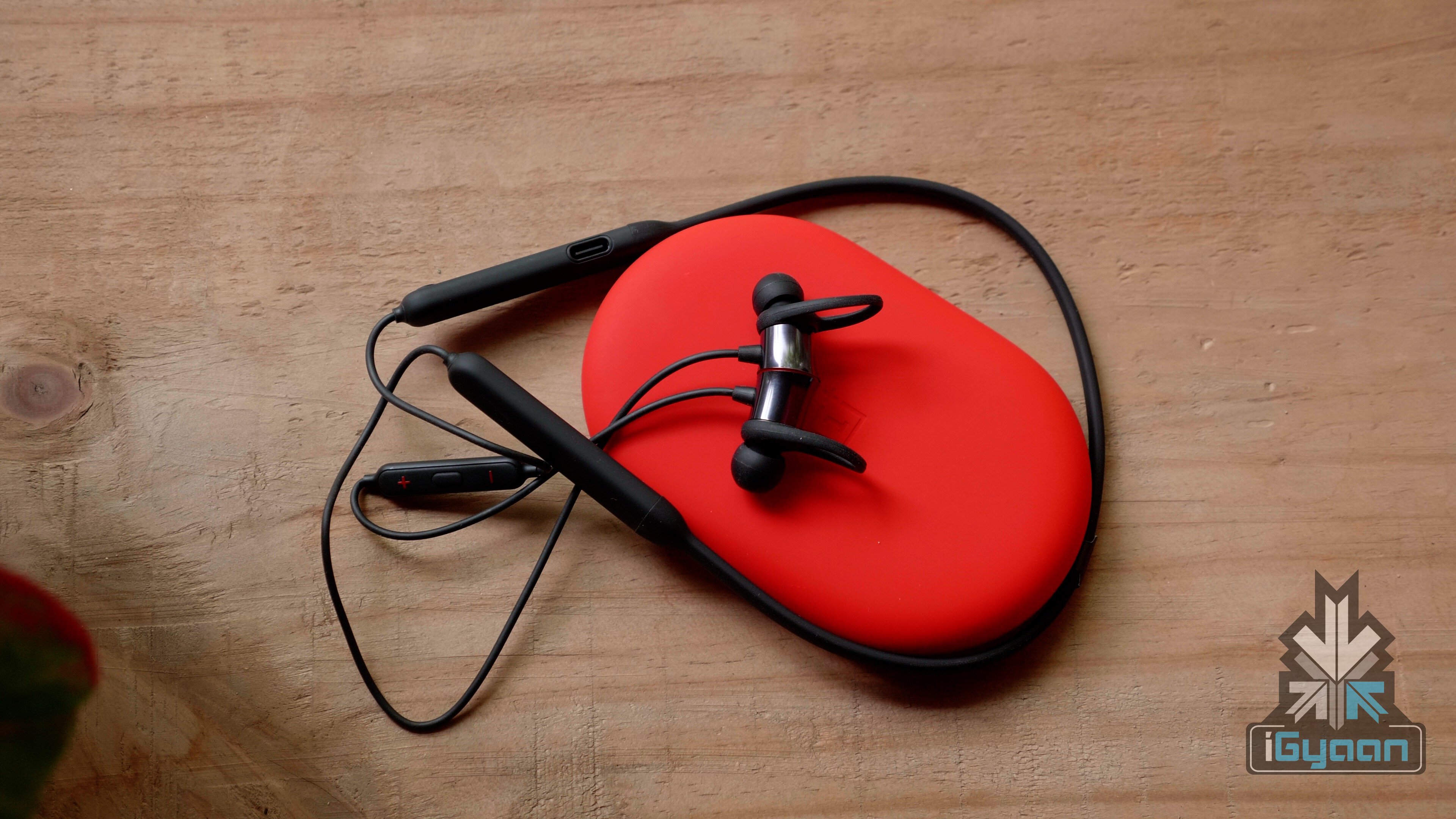
    The OnePlus Bullets Wireless earphones are not truly wireless earbuds like the AirPods. The left and the right earbuds are connected via a wire that goes around the user’s neck. Interestingly, the earbuds have fast charging, and can be charged using a type C cable. OnePlus claims that just 10 minutes of charge can provide up to 5 hours of battery life. The earbuds have a range of up to 10 meters and are powered by the Google Assistant. Just like the OnePlus 6, the OnePlus Bullets Wireless earbuds are splash resistant but, do not have an IP rating.

    The battery of earbuds rests on the neck and there is also an inline control for music and call-taking. OnePlus also announced that the earbuds are magnetic, and once connected together, the earbuds switch off automatically to save battery life. Interestingly enough, users can pick up incoming calls by simply detaching the earbuds. These features are backwards compatible with the OnePlus 5 and OnePlus 5T. Interestingly, this feature is disabled by default, however, users can head to Settings > Sound & vibration > Earphone mode and toggle Auto Play to enable it.

    Must Read: OnePlus Explains Why OnePlus 6 Doesn’t Have Wireless Technology

    The Bullets Wireless earbuds auto-pair with any modern OnePlus device but, Google’s Fast Pair is missing. Adding this little feature would have the made the experience of using the OnePlus Bullets Wireless seamless with non-OnePlus Android devices as well. However, OnePlus decided to give that feature a miss, probably to maintain some sort of exclusivity for its own smartphones.

    [section label=” Specifications”]

    Specifications
    Specifications OnePlus Bullets Wireless Earbuds
    Price Rs 3990
    Effective Range Up to 10 meters
    Battery  8 hours
    Talk time: 10.5 hours
    Driver 9.2mm
    Colours Black
  • Moto G6 Full Review

    Moto G6 Full Review

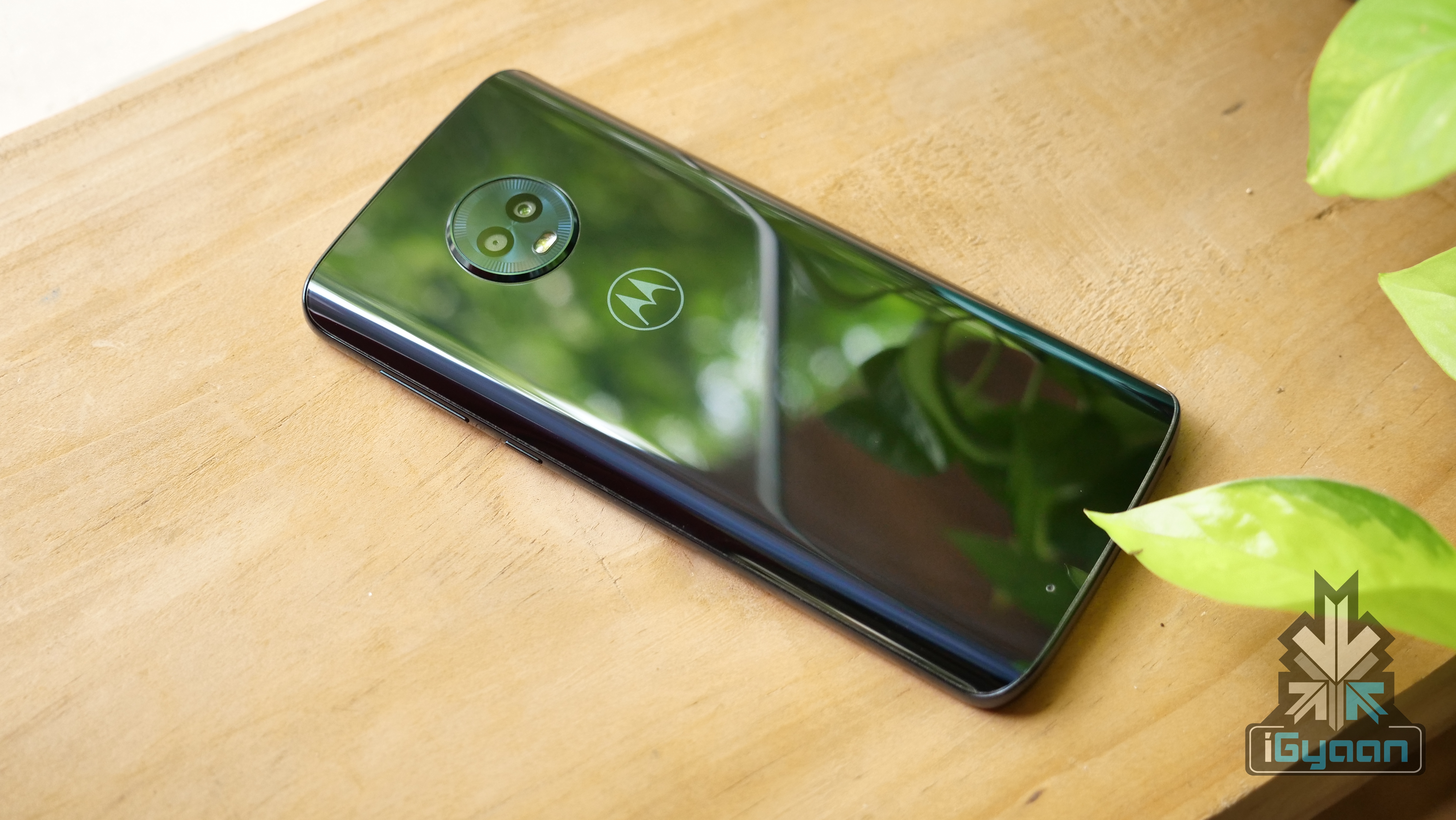
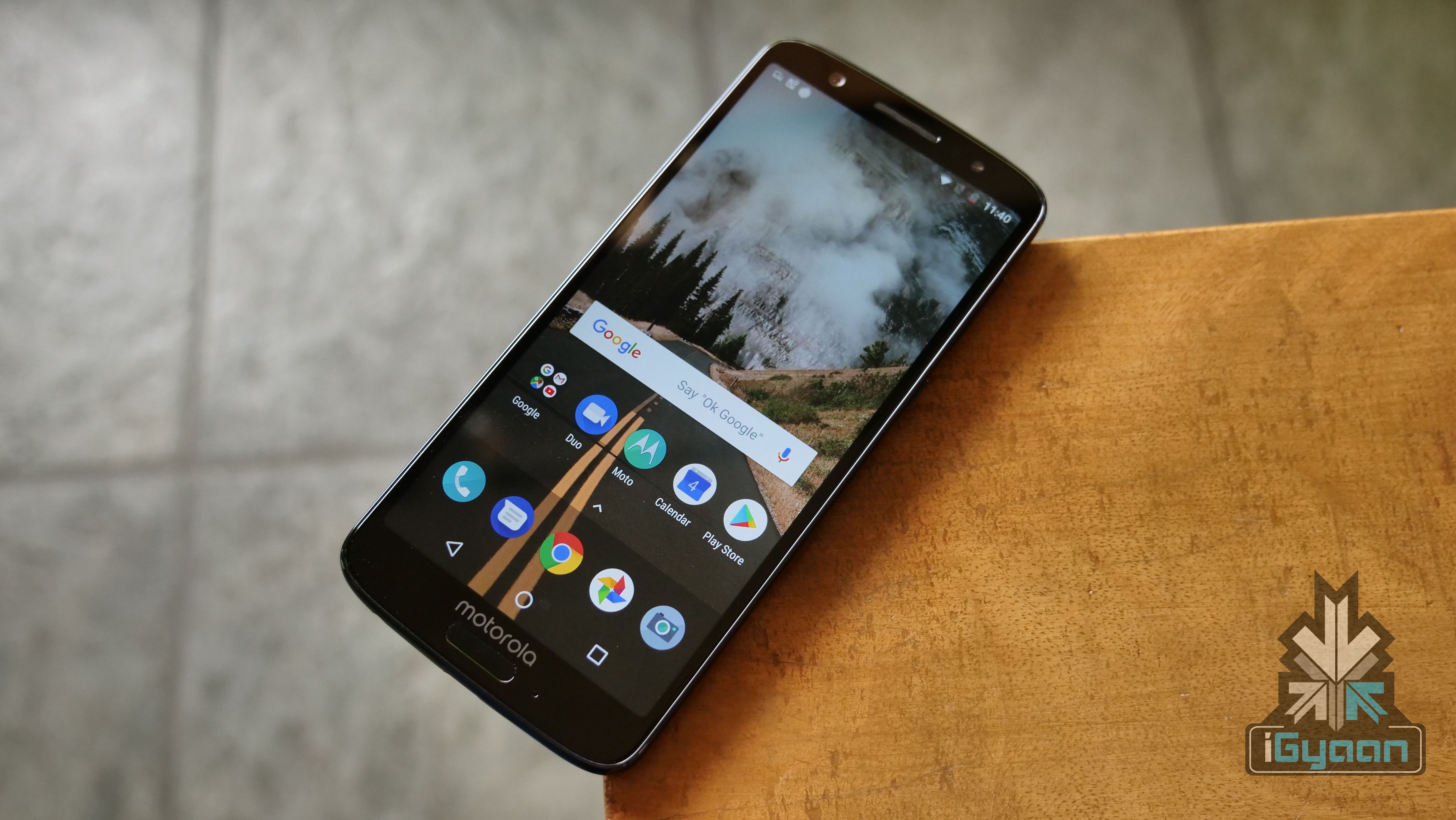
    The sixth generation of Motorola’s highly acclaimed Moto G series has launched in India. The Moto G6, initially launched back on Apilr 19th in Brazil has made its way to India for a starting price of Rs 13999. The Moto G6 is the successor to the Moto G5s which was launched in August 2017 and it will go on sale via Amazon exclusively.

    Buy The Moto G6 Here

    The Moto G6 is a significant upgrade over the Moto G5s in terms of design and build quality. During the Moto G5s launch, there were premium smartphones with the 18:9 aspect ratio but, not many budget devices had adopted the feature. Since then, however, the 18:9 aspect ratio has become the norm across the board. The Moto G6 follows the norm as well and has thin bezels around the display with an 18:9 aspect ratio.


  • Air Nano By CrazyBaby Full Review

    Air Nano By CrazyBaby Full Review

    [section label=”Video”]

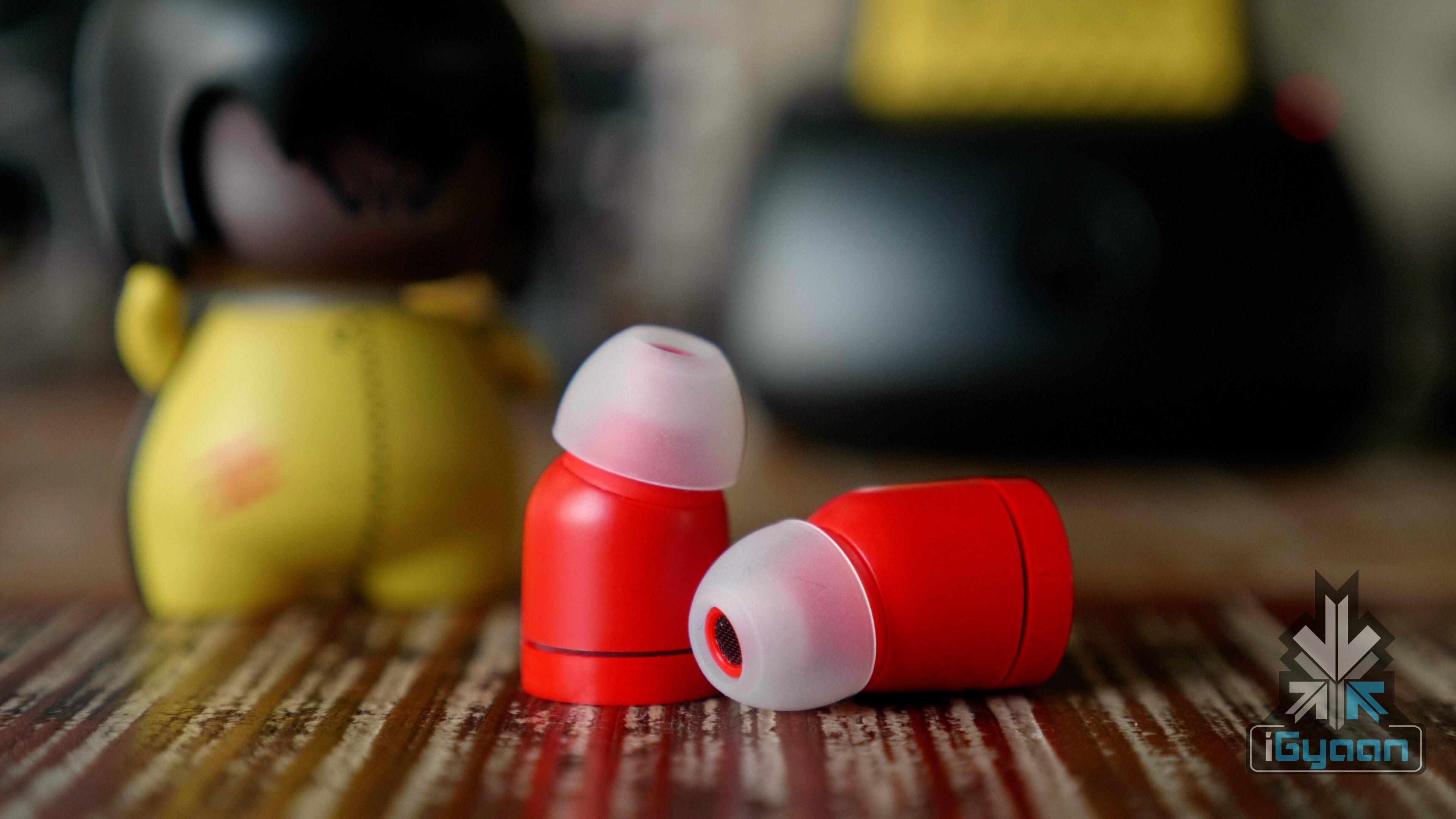
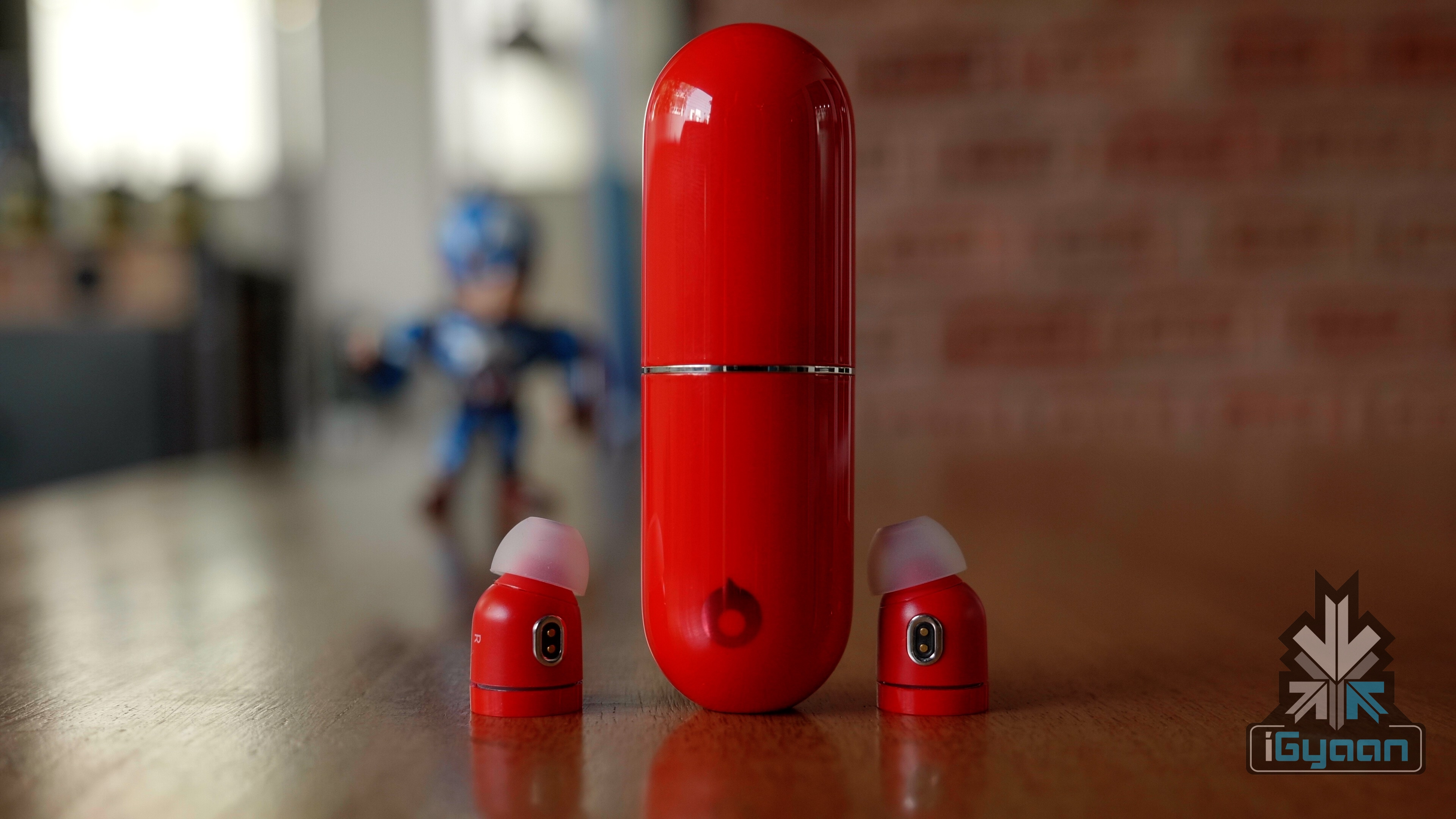
    Ever since Apple got rid of the headphone jack on the iPhone 7, the interest in Bluetooth earbuds has increased a lot. To counter the lack of the headphone jack, Apple launched the AirPods, a pair of truly wireless earbuds which have been well-received. Many companies followed that up by launching their own take on truly wireless earbuds. Air Nano By CrazyBaby is truly wireless earbuds that are priced at US$ 99 (Rs 6700 approx.) and are available in a bunch of different colours.

    We have had the Air Nano By CrazyBaby for about two months. The earbuds are comfortable and come with a carrying/charging case of the same colour as the earbuds. With 5 minutes of charge, the case can provide up to 90 minutes of battery life for the earbuds which can be useful during crunch times. After a full charge, the earbuds provide up to 3 hours of music playback or 4 hours of talk time.

    Unlike a majority of wireless earbuds, the setup process for Air Nano is very simple. You don’t have to pair the two earbuds with each other, which is a case for many earbuds in the market. The earbuds have Bluetooth 5.0 and a user has to simply turn them on and pair them with their smartphone. iPhone users will be able to see the battery life of the earbuds in the notification bar on top.

    Buy the Air Nano here

    [section label=”Specifications”]

    Specifications
    Specifications Air Nano
    Price US$ 99 (Rs 6700 approx.)
    Size Capsule: 27.5mm in diameter, 88mm in length
    Headphone: 14mm in diameter, 23.5mm in length
    Driver Diaphragm 998 Carbon Nanotube
    Driver Unit 0.22 inch (5.5 mm) Custom-made Hi-Fidelity Micro Drivers
    Frequency Response 8Hz to24kHz
    Impedance 16 Ohms
    Sensitivity 98dB SPL/1mW
    Colours Black/White/Red/Purple/Pink/Matte Gold/Austin Yellow/Morandi Blue/Atlantis Green/Volt Green
  • Amazon Prime Music Review

    Amazon Prime Music Review

    On the 28th of February, Amazon launched its Prime Music service in India. The new music streaming service joins the ever-growing list of music streaming services in India. While the likes of Saavn, Gaana, Wynk are free to use, Prime Music comes at a cost. It is exclusively available for Amazon Prime users only. Unlike something like Apple Music where you pay just for the music streaming, you get services like Prime Video and free one-day delivery with Amazon Prime subscription. So, how does the Amazon Prime Music stack up in the real world? Let’s find out!

    Subscription

    Amazon Prime service was launched in late-2016 at Rs 499 per year. That, however, has now increased to Rs 999 per year. At first, the subscription meant free one-day delivery but, it soon launched Amazon Prime Video in India. Ever since then, the video streaming service has consistently added international and local Indian content which has been appreciated across the table. With Amazon Prime Music, existing users don’t have to pay anything extra and simply need to sign in using their Amazon account.

    Essentially, when you renew your Prime subscription, you pay for three services which, in a grand scheme of things, is a pretty decent amount. While we would always love things to be free, the Prime subscription for these services is pretty good. However, the conundrum is for people who don’t have a subscription. In that case, if you just want a new music streaming service, then Amazon Prime Music does not make sense. For Android users, Apple Music has made some great changes recently and costs only Rs 120 per month. So, just the Prime Music on its own is not a great value proposition.

    App And UI

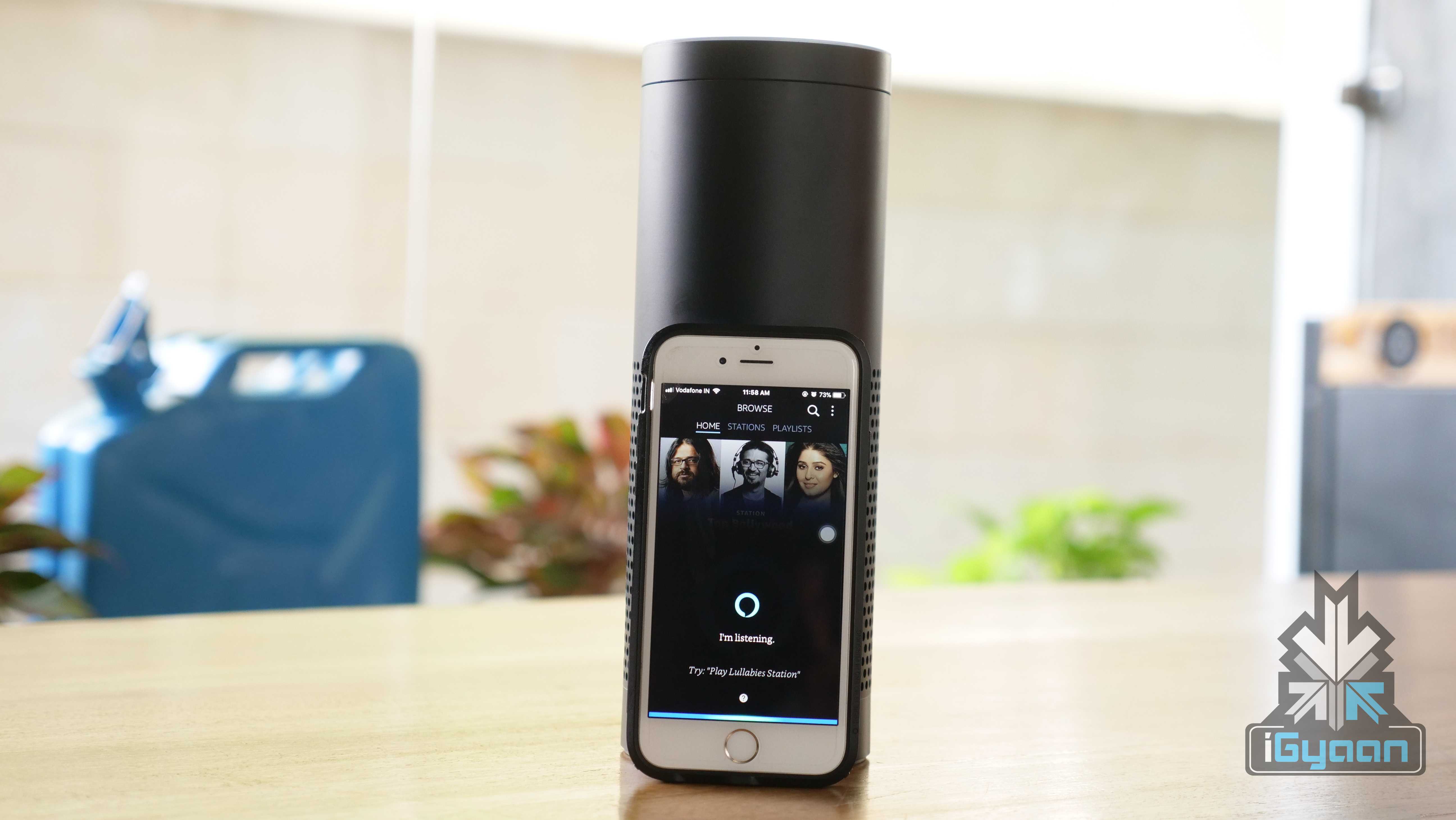
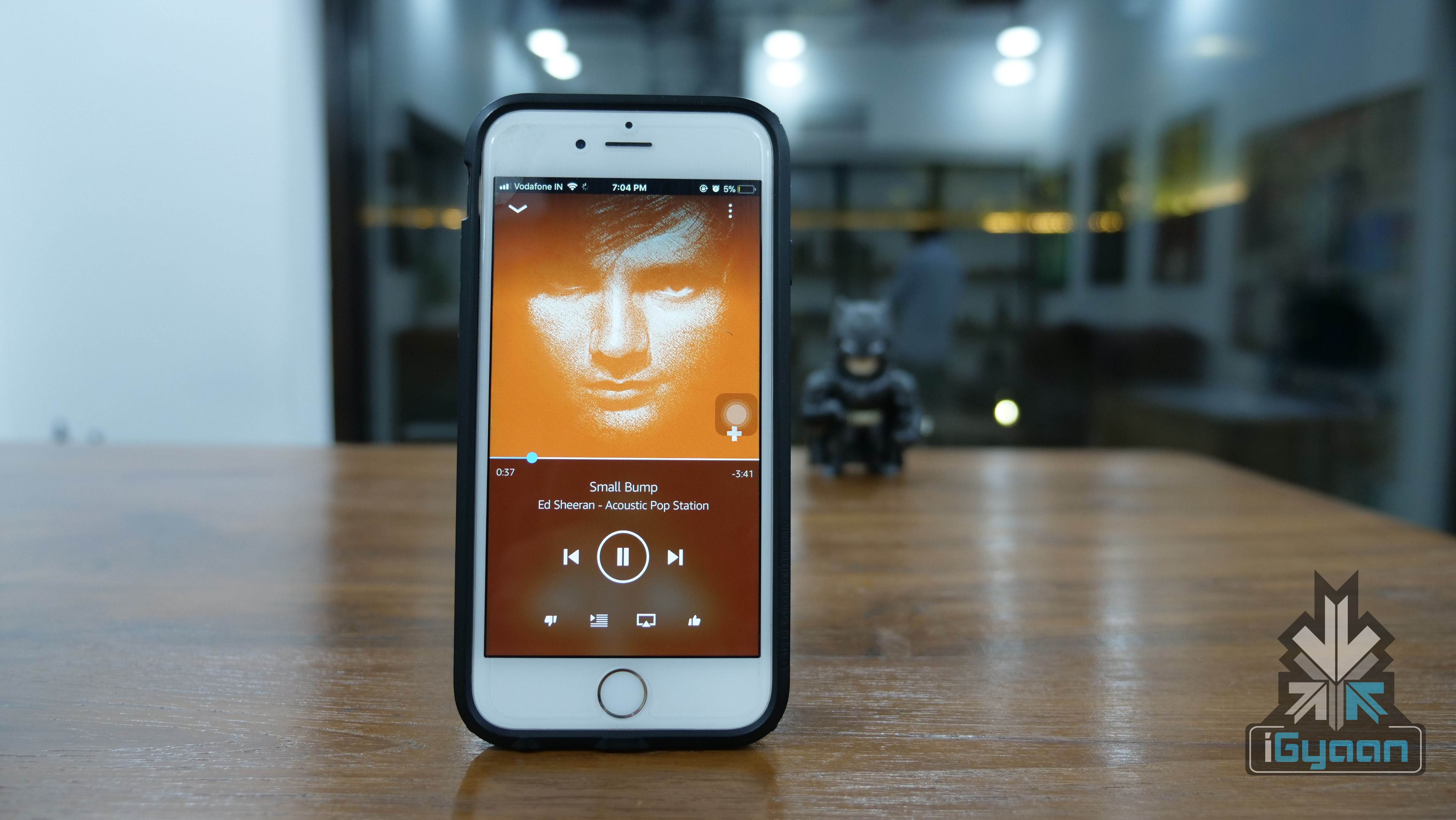
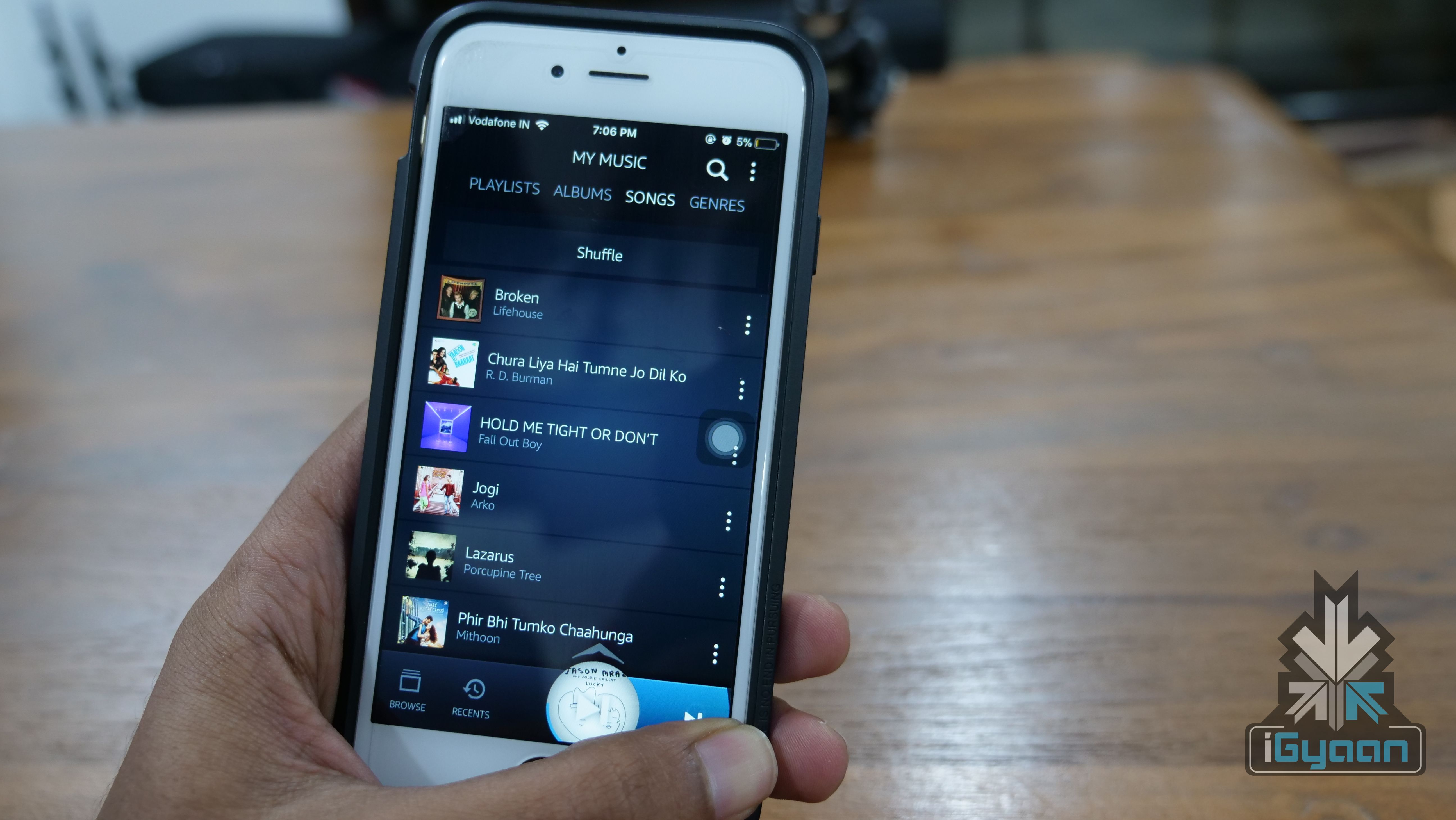
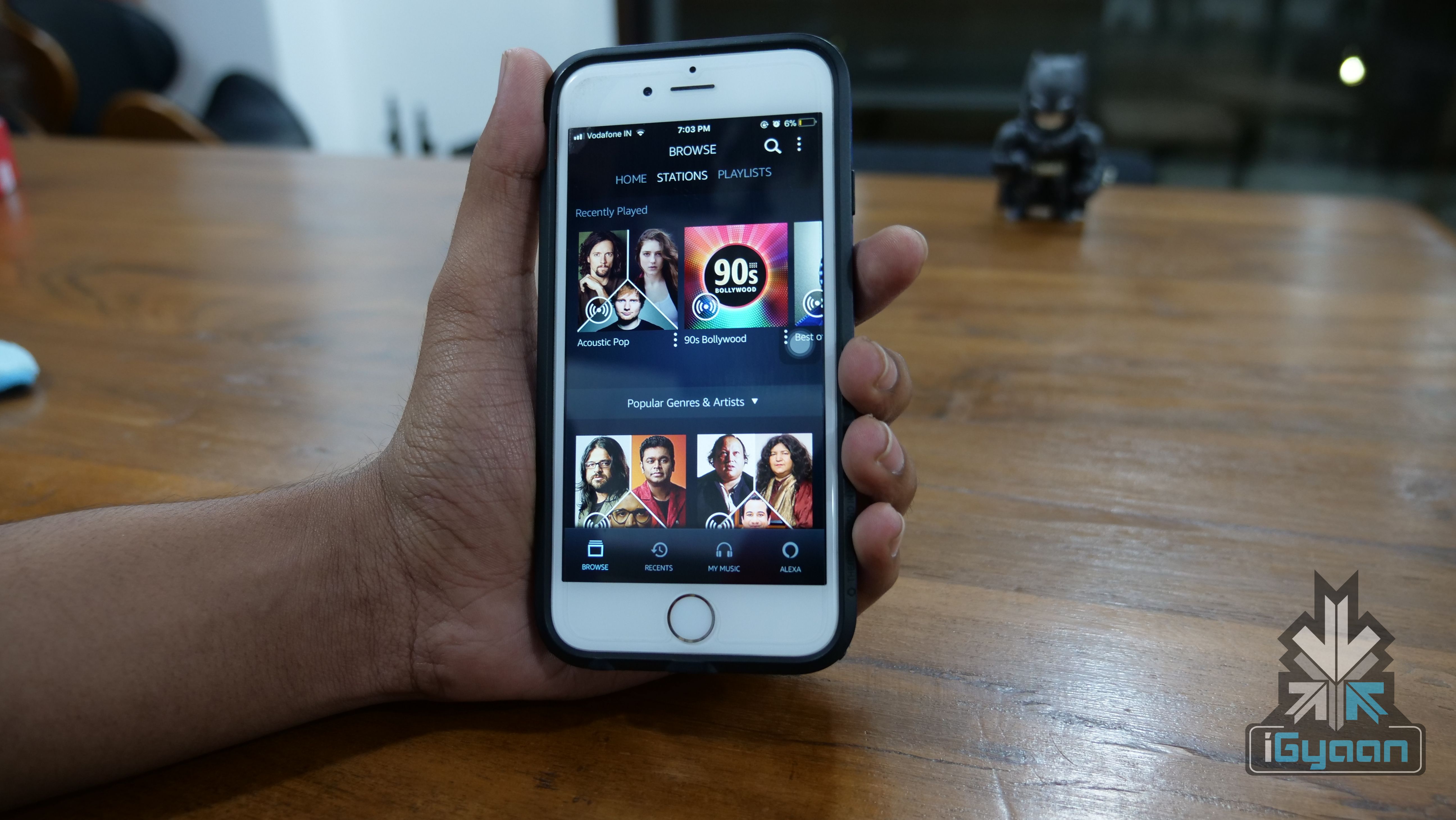
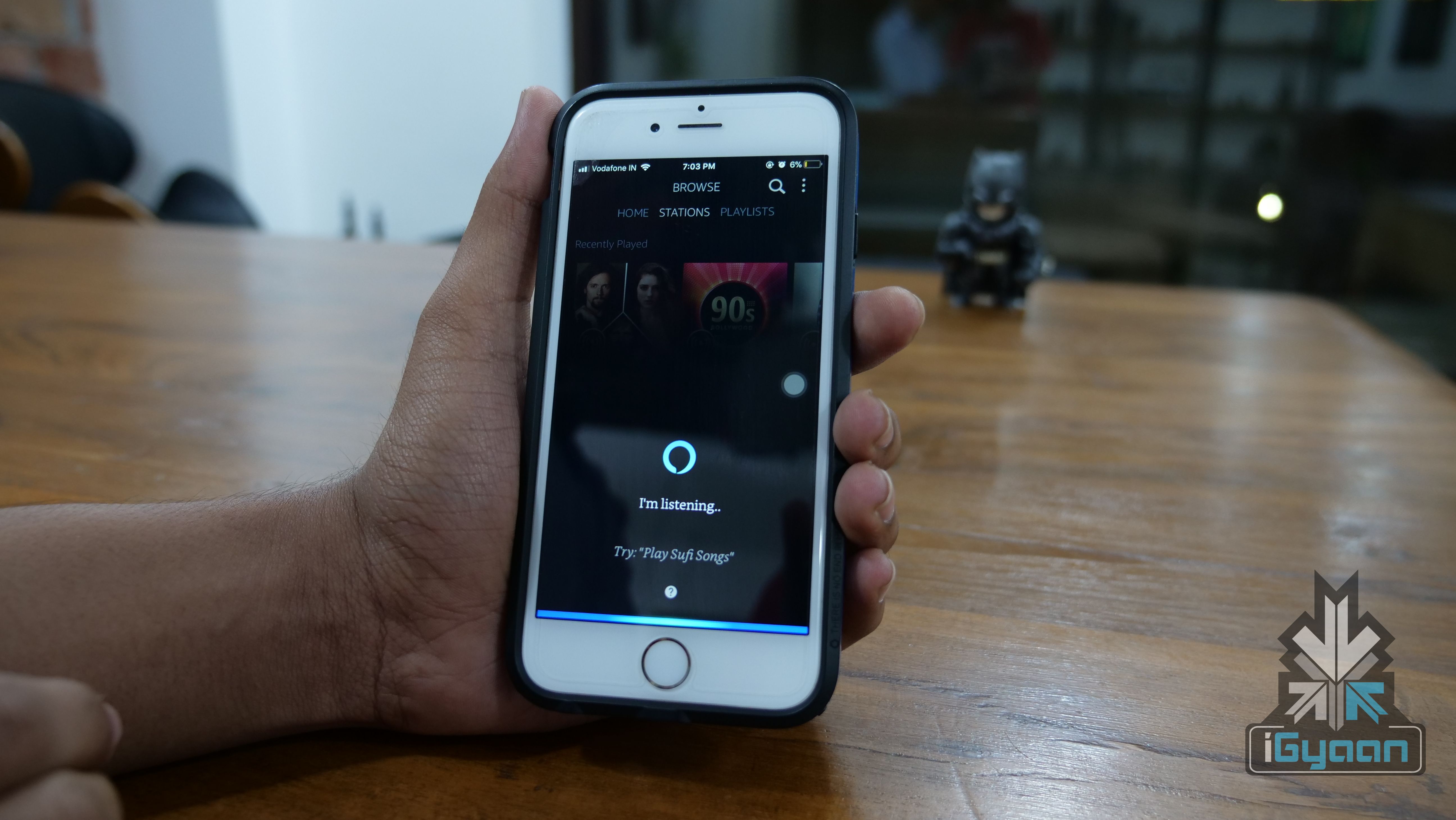
    The Prime Music app for iOS weighs in at about 65MB, which means people still using a 16GB iPhone should not have trouble installing this app. The Android version of the app comes with a similar weight. The app UI is pretty neat and simple. The dark theme is refreshing but, there isn’t an option to enable or disable it. The four toggles at the bottom help you navigate between offline music library, Alexa and recently search/played songs.

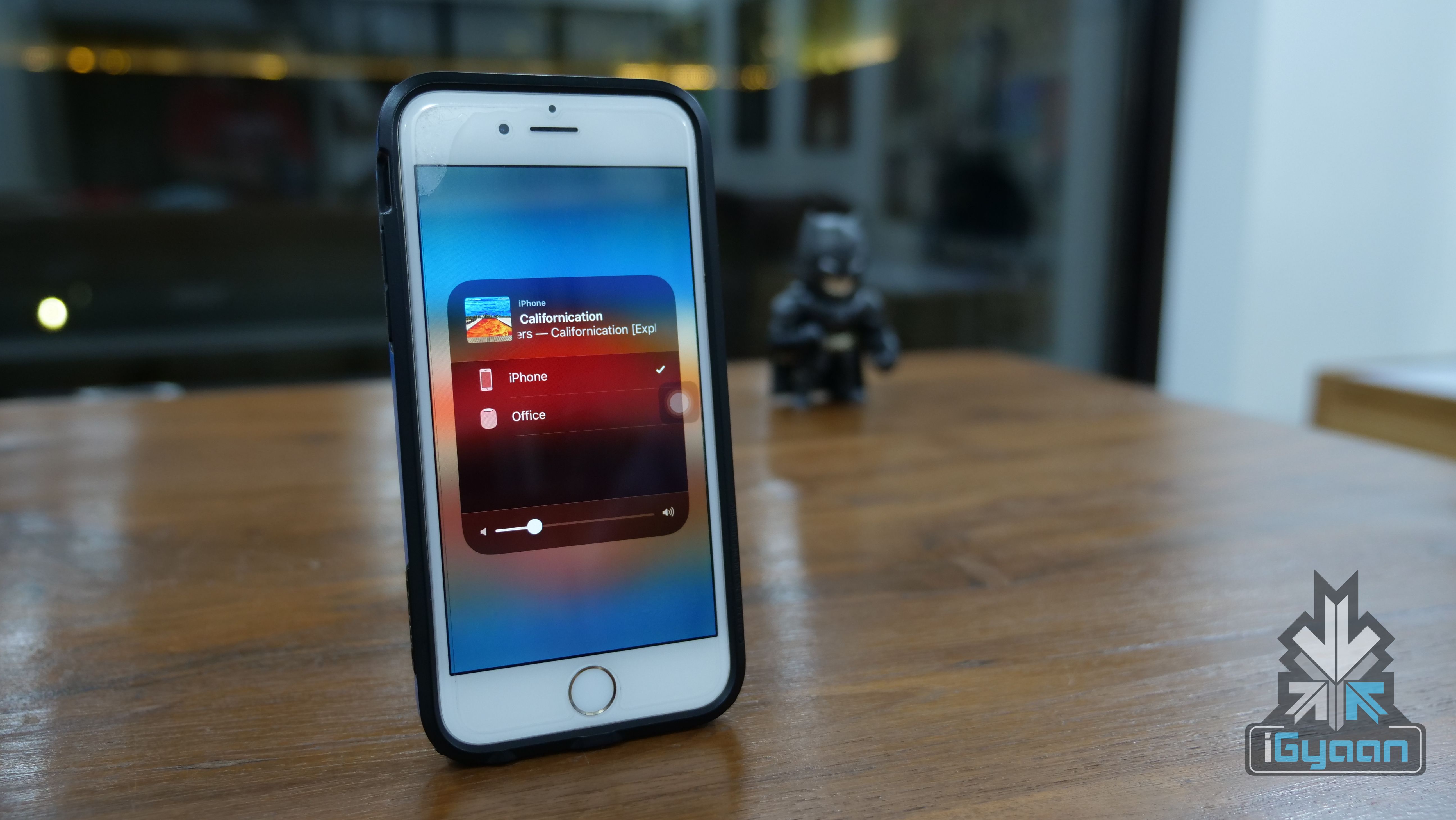
    The app also has a few gestures involved. The now playing screen gets minimised into a circle between the four bottom toggles. Once minimised, you can drag the circle to the right to move to the next song or drag it to the left to move backwards. This is a nifty feature especially when you’re browsing songs within the app while listening to something else. Instead of pulling up the Now Playing screen or the control centre, you can shift between songs.

    In Apple Music, the bottom bar has the option to skip a song or pause it but, no option to go back to a song. Also, gestures are the future, and the Prime Music app uses them pretty well.

    One inexcusable feature missing from this paid streaming service is lyrics. While it is not a commonly used feature, it should be available for users who pay for a music streaming service. Apple Music, for example, has this feature and so does Gaana, which is, in fact, a free streaming service. Maybe, the feature will be added in a future update.

    Music Library

    Amazon has not been open about the total number of songs in its library. Hence, it is not possible to compare it with other services like Apple Music or Google Play Music. But, what we can say is that we found almost all the songs we searched for. Right from Where’s My Man by Velvet Underground to Attention by Charlie Puth. That, usually, is the litmus test for music streaming services if it can find a very old song and a very new song.

    The interesting feature of Amazon Prime Music is its local language music. We were able to find the Telugu song Blockbuster and the Kannada song Gamanava. What we were not able to find was indie content by Indian musicians. This is where Saavn is excelling thanks to its Saavn’s Artists Original division. So, if you are into indie music and mainly independent Indian artists, then the Prime Music library won’t suffice.

    Like a lot of other music streaming services, it also has curated playlists that get more accurate with more usage. We listen to a lot of classic rock and a few curated playlists had some great songs that we hadn’t heard of. And honestly, there is nothing better than to discover new songs that become an instant favourite. For example, we discovered Today by The Smashing Pumpkins and it is now a part of every playlist we listen to here.

    Alexa within the app is a hit or a miss. Unless you have an Echo device or can’t type, Alexa remains unused. A lot of the times, Alexa fails to recognise a song we ask for and then just delays the time for us to start playing that song. Even famous songs like Thats The Way by Led Zeppelin was not recognised by Alexa in our daily usage.

    At the end of the day, a music streaming service without a lot of music titles is a failure. Amazon Prime has most of the songs people would commonly listen to. But, the lack of independent music artists means that many young listeners would choose a different service.

    Verdict

    It is pretty simple, if you have an Amazon Prime subscription, then the Prime Music is great. You essentially have a music and video streaming service for a price of Rs 999 per year. Compared with Apple Music’s Rs 120 per month and Google Play Music’s Rs 99 per month, and Prime Music is a steal! But, is it worth spending a thousand rupees just for the music streaming service? No. There is Saavn that has good independent music titles and is a free service albeit, annoying ads.

    At the end of the day, the Amazon Prime Music as a package with other Amazon services is a great deal. On its own, it will be hard to convince customers to pay for it.

  • Xiaomi Redmi 1S Review : Can’t Beat This

    Xiaomi Redmi 1S Review : Can’t Beat This

    The Xiaomi Redmi 1S went on Sale for a price of Rs 5999, with a limited 40,000 phones for sale and the phone got the usual response. But is the phone worth the mega hype that it has created? Lets find out!

    Overview

    The Redmi 1S just like the Xiaomi phones in the past has built a burning desire in everyones hearts to own the phone, it comes with an impressive price tag and a good spec sheet. The performance on the phone is excellent and everything just seems to be too good to be true. The Redmi 1S will truly change the market perception for starting – lower end smartphones.

    Hardware

    [pullquote_left]Loaded with Hardware![/pullquote_left]

    Powered by a Qualcomm Snapdragon 400 chipset the Redmi 1S has a Quad Core 1.6 GHz CPU the Adreno 305 GPU, 1 GB of RAM and 8 GB of inbuilt storage. The front of the Redmi 1S has a 4.7 inch 1280 x 720 p display a total of 312 ppi it’s protected by Asahi Dragontrail glass and is an IPS panel. Cameras comprise of an 8 MP snapper with a wide f2.2 aperture and a 1.6 MP front camera. The Main camera is capable of a 1920 x 1080p Full HD video capture.

    Xiaomi Redmi 1s Unboxing 16

    The phone runs on a 2050 mAh battery pack, which is replaceable, has dual SIM card slots, one of which is a 3G (GSM-WCDMA) and one is 2G (GSM). The Redmi 1S also has a memory card slot to add a memory card upto 64GB.

    Build quality and Design

    The Redmi 1S is a pretty good looking phone, it’s not Moto G, but then it’s almost half the price.  The replaceable back panels give you the ability to give the phone a personal look and feel. The phone is essentially made out of plastic, but in no way does it feel cheap or poorly built. The front has a Asahi Dragontrail glass, which many argue that it is equally good when compared to Gorilla Glass variants.

    [pullquote_right]Buttons are not Backlit![/pullquote_right]

    The buttons are nice and tactile, for volume and power. The touch buttons are responsive and easily reached, they however are not backlit, which is rather disappointing, and difficult in low light situations and at night.  The phone has a good fit and feel in the hand, the edges are soft and the outsides curve to match the shape of your hand really well.

    Performance and Gaming

    We were surprised to see the performance from this sub Rs. 6000 handset. The UI is fast and responsive and you really cannot complain about the performance of this handset. Usually budget phones end up being turnoffs, however the Moto E changed that in the past and the Xiaomi Redmi 1S tops that by almost double.

    With an average of 330 MB of Free RAM available at all times, the Redmi 1S also has a built in app kill switch that frees up the RAM for usage. Overall the phone is capable of delivering more than you can expect from a phone in this budget. Our Benchmark and Gaming video shows you exactly that below.

    The Gaming is pretty good too, even though really graphic intensive games will not work on full graphics, the phone is able to handle gaming pretty decently and without duress. You will get good viewing angles, good touch response, and great gaming feedback. Audio from the speakers is a bit low but acceptable.

    Camera

    As far as the Camera is concerned, you will be surprised to see what this phone can achieve. You get the exact same UI from the Mi3 for the Camera app and an excellent 8 MP sensor that does Full HD video, where most struggle to even do video in the first place at this price. Composition of the shot is quick and autofocus is snappy, colours are a bit dull – and contrast is pretty acceptable. We like additional options like filters, HDR and delayed shots all of which works well and intuitively. You also get quick face detection and a zero lag shutter; mighty impressive.

    Android and MIUI

    [pullquote_left]MIUI is fantastic![/pullquote_left]

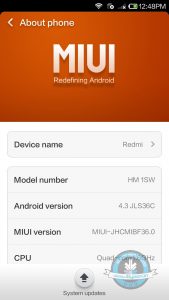
    Even though you get an older version of Android, I don’t see people complaining anytime soon. The phone is really fast and responsive and thanks to the awesome MIUI overlay, there are additional functions and shortcuts that one can really learn to appreciate.

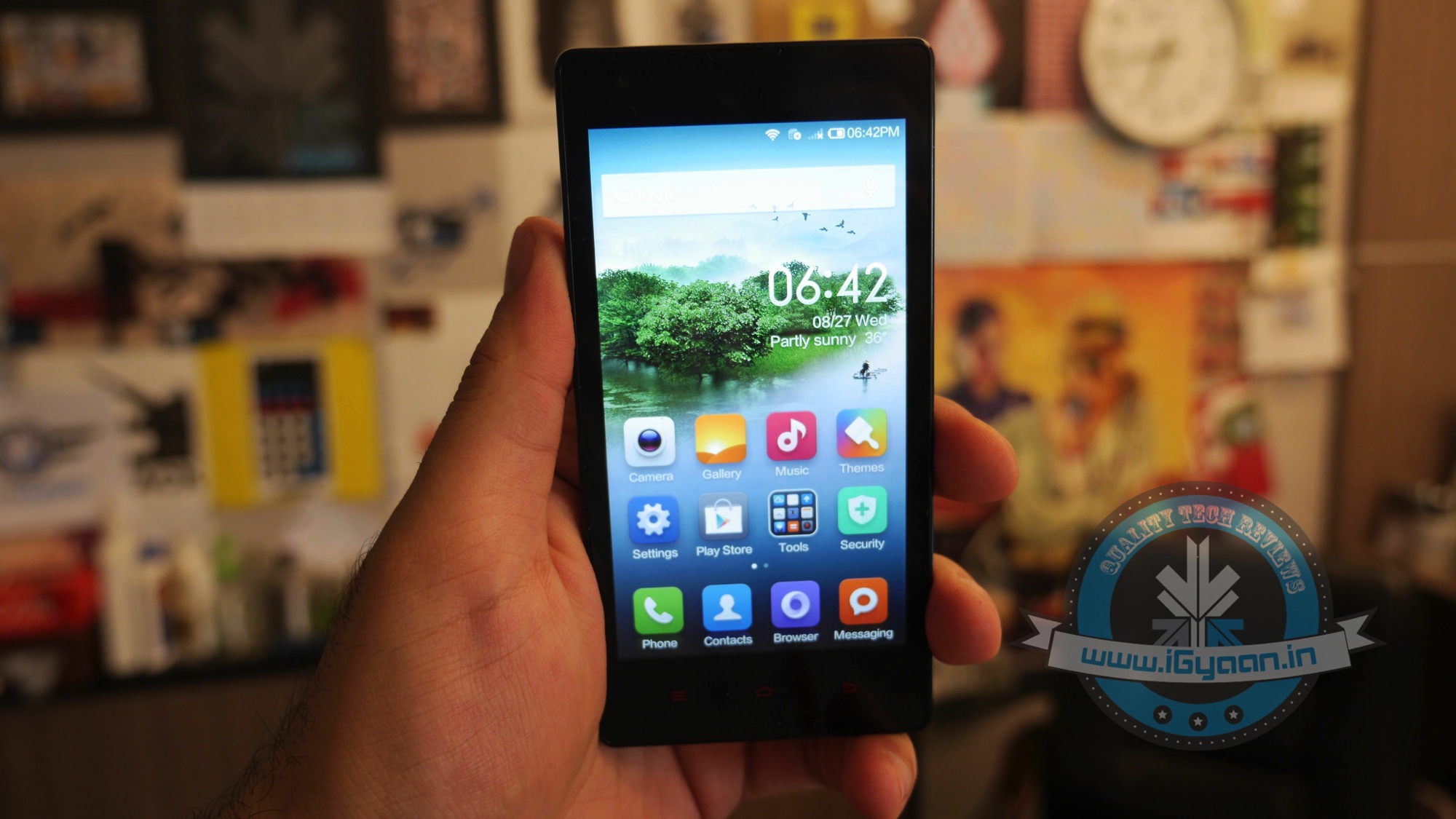
    The version of MIUI is also fairly old, however, there is an imminent update promised for the Redmi 1S to MIUI v6 by the end of the year. You get Google Now style weather updates and notifications, iOS style app layout and folders, and lots of skinning options. All of this with very little load on the RAM and the CPU department, ensuring smooth sailing throughout.

    Even though competition is currently offering Android KitKat and more soon, Redmi 1S has the capabilities of holding its own, mostly thanks to the enabled hardware. The future update is expected to free up some RAM on the phone making performance much better, giving you an average of 420 plus MB of free RAM vs the current average of 320-340.

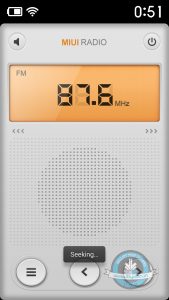
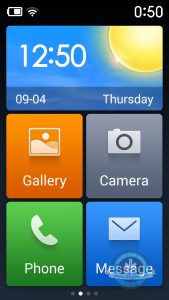
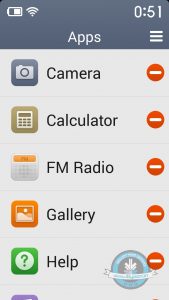
    The Phone also has a lite-mode which was initially intended for senior citizens, but however in the indian edition is been designed to give an easier usage experience to the first time user.

    Phone and Battery

    Phone networks ar good, but not great. We feel that there is a low network reception indoors with the Redmi 1S when compared to other devices. Outdoors however is great and we have no complaints with audio quality on the incoming or outgoing while on a call.

    Battery life is not the best, on an average the phone will run out before end of day, and if you are a heavy user, expect to carry a charger/ powerbank at all times. Xiaomi is also planning to sell additional spare batteries and external battery chargers.
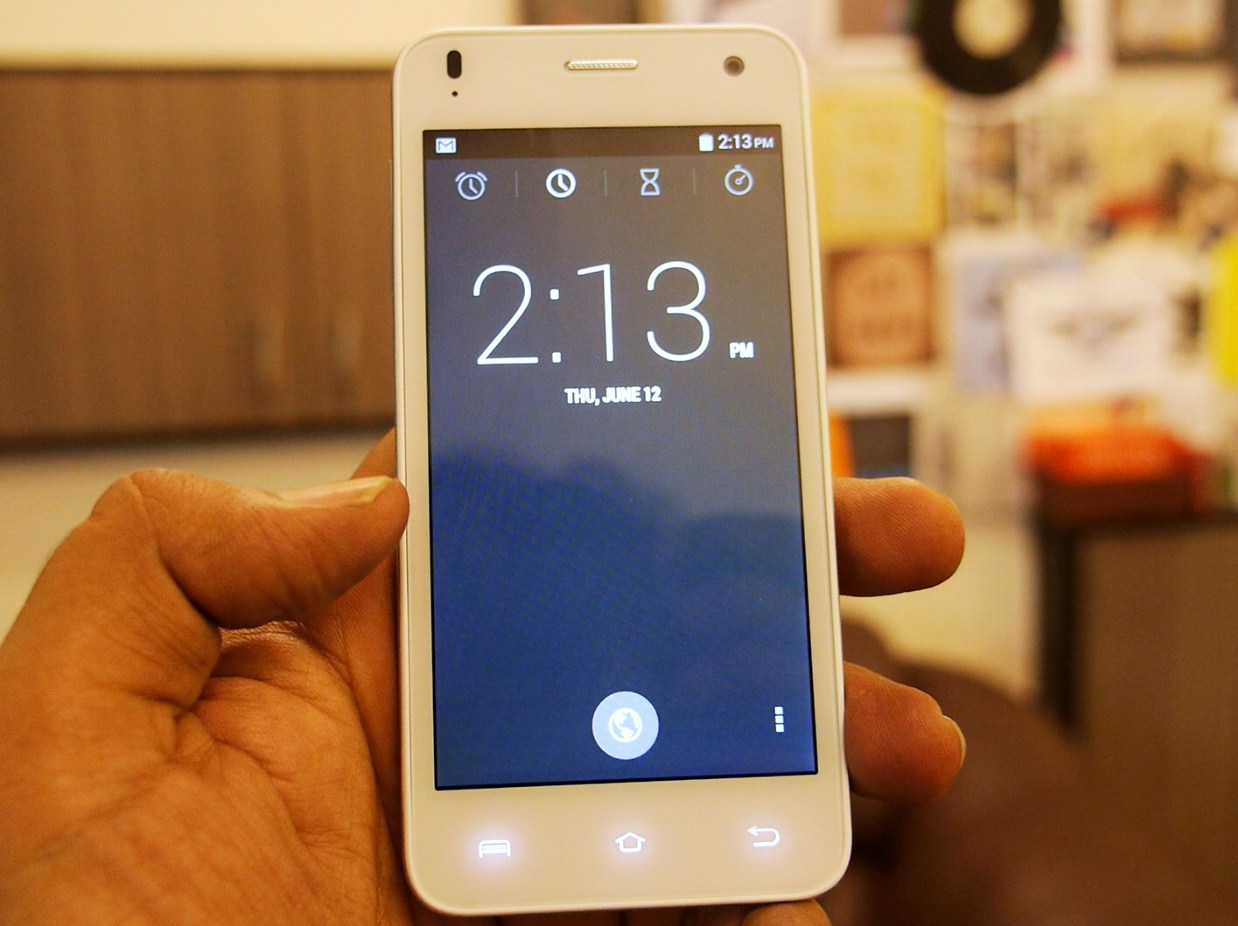
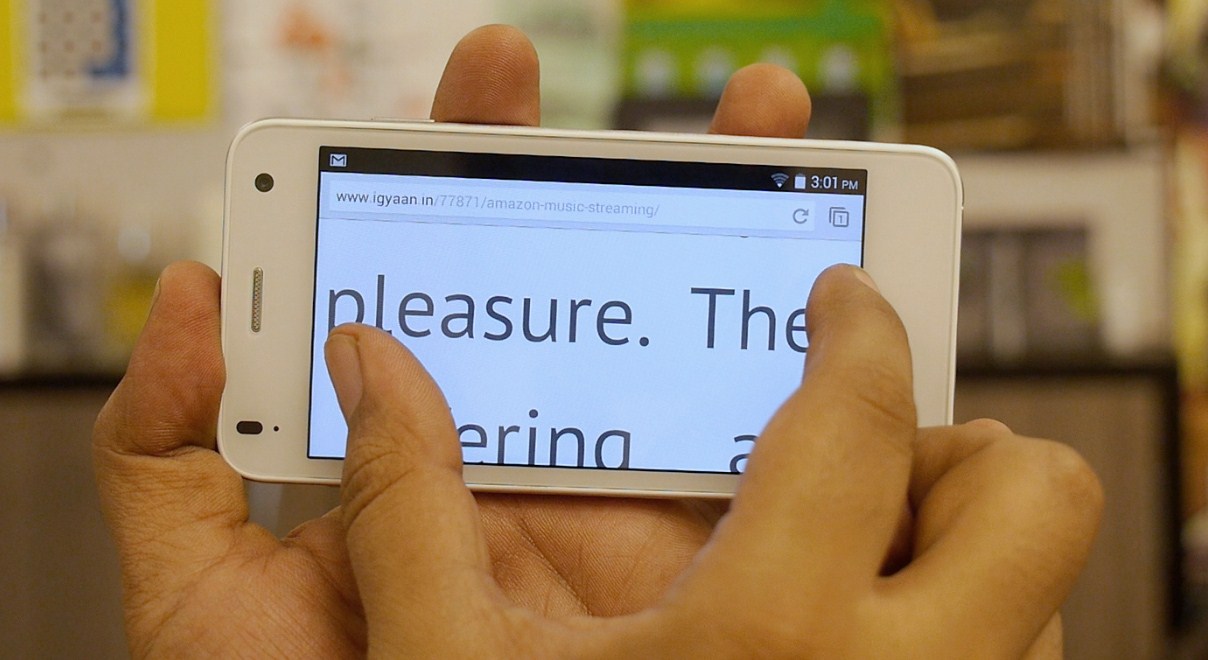
    With the existing battery expect 5-6 hours of real talk time, or a mix of internet usage and apps with 3-4 hours of talk time.

    Conclusion

    While the Redmi 1S is going to have the same issues like the Mi3, i.e. the lack of available units to sell, service centre issues, Flipkart selling woes, and what not. The Redmi 1S still makes for one hell of a device for one hell of a price, that you can’t beat right now. The hardware is equivalent to devices almost twice the price and performance even better.

    [pullquote_right]You simply can’t beat this Phone![/pullquote_right]

    The phone is good looking, well built and supported with respect to the OS and UI, with the added advantage of cheap accessories and quick updates one really can’t complain. For the price you will not find a better device, even if you add another 50$.

    REVIEW VIDEO

    [tw-column width=”one-half”]

    GOOD THINGS

    • Super Cheap
    • Excellent Hardware
    • Flexible Software
    • Great Optics/Camera
    • Fast and Intuitive
    • High Resolution Display
    • Large Display

    [/tw-column]

    [tw-column width=”one-half” position=”last”]

    BAD THINGS

    • Lack of Units to Sell
    • Still on Android 4.3
    • Horrible Sale Method

    [/tw-column]

  • Moto E Contender, The Lava Iris X1: Full Review

    Moto E Contender, The Lava Iris X1: Full Review

    The Moto E is one tough nut to crack. Other Android phone brands despise it. Companies like Micromax and Lava and others were taken aback by the spectacular performance of the Moto E and the huge appreciation it has received in India.
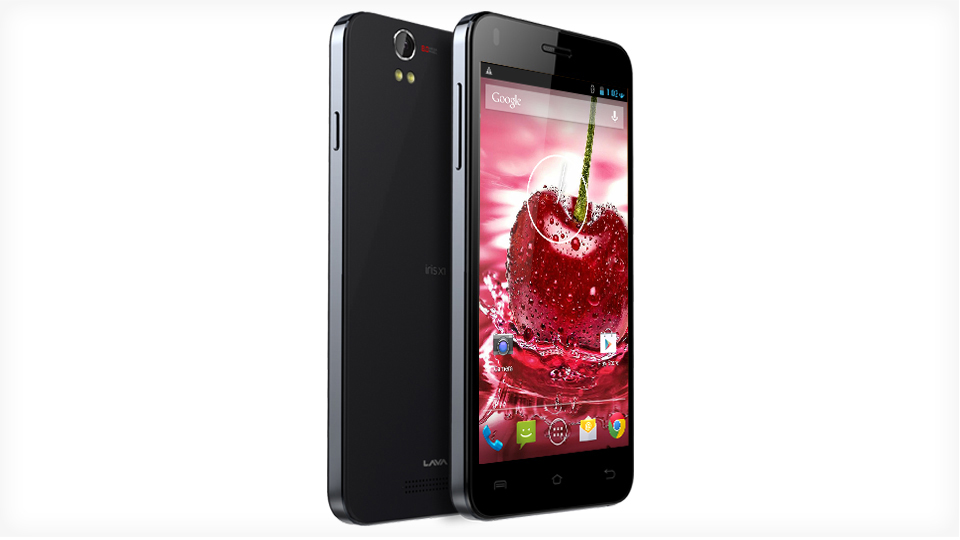
    Lava X1 is Lava’s challenger to the Moto E, and we’ve already had a hands on with the device. Now we take a detailed look into the phone to see how it scores up against its competing low budget KitKat devices.

    Design, Hardware and Build:

    Design though "inspired", is good to the eyes
    Design though “inspired”, is good to the eyes. Especially the touch panel

    The phone is another Lava phone with iPhone-esqe design features, using a lot of plastic. The device is light to hold in comparison to the Moto E, which is heavy on weight and features. The back cover looks extremely flimsy, but Lava provides a flip cover in-box and that is one good point about the Iris X1.

    The screen goes to sleep when the flip cover is closed. The volume rocker buttons are marked on the cover and can be easily pressed, so they’re quick to access when traveling. The only issue with the flip cover is its affinity to attract dirt. Lava has provided three microphone openings for active noise cancellation.

    Unlike the Moto E, the X1 can be appreciated as it has the power button and the volume rockers on right and left side respectively, which is much simpler to use.

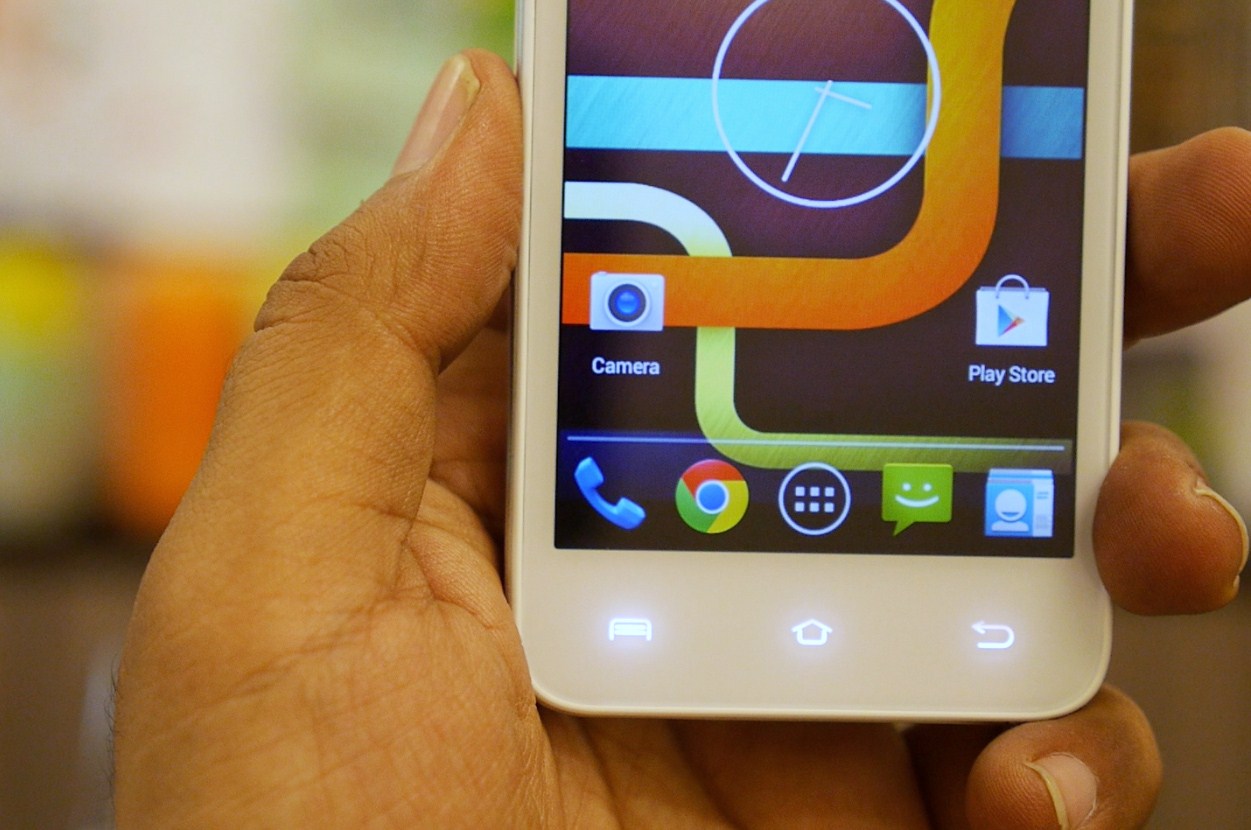
    Another attractive feature is the capacitive touch buttons at the bottom of the screen. These buttons are invisible in the bezel and light up when you need them.

    Display and Multimedia:

    The text is good to read on X1
    The text is good to read on X1 even at 281 pixel density.

    The 4.5 inch screen on the device is an IPS display. The resolution of the screen is 854 x 480 pixels. The display is capable of good color reproduction. The blacks are predominant on the display, and that gives a pretty saturated color. The viewing angles are a bit of a disappointment as the screen tends to dim down when viewed from the side.

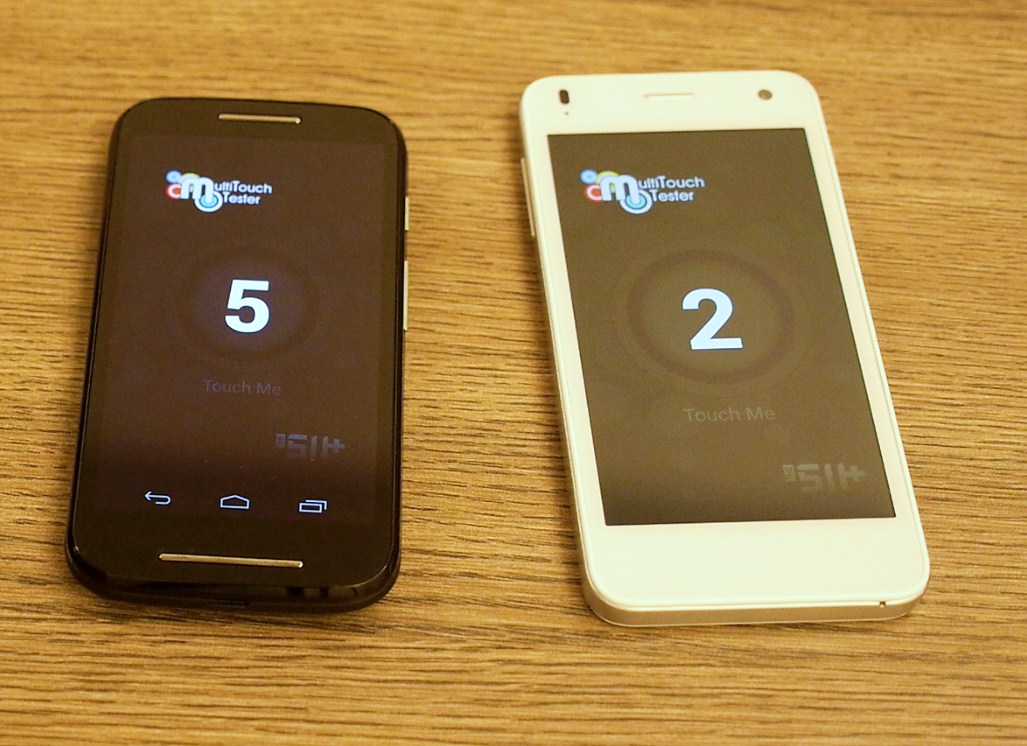
    2 finger multi touch is disappointing.
    2 finger multi touch is disappointing.

    The display only supports two finger multi-touch. This flaw makes gaming on the device no fun. The display also has a matte feel which doesn’t feel all that smooth.

    The videos and images look good on the display. Though sometimes, the videos tend to get choppy. Even games like Candy Crush Saga and Subway Surfers had a jerky performance.

    Camera:

    The X1 holds a 8 mega pixel auto focus camera with LED Flash. The image is captured using a BSI sensor. The secondary camera is a 2 megapixel shooter. The camera is decent for the price point. It is definitely better than the five megapixel shooters that are dominant at this specifications range.

    The camera shoots videos at a maximum of 480p which maybe a downer for many.

    Phone and Battery:

    Screen Shot 2014-06-20 at 7.52.29 pm

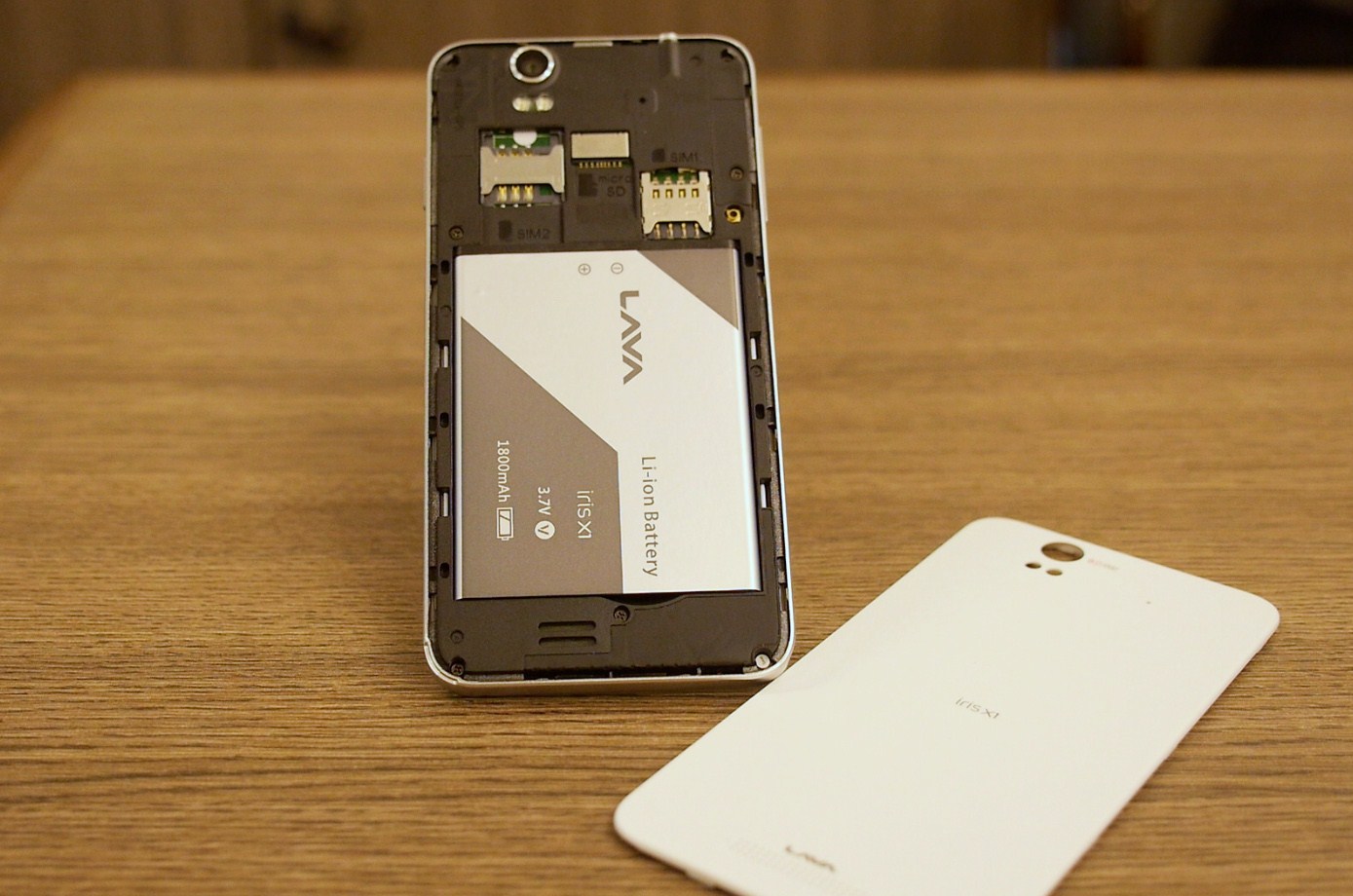
    The X1 is powered by 1800 mAh battery. Lava claims it gives a standard talk time of about 9 hours 45 minutes. The phone would last you a whole day on regular use.

    The phone keypad is pleasing to the eyes and easy to use.

    Android and UI:

    Screen Shot 2014-06-20 at 7.22.22 pm
    Simplistic KitKat is the best thing LAVA did.

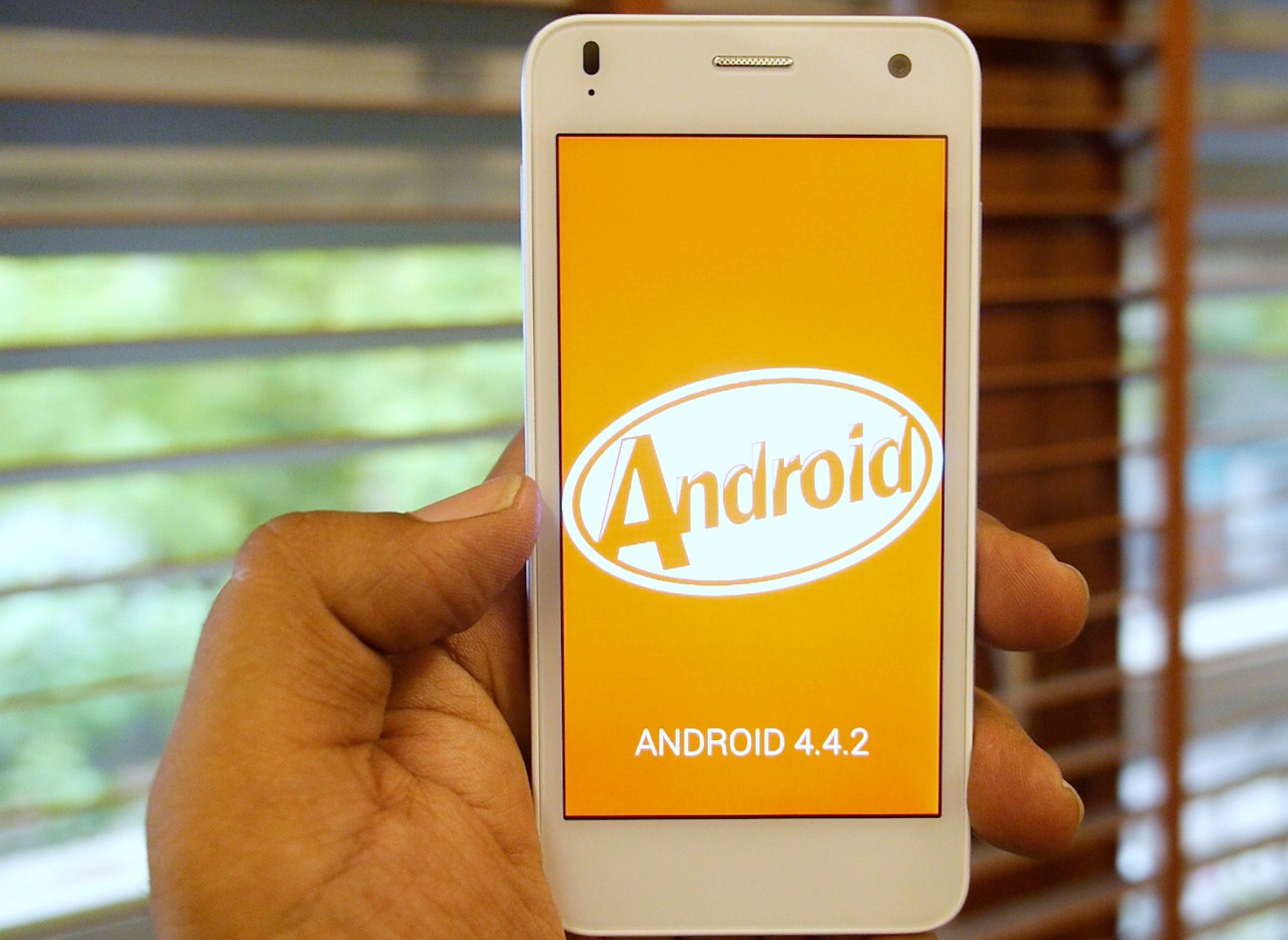
    The operating system running on the Iris X1 is a fairly unhampered Android KitKat OS with minimum bloat-ware. The only add-ons are an FM radio, a torch and the Office suite. This basic look gives full customizable options in the hands of the users.

    Performance and Gaming:

    The phone has a 1.2 GHz Broadcom quad core processor. It is supported by a 1 GB RAM and 4 GB ROM. Even with a quad core processor, the phone has several lags and might get annoying after a while. The phones normal functions are decent, but the multimedia performance needs a performance boost.

    Conclusion:

    The Phone is a decent try but Lava needs to buck up on the performance issue.

    Lava seems to have come out with the device in a haste, and they could have worked more on it. Of course, the company lacks the innovation capability and years of experience that Motorola Mobility has. The phone has a good look, and the untampered Android KitKat is its strength. Lava does have to learn some lessons from the X1 and hopefully the X2 (if it ever comes out,) will have fewer of X1’s flaws and more of its fortes.

    [tw-column width=”one-half”]

    GOOD THINGS

    • Capacitive Touch Buttons
    • Active Noise Cancellation
    • Good Design
    • No Bloatware Android KitKat
    • Flip Cover

    [/tw-column]

    [tw-column width=”one-half” position=”last”]

    BAD THINGS

    • Two Finger Multi Touch
    • Low Processing Powers For Gaming
    • Plasticity Feel
    • Price High for Segment

    [/tw-column]

iGyaan Network
Privacy Overview

This website uses cookies so that we can provide you with the best user experience possible. Cookie information is stored in your browser and performs functions such as recognising you when you return to our website and helping our team to understand which sections of the website you find most interesting and useful.