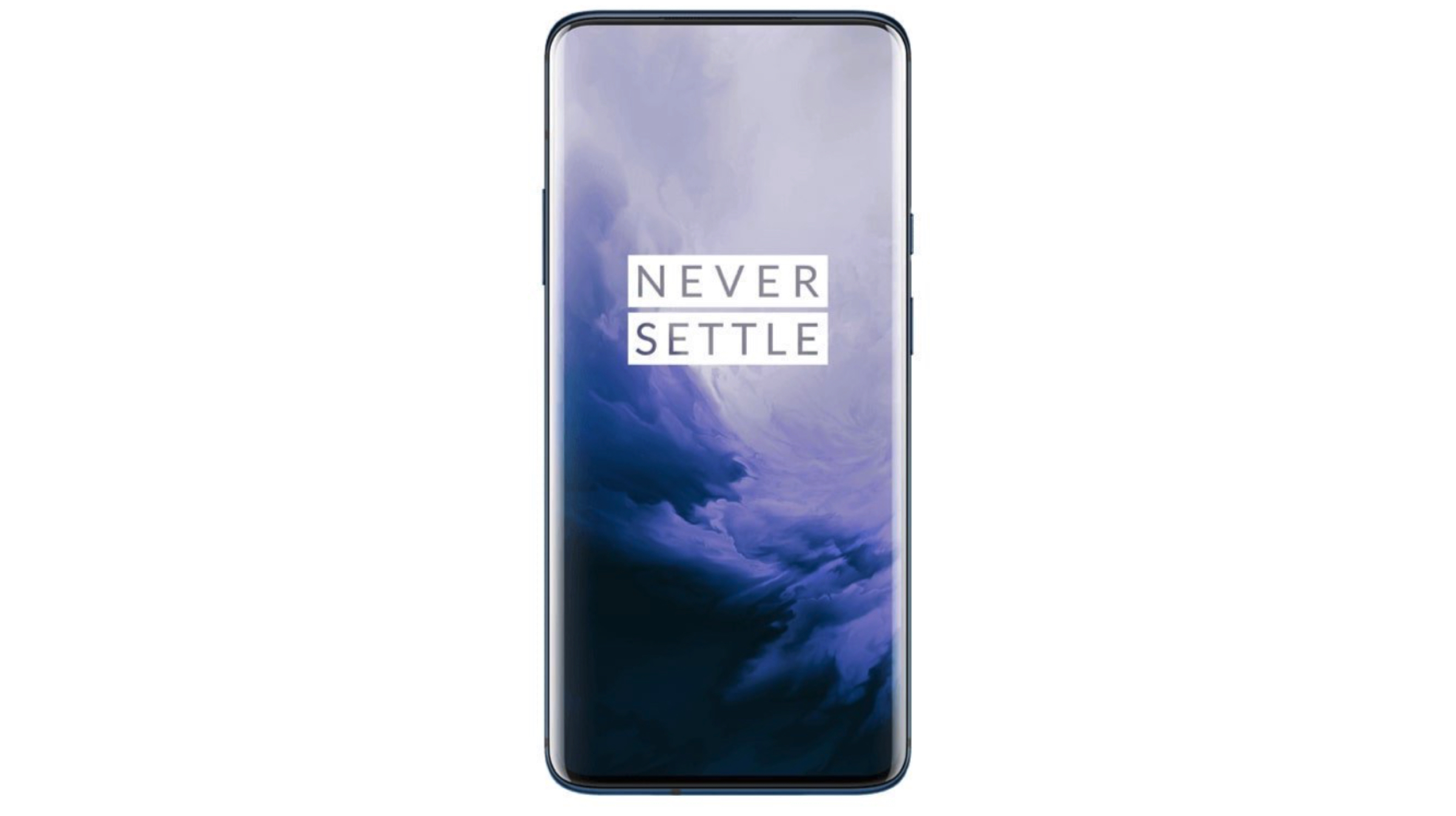
Chineses smartphone maker, OnePlus will soon launch its latest flagship smartphones which carry the OnePlus 7 and the OnePlus 7 Pro moniker. As the name suggests, the latter will be a specced up variant of the former. Over the last few weeks, the company has been dropping hints about notable features of the upcoming devices. A fresh Tweet shared by senior company executive reveals that the upcoming devices will have UFS 3.0 storage which is a novelty in the highly crowded smartphone industry. Noteworthy, the Samsung Galaxy Fold is the first handset to incorporate this feature. However, due to technical issues, the commercial launch of the handset has been moved indefinitely.
What Is UFS 3.0 and It’s Benefits
UFS 3.0, short for Universal Flash Storage 3.0 is a memory standard which aims to bring higher data transfer speed and increased reliability to consumer electronic devices like smartphones and digital cameras. Clearly, the higher data transfer speeds of the memory translate into faster data and application load times of devices incorporating it. Talking about the real world performance, UFS 3.0 storage supports bandwidth up to 1450 MB/S per lane. Accrediting to two separate lanes, it can provide a whopping speed of 2900 MB/s. As previously mentioned, UFS 3.0 provides considerably higher read and write speeds, the upcoming OnePlus 7 and OnePlus 7 Pro will be significantly faster than its competitors.
OnePlus 7 Pro Features And Launch Date
Talking about the features, the upcoming OnePlus 7 Pro is confirmed to have a 90 Hz display which supports HDR 10+ content, a pop up selfie camera, triple rear cameras, and dust/water resistance. Whereas the list of unconfirmed features includes the Snapdragon 855 SoC, 4,000 mAh battery, 30 W warp charge and a stereo speakers.
All in all, the detailed specifications and price of the OnePlus 7 and the OnePlus 7 Pro will be unveiled at the official launch event which is scheduled for the 14th of May.
WhatsApp is arguably the most popular networking app in the world right now. It has over 1.5 Billion active users and they are increasing every day. WhatsApp has also started to roll out features that the consumers want in the app like Stickers, Read receipts and much more. But there are some features that people are eagerly waiting for. But it looks like WhatsApp is still listening and trying to provide the people exactly what they want. Here are some of the features that WhatsApp has introduced or is going to, really soon.
Fingerprint Security
Some people are very concerned about the security of their chats on WhatsApp and it looks like the company has already started to address that issue of the users. The Fingerprint unlock for the app is available to some users for beta testing. What this feature doesn’t do however, is lock each conversation. There is only the option to lock the app as a whole.
WhatsApp beta for Android 2.19.3: what's new? WhatsApp is finally working to implement the Authentication feature to protect the app using your Fingerprint, under development! Info about other features are available in the article.https://t.co/yO6R6pOlsV
This was available since quite a while on mobile but has just now only started making its way into the desktop version of the app. Now users will be able to watch videos while chatting or doing anything else in the app. It is a useful feature and was definitely long-overdue in the desktop version.
Dark Mode
Who doesn’t like dark mode? The thought of getting a dark version for WhatsApp is enough to excite most people. And it looks like your wishes are about to come true as WhatsApp is all set to introduce dark mode really soon. This may come later in a span of a few weeks.
Along with these big updates, some small changes like private replies for iOS, a new Audio picker menu and new 3D touch actions for the iPhone.
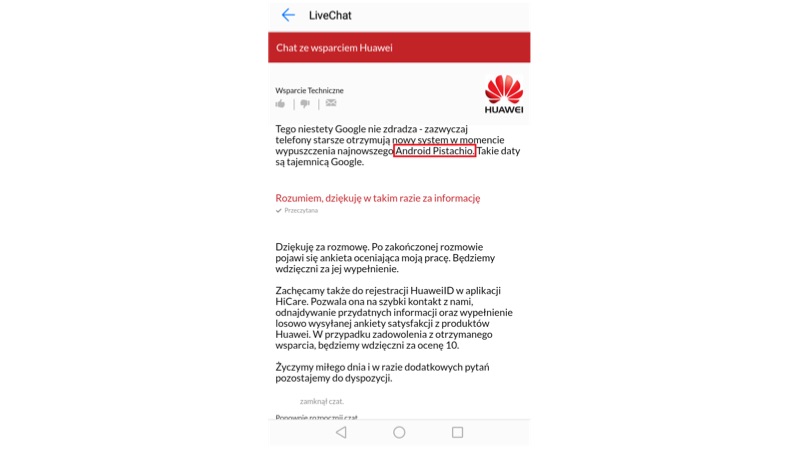
Leaks have revealed the name of Android P and the fans are going nuts (pun intended). The leak was first posted on a Polish website. The website shared screenshots of a conversation between a Huawei representative and a customer. The customer was inquiring about the Android 8.0 Oreo update for the Huawei P9 Lite.
Huawei Live Chat Screenshot
Though it is highly unlikely for Google to reveal the official name for its Android P. This news still steers the thought process and speculation to a new direction. Other rumors about the name suggest that the name could be Android Pistachio Ice-cream.
Android P
Android usually uses names of sweet treats or desserts. For Google to use a “nutty” name will be quite surprising. In this case, the name Pistachio Ice-cream would make more sense. From Cupcake to the to Oreo the names have always been based on a candy or dessert. One should keep in mind that during its testing phase Android 8.0 was just called Android O.
There is again a catch to Android Pistachio Ice-cream as the name “Ice-cream Sandwich” has already been used. This naming convention could sound redundant which further creates a doubt about the entire leak.
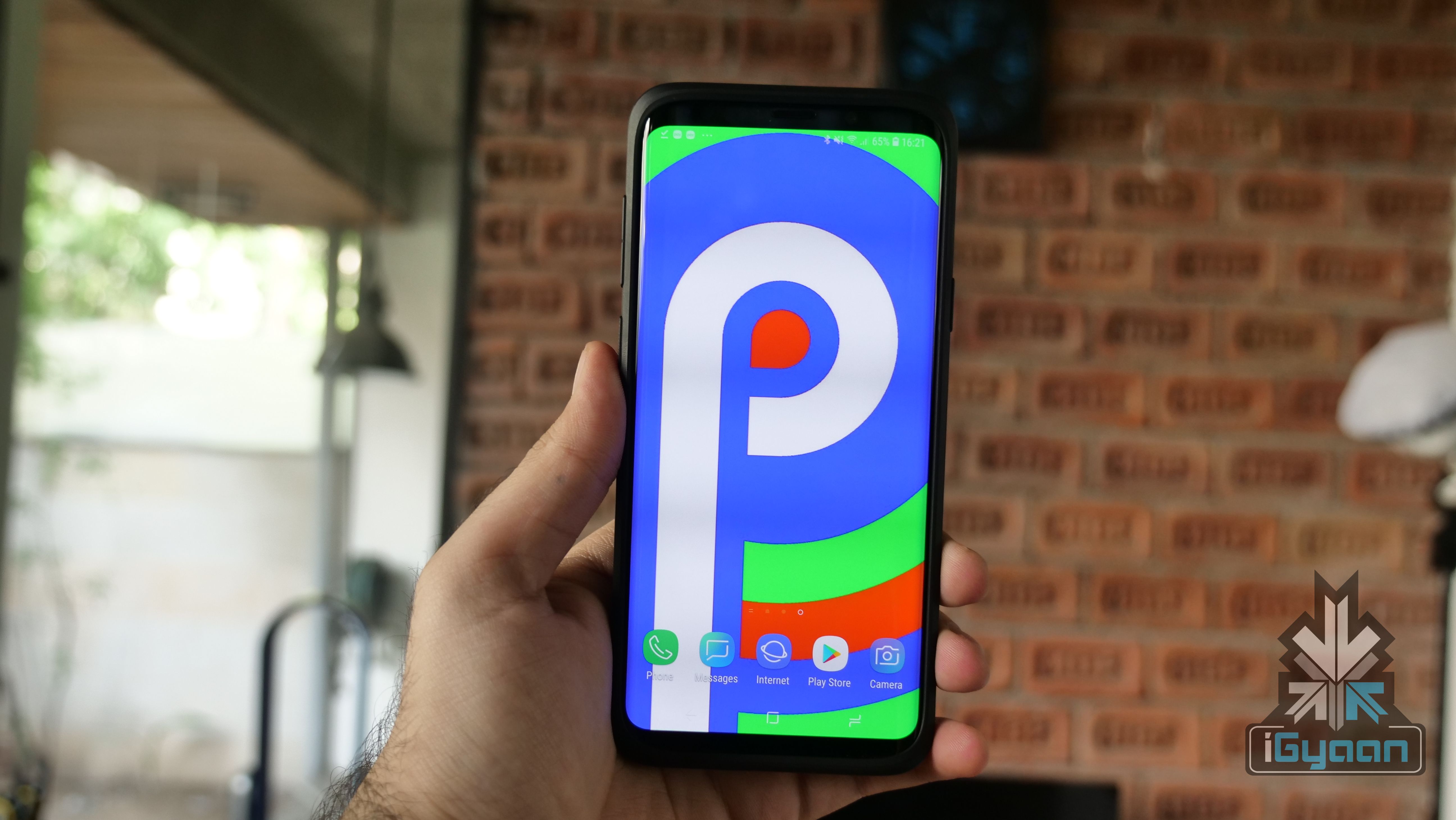
Android P is the ninth installation of Google’s Android OS. Many devices including the OnePlus 6 have already received a Developer Preview of the Android P. This new version brings subtle UI changes like the redesigned notification panel when triggered by the volume rockers. The new update also brings better battery optimization, dark and light theme modes, and the ability to toggle between multiple wallpapers.
Pistachio tastes quite good but, whether Google names Android P after “these nuts”, remains to be seen. With the official announcement about a month or so away, we will monitor this thread closely so stay tuned to iGyaan for any further updates.
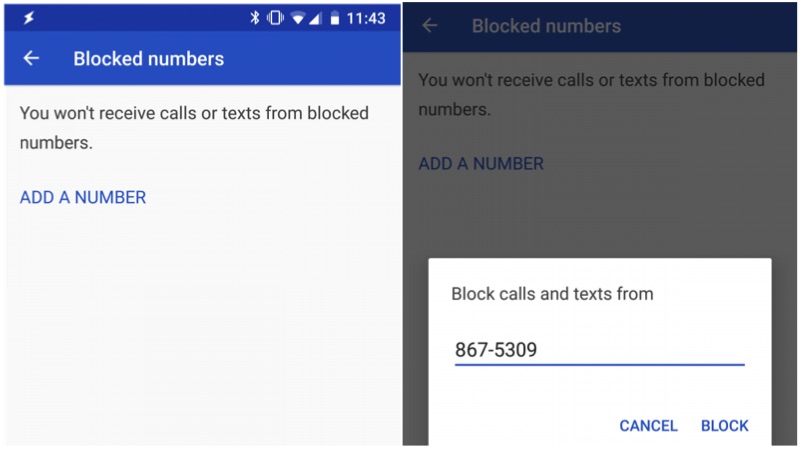
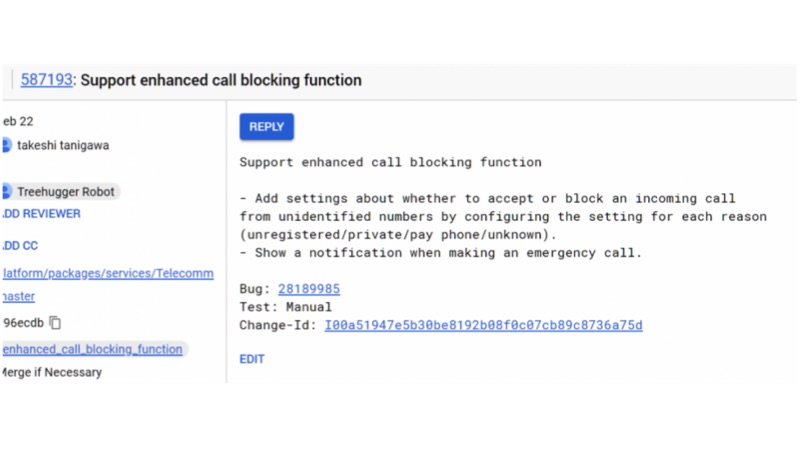
Android P will be the next iteration of its Android OS from Google. Android P will add additional native features like support for the notch, Dark mode, and strict privacy controls. According to a new report, Android P might support native strict call blocking capability. In fact, these set of commands were noticed on an AOSP package.
This feature will let a user block any call from an unknown number. By enabling this feature, one will not receive a phone call from that number. In fact, this will eliminate those telemarketing calls altogether. Similarly, this will also work in the following situations as well.
If the number is not in the contact list
The number not disclosed by the caller (private)
If the number is from a Payphone
If the number does not have a caller information (unidentified)
Credits: XDA Developers
The report also clarifies that this feature will not interrupt in the event of emergency calls.
There is a catch in this process, the strict call blocking can be enabled or disabled by the service provider. Similarly, your service provider might incur additional charges to enable this feature.
Conclusion
This feature will give the freedom to the user regarding the call they like to receive. However, this feature might backfire if your friend/family tries to call you in an emergency situation.
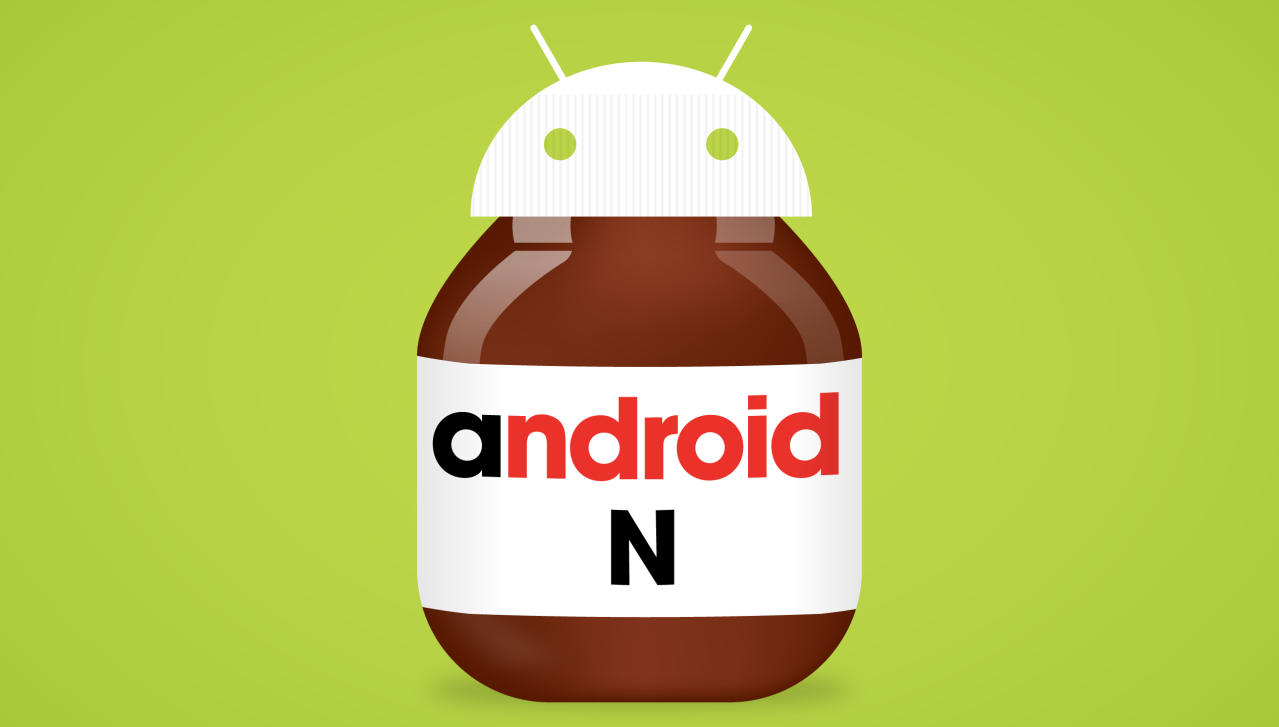
Google has taken the lid off the latest bombshell to hit Android smartphones, the all new Android N. Though it’s still just at developers preview stage, and is understandably bug ridden, but that does not mean we should not be excited.
Android N comes with a host of cool features which promise to get you addicted to this sweet OS. Today we bring to you the best features that Android N comes with.
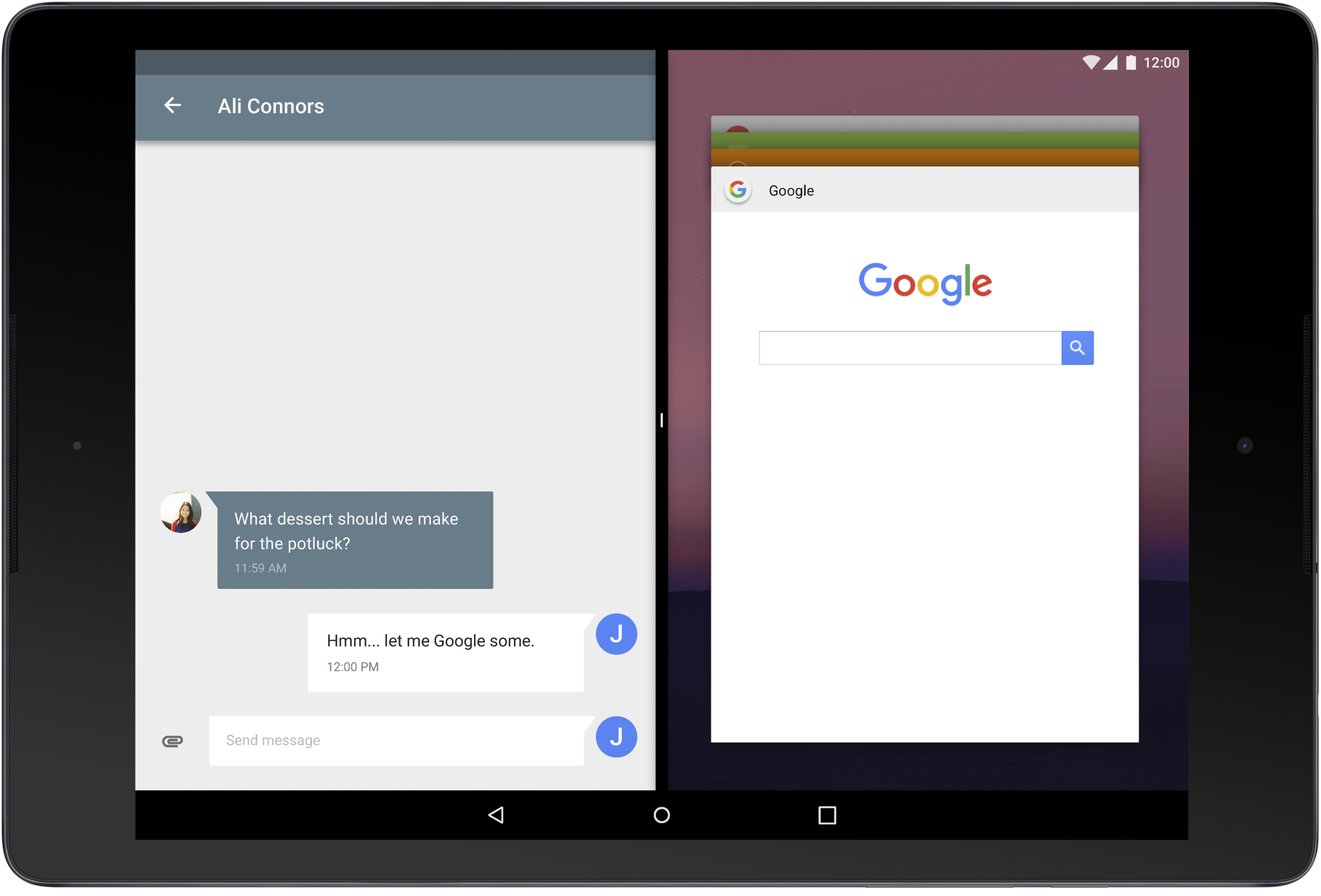
Multi-window support that allows for multiple apps to run simultaneously
This is one feature that is sure to grab headlines in the coming days. This poster boy of features will surely make a lot of happy Android fans as it adds the functionality of running multiple apps side by side in the same view. With the all new Android N installed, users will be able to launch and use multiple apps right next to each other.
The Android N team hasn’t yet explained how this will particular feature will be executed, but early impressions suggest the interface looks much like Microsoft’s split-screen function. The guys at Android have also revealed that this feature, for now, will only work when developers enable the feature for their apps.
More Power to the Overview Button
This might not look like something huge as most custom ROMs for some time now have had this feature in some or the other form, but now Google is doing its bit in bringing to the overview button the power it deserves.
With the Android N, users can now switch between your current and previous apps simply by double-tapping the overview button.If you keep tapping the overview button you’ll cycle through all the open apps. Long-pressing the overview button opens the current app in split-screen. You can use the same double-tap and continuous taps to switch between apps in split-screen mode too.
Reworked Notifications Center
The latest version of Android brings with it a reworked notifications center that will see Android tweak the notification area again, but this time, adding features which will add amazing functionality. In what will be welcome news for Android users across the globe, this new functionality will give users the power to reply to notifications from within any window without having to close the app first, or open an app to view them.
Android N will also bring a new option for clubbing multiple notifications from a single app. Android N will intelligently handle your notifications and upon receiving multiple alerts from the same app, they will be grouped together into an expandable “bundle.”
Picture-in-Picture
This one feature is one that users had been asking for some time now. Picture-in-Picture support will now mean users will be able to minimise a running video with sending the application to the background and carry on doing other tasks such as searching for rating on IMDB or browse something on the internet while the video still keeps playing in the background.
Talking about this feature, Google explained to devs, “Your app can provide a way for users to queue up additional content while they watch a video. The video continues playing in PIP mode while the main screen displays a content selection activity.”
Enhancements to Improve Battery Life
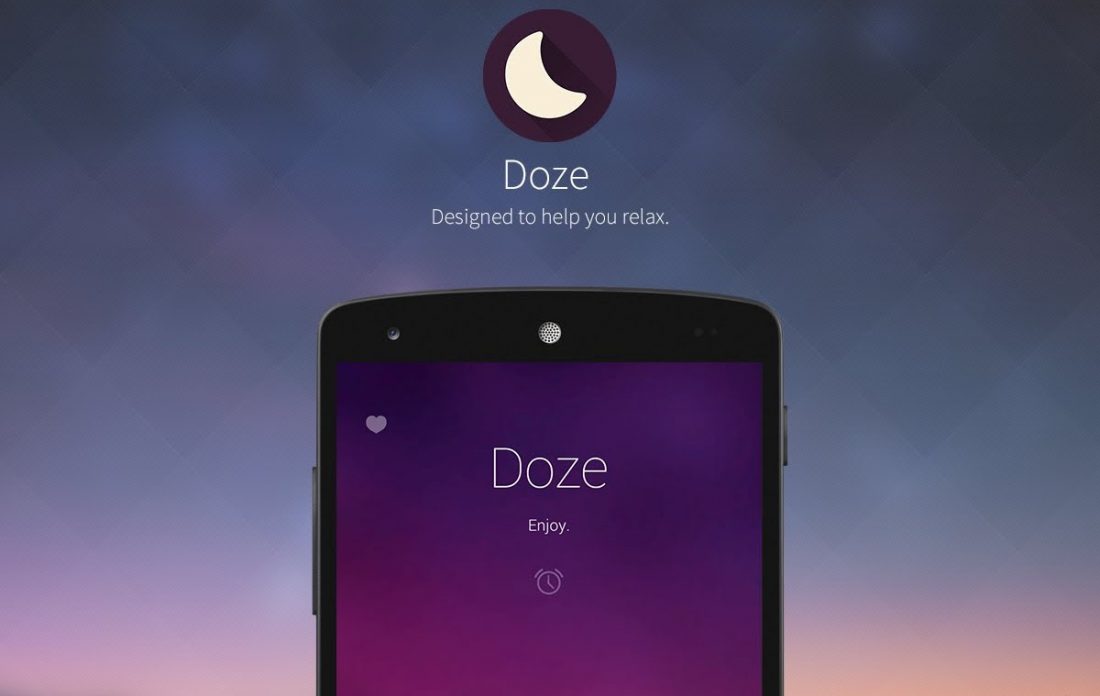
Marshmallow brought with it a very cool Doze feature that was built to conserve power and battery life on your Android powered smartphone. With Android N, Google devs have taken this a step further as Google has added functionality to Doze to make optimisations whenever the screen is turned off.
Google also plans on adding improvements to how apps operate in the background, which has long been a big drain on users’ battery life.
New Data Saving Options
With Android N, Google has turned its focus towards increasing efficiency of data usage on its Android platform. Apps will gain the functionality to monitor Data Saver changes enabling them to intelligently make changes to how certain apps consume data in the foreground and the background.
Google explains: “In the N Developer Preview, users can enable Data Saver on a device-wide basis to use less data, whether roaming, near the end of the billing cycle, or on a small prepaid data pack.”
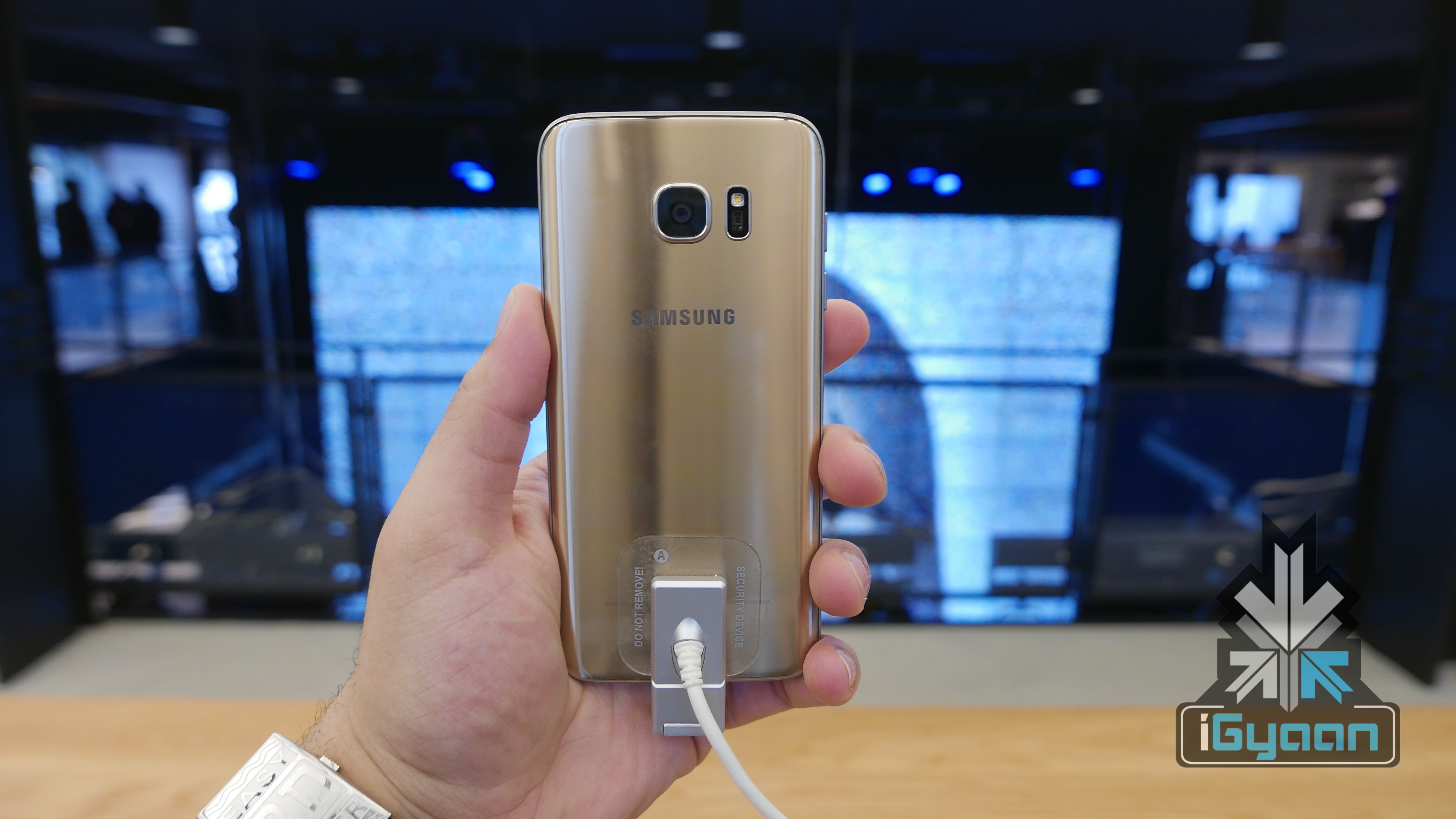
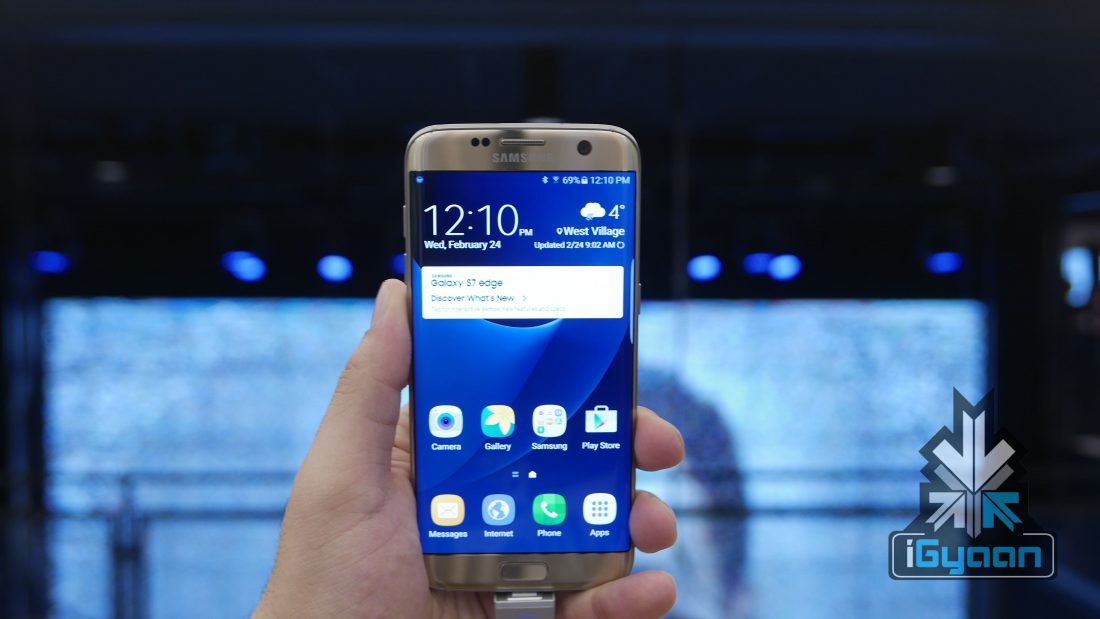
Samsung launched its flagship Galaxy S7 and S7 Edge in India yesterday. The devices are priced at Rs 48, 900 and 56, 900, respectively. The Galaxy S6 and S6 Edge successors come packed with top-of-the-line specifications and next-gen technology, along with a beautifully crafted design that is carried forward from the S6. We take a look at some of the best new features the Galaxy S7 and S7 Edge have to offer and whether the devices are worth your money.
Powerful Hardware
The new flagship devices have improved on specifications wherever it could. The pair is powered by newly powerful Exynos 8890 Octa, Mali-T880 MP12 and 4GB of RAM. Check out the detailed spec table below.
Among the bumped up specs inside the new Galaxy S7 and S7 Edge, one new technology that grabbed everyone’s attention at the MWC last month was the new Dual Pixel technology employed in the rear camera.
The Dual Pixel, essentially, is an improvement or a natural evolution from the Phase-Detection Auto-Focus technology used by many other smartphones. Firstly, Samsung downgraded from 16MP found in the S6 to 12MP in the S7. The decision to do this was to focus more on quality rather than quantity. The 12MP sensor brings 56% bigger individual pixels with1.4um pixels as compared to the S6.
The S7 comes with a wider f/1.7 aperture (the S6 had a f/1.9 aperture) that allows for a lot more light to come in, 25% more to be more accurate. This results in great low-light captures that are sharp and colourful. Much like the human eye, the Dual Pixel technology sends light from the lens to two image sensors separately to adjust the focus.
Water Cooled Systems to Rival Desktop Machines
Phones running high-end multi-core CPUs are notorious for running a bit too hot under stress, and as we know, heat is the ultimate enemy of any gaming machine. No matter the exalted processing capabilities of a phone, or beefy battery packs that they come with, if it runs hot, you game not.
Samsung in its bid to fight this menace has come up with a system that’s not new to bigger desktop machines but is groundbreaking for mobile devices. The Galaxy S7 and S7 edge are equipped with a very thin sealed copper liquid based cooling system, enabling these phones to run cool and fast without facing any CPU or GPU throttling. The system keeping the internals of the phone cool will also result in better battery life.
Vulkan API
Mobile phones benefiting from the great advancements in silicon technology over the years have become smaller, thinner and at the same time grown more powerful. The latest generation of mobile phones bring with them specs which boast of computing power at times even surpassing that of the last generation consoles such as the Xbox 360 and PS3.
MicroSD is Back
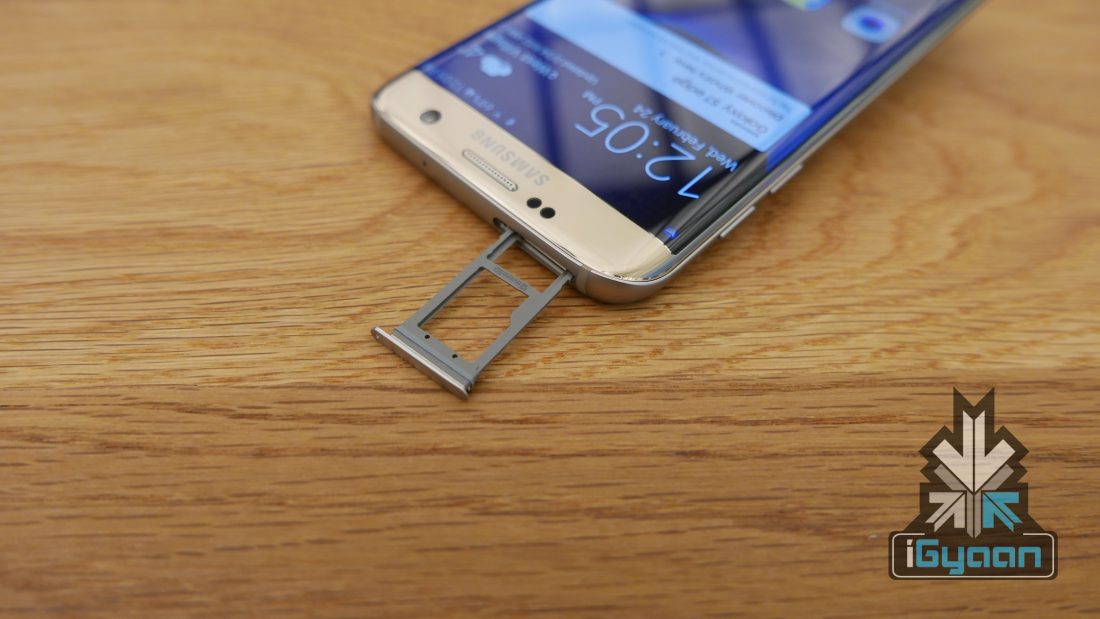
Samsung heard the cries of thousands of fans who were disappointed that the Galaxy S6 did not come with a MicroSD card slot. The Galaxy S7 series brings the slot back that allows up to 200GB of expandable storage. With read and write speeds having improved over the years, Samsung felt it was the right time to bring back the option.
It’s Dust and Waterproof
The Galaxy S7 series come with IP68 rating which means the devices are dust proof and can handle a rainy day as well. The devices can be submerged underwater up to 3 meters. With premium devices such as these, an IP68 rating is what consumers would love to hear.
Design
We keep design at the end as it is the one thing that isn’t all that new with the new Galaxy S7 devices. And that is not a bad thing at all. Last year’s Galaxy S6 series were praised for its brilliant design language that brought together glass and metal to form a beautiful piece of machinery.
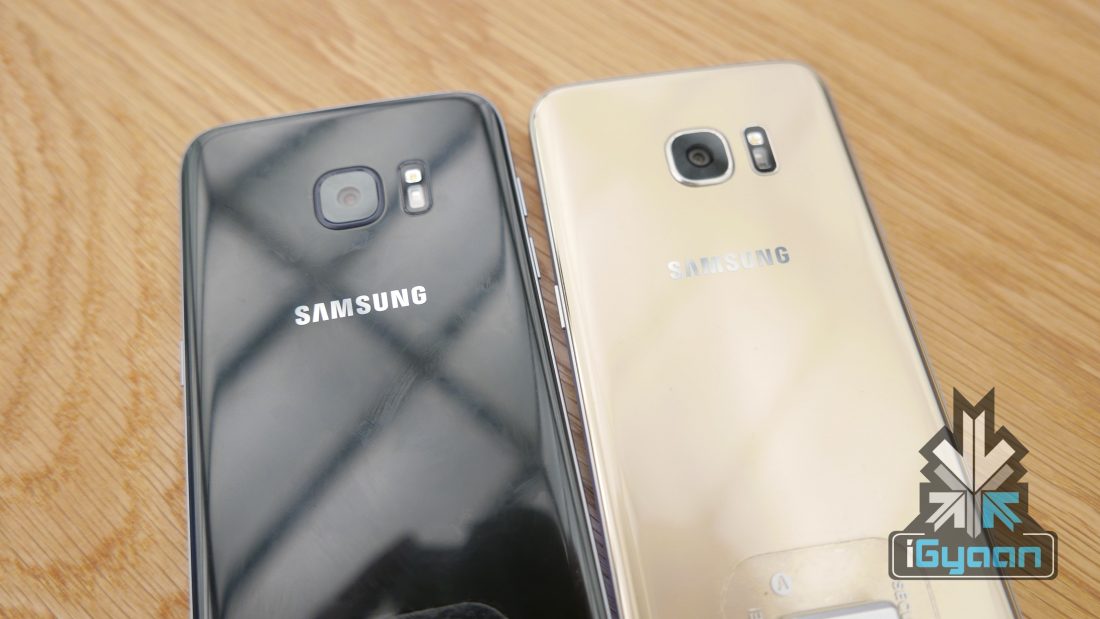
It’s not surprising, then, that Samsung decided to stick to the same design language with the successor, Galaxy S7. The new flagship retains the looks, adds a MicroSD card slot, and packs next-gen specifications. But what the S7 also adds is a curved edge at the back that exquisitely blends into the metal frame and gives a great looking shape as well as improves the grip.
Meanwhile, The S7 Edge features the same dual edge design as its S6 counterpart but on a bigger 5.5-inch form factor and comes with a QHD Super AMOLED display with a pixel density of 534 ppi compared to the 5.1-inch QHD 577 ppi screen that we saw on the S6 Edge.
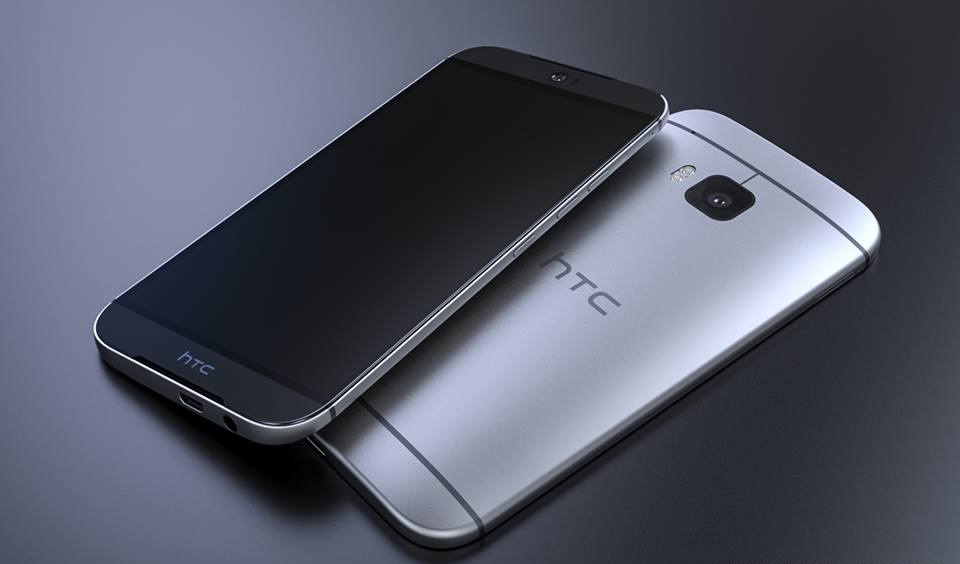
HTC is just a couple of months away from unveiling its next flagship smartphone, the HTC One M10. A lot is riding on the company to deliver a device that is truly groundbreaking. Indeed, HTC needs to have something great in the One M10 if it still wants to compete in the highly competitive smartphone world. We’ve seen a bunch of leaked images and rumoured specs that haven’t really excited the masses so far. But the final device could be a different case. In order to have a winner on its hands, here are some features that we expect to see in the One M10.
A New HTC Design Language
HTC One M7
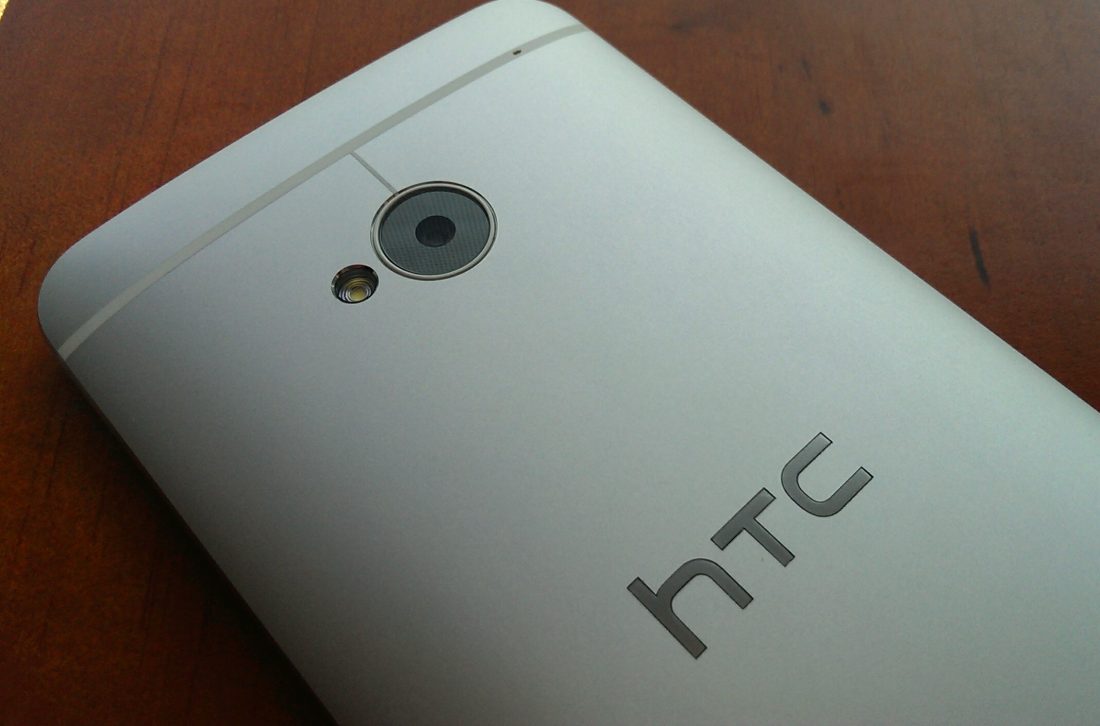
For a moment let’s forget about the recent leaked images and renders of the One M10. Let’s forget that HTC has gone with a design language similar to the One A9, which was heavily criticised for being an iPhone 6 rip-off, though HTC would contend that Apple copied them first. Such is the way inspiration works in the tech world. There was a time when HTC had a great design language with its M-series, the One M7 being one of the company’s best in design. It was something that was truly HTC’s own.
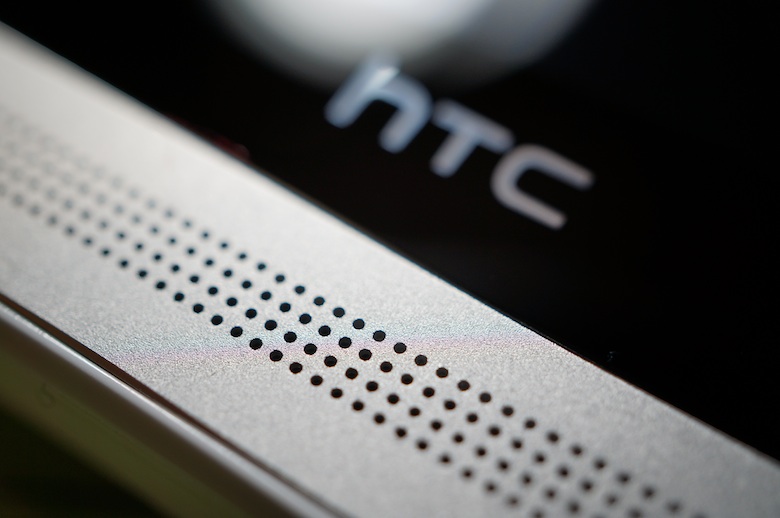
Barring the fact that HTC messed up with the One M9, the M lineup (especially the M7 and M8) was praised for its metallic unibody build, BoomSound dual front speakers that were widely appreciated, and a premium feel attached to it. But the company has recently hit a block in terms of design. What the company needs is to rely less on what companies like Apple have achieved with the iPhone and more on coming up with a new design language while still having traces of the old.
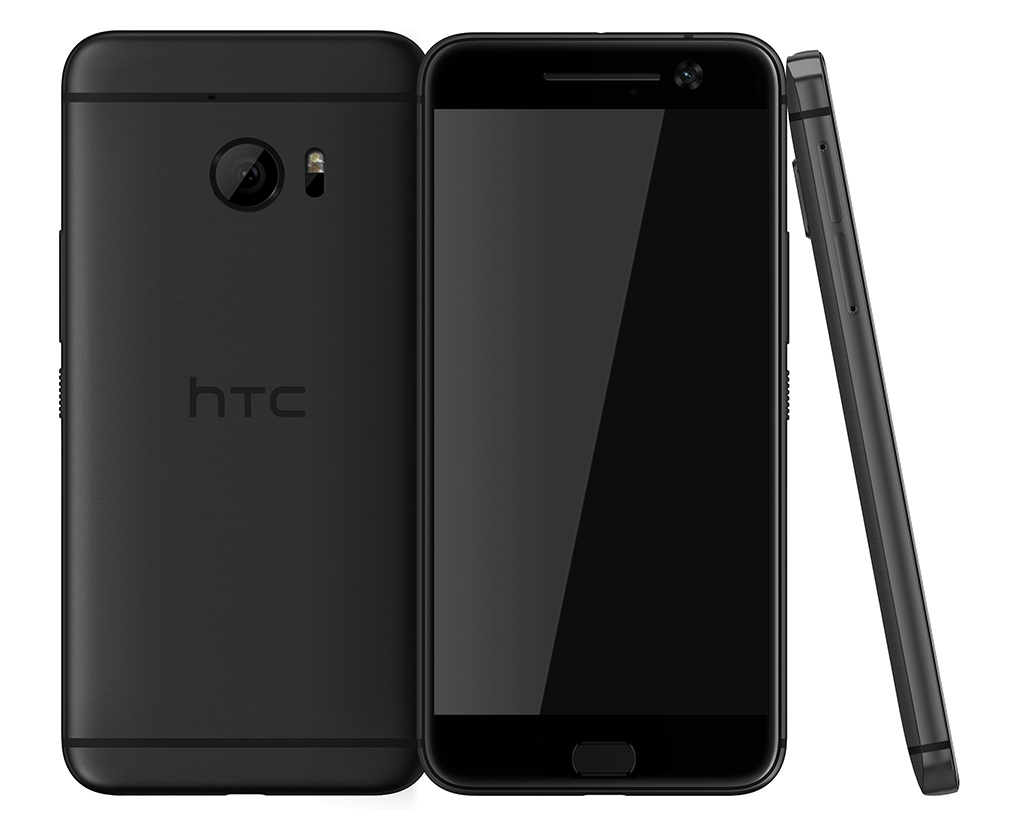
Latest render of the One M10
Honestly, fans would still appreciate the BoomSound dual speakers on the front only a little more refined. A curved metallic back for a better hold, a minimalistic and sleek design, and an almost bezel-less screen could together have made for a great-looking phone. If LeEco can manage that with the Le 1s than HTC can too.
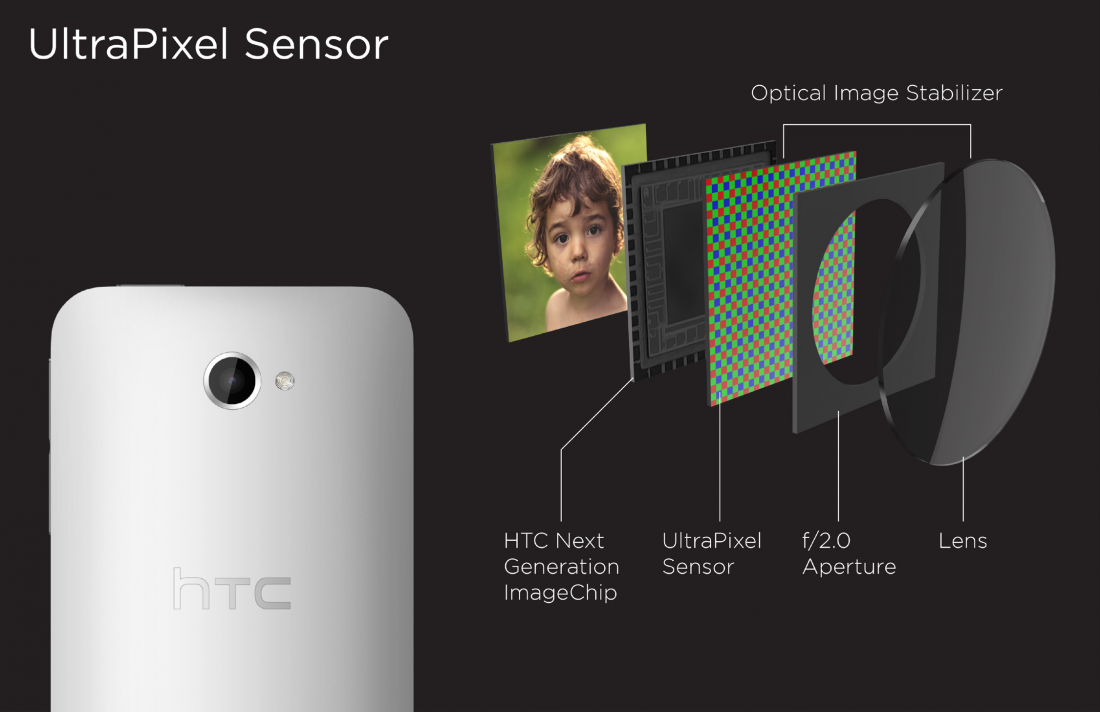
HTC’s UltraPixel Technology Needs to Shine this Time
When HTC announced the UltraPixel technology with the One M8, fans were expecting a camera that would deliver some spectacular photographs. But the One M8 failed to deliver. The company went back to the traditional megapixel with the One M9 which again wasn’t well recieved, not when the market is incredibly tough with the likes of Samsung, LG and Apple.
It is now rumoured that HTC will once again use the UP technology in the One M10. This may be a huge gamble on the part of HTC to back its camera technology. But if the company has managed to learn from its mistakes, the UP technology could be exactly what HTC had intended. The rear camera is rumoured to sport a 12UP module with OIS and autofocus while the front still is unknown. If HTC wants to be a contender in the camera department, knowing that Samsung has upped its camera specs in the Galaxy S7, then nothing short of 5UP for the front and some absolutely spectacular images that compliment a Quad HD AMOLED display will be accepted by fans.
At Least One Bumped Up Specification
Let’s be honest, life in today’s world is all about getting there first. This though applies even for technology. People are wowed with a device that manages to beat its competition in bringing out the a first in something. Either that or you try to make an existing technology even better. LeEco took everyone by surprise when it brought out the Le Max Pro – the first smartphone with Qualcomm’s Snapdragon 820 chipset – when everybody was looking towards Samsung’s Galaxy S7.
The rumoured specs of the HTC One M10 aren’t all that special. They’re pretty much what is expected from a flagship device in 2016. You have a Snapdragon 820 chipset in the One M10 which will also be seen in the Galaxy S7, LG G5, Xiaomi Mi5 and many more to come. If HTC wants its device to stand apart, it needs to offer one specification that other OEMs aren’t. Maybe bumping up the RAM to 4GB might do the trick, or maybe it’s just not enough. Even if HTC manages to fit in a battery big enough to handle a Quad HD AMOLED display and gaming without giving up completely by the end of the day, it would be appreciated.
Thinner, Sleeker BoomSound or a Multi-Purpose Fingerprint Sensor (or Both)
One M10 Early Render
It was the BoomSound speakers that gave HTC’s M lineup a new direction. HTC now needs to introduce a new unique feature that will give the M10 purpose. If you’re going to replace the speakers with a physical home button that might also house a fingerprint scanner, then the sensor could do a lot more than simply unlocking the phone. In fact, having the BoomSound front speakers and the fingerprint scanner at the back would have been perfect. Alas, that’s perhaps asking too much.
HTC could have indeed kept the BoomSound speakers, making the grill thinner and closer to the top and bottom edges so as to save space and deliver on sound at the same time. Some renders (like the one above) also showed the same imagination, but the new images that reveal the One A9-like design show no trace of a speaker at all. It could still be that HTC has moved the speakers to the bottom, and if it manages to get the same quality it just might do the trick. Furthermore, if that indeed is the case then the headphone jack would have to move to the top.
Now while these may still not be groundbreaking changes or additions, it is something that would get fans a lot more excited than they are right now. The One M10 will essentially decide the company’s future in the smartphone market, and perhaps the delay to launch the device is due to some last minute tweaks that could work in their favour. We’ll just have to wait and see if HTC has a winner with the One M10 or not.
Have any particular feature you want to see in the HTC One M10? Let us know in the comments below.
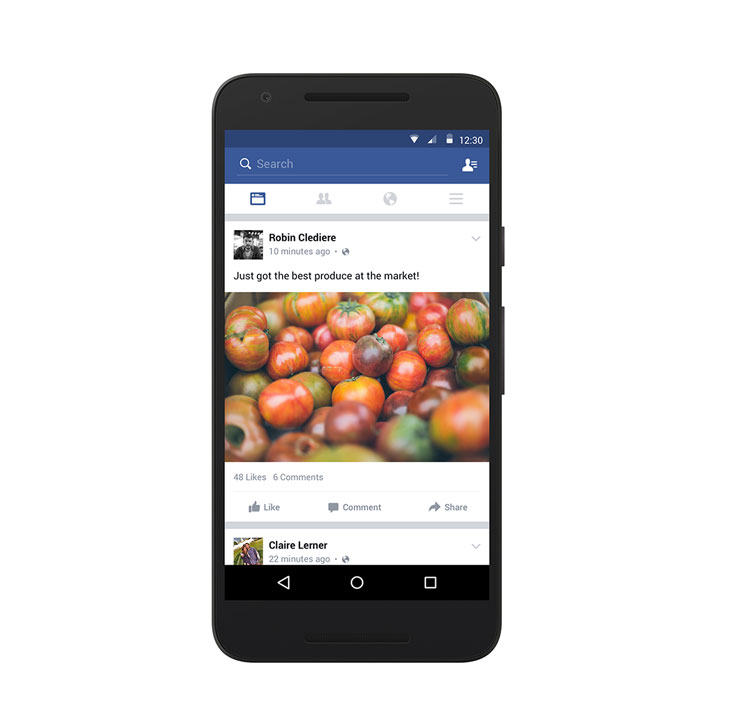
Facebook has announced that they are currently testing an update for its News Feed on Android devices for those with slow internet connection. They plan to enhance their efficiency even on slow connections by taking previously downloaded and unread items and pushing them to the top of all the posts.
The cached items will still be displayed by relevance and will replace the spinning icon that appears at the top of the page when you are waiting for the new posts to load. This will help you view stories that you might have missed, while new posts load in the background.
Furthermore, this update will extend to your interactions with friends on Facebook. Users will now be allowed to post comments on posts even when offline. Obviously, there’s a catch here, your comment will be posted as soon as a connection is detected next. But, you’ll be able to like and share posts without a connection.
Facebook is expected to test and roll out this update soon. It also mentions that users in developed markets will be able to benefit from this especially when they’re stuck in a place with bad connectivity.
Facebook has decided on bringing this update especially to Android devices as stats show that Facebook’s growing user base is emerging in markets within Asia, where the online connectivity in most places is rather slow. Facebook had also previously launched Facebook Lite which is basically a lightweight Android version of the Facebook app to eight countries – Bangladesh, Nepal, Nigeria, South Africa, Sudan, Sri Lanka, Vietnam and Zimbabwe.
Recently, Facebook seems to be responsibly realising the impact it has made around the world and playing an important part in communication and information access. So, if this successfully works out all we can do is reap the benefits of it.
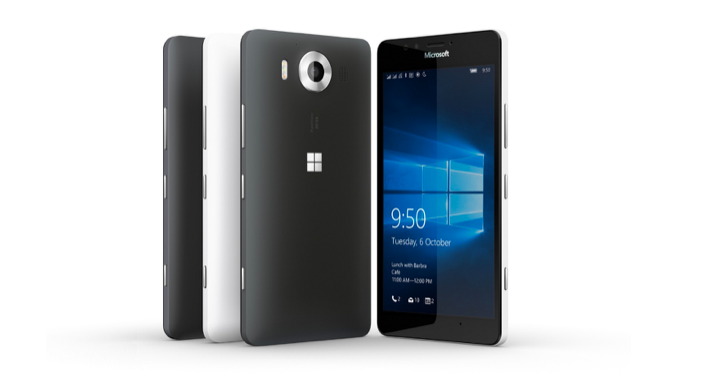
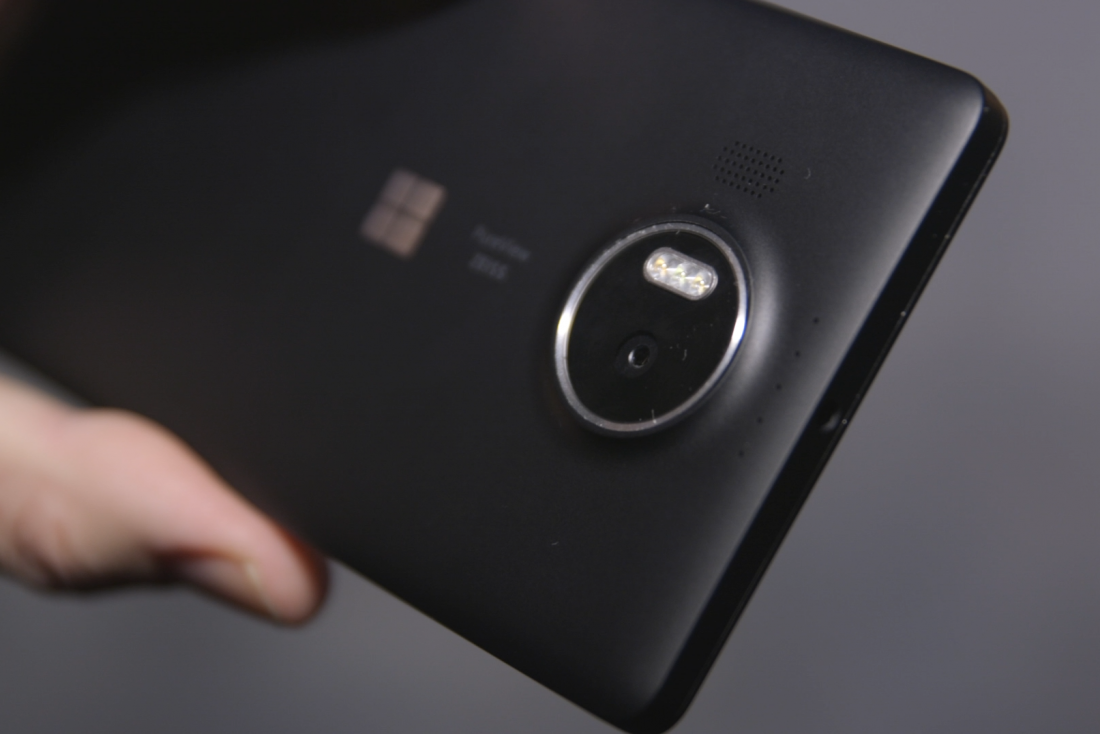
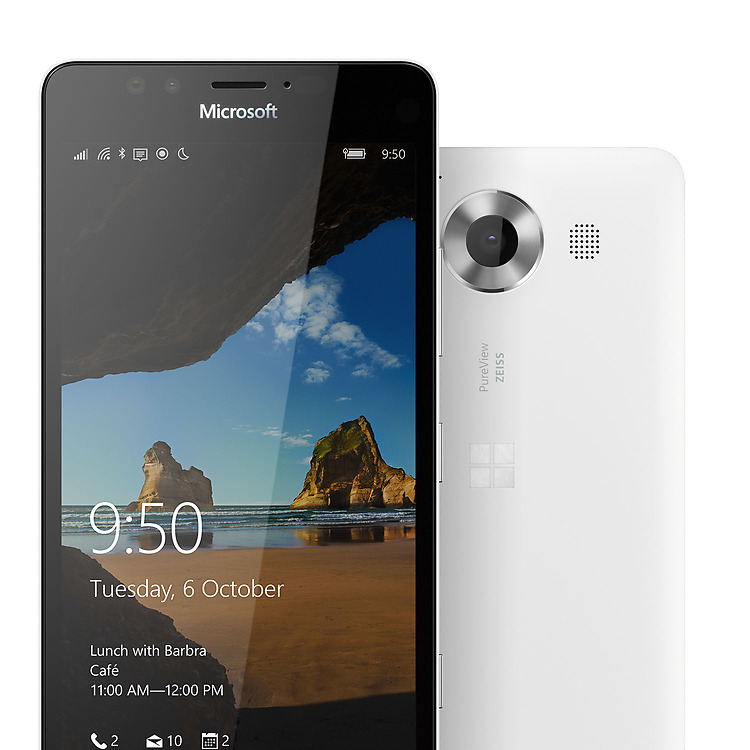
Microsoft held an event last month where it unveiled a slew of products that included the new flagship smartphones – Lumia 950 and 950 XL. The devices have finally been launched in India. The Windows 10-powered handsets boasts of top notch specs and performance. Here’s everything you need to know about Microsoft’s newest Lumia devices.
https://www.youtube.com/watch?v=snEIjWR4lQw
Display
The Lumia 950 sports a 5.2-inch AMOLED display with 2560×1440 pixel resolution and a pixel density of 564 ppi for clear, sharp images. The 950 XL, on the other hand, comes with a larger 5.7-inch IPS display with 2560×1440 pixel resolution and a pixel density of 518 ppi. This is the first time Microsoft has used QHD display in its Lumia lineup.
Design
Except for the camera housing at the back, the Lumia 950 XL is basically a scaled-up version of the Lumia 950. The devices sport Gorilla Glass 4 on the top while the rest of the body is made of polycarbonate, which is quite grippy. In other words, the plastic feel of the device will find both acceptance and criticism from users. Though the devices are made for a firm grip, the look itself may feel too generic, and one may expect more from a flagship device. It is also likely that Microsoft has focused a lot more on specs than design, perhaps going for affordability.
Processor
The Lumia 950 is powered by a hexa-core Qualcomm Snapdragon 808 processor with 3GB of RAM while the 950 XL packs in a 64-bit octa-core Qualcomm Snapdragon 810 processor with 3GB of RAM and features a liquid cooling technology, similar to the one found in the Surface tablet computer, which will keep the temperature of the processor low.
Both the devices are offered in 32GB storage option and come with a MicroSD slot that allows up to 200GB of expandable storage.
Camera
Both the devices sport a 20MP primary camera with triple LED flash and fifth generation OIS, all of which promises detailed low light pictures. The devices also come with a 5MP front-facing camera and a physical camera button.
Software
Even though the devices fail to make a mark on the design and hardware front, the software truly wins the battle for Microsoft. The Lumia devices are the first set of smartphones to feature Microsoft’s latest Windows 10 operating system. Windows 10 is the company’s effort to try and bridge the gap between smartphones, tablets and PCs.
One of the biggest USP of the new Windows 10 is the Continuum feature which lets you “use your Lumia 950 like a PC by connecting it to a bigger screen, keyboard and mouse with Microsoft Display Dock, an optional accessory that enhances the new Windows 10 Continuum experience for phones — and simultaneously charges your device.”
While the above mentioned features are some of the main highlights of the device, the Lumia smartphones also come with standard connectivity options like Wi-Fi 802.11 a/b/g/n/ac, Bluetooth v4.1, NFC, USB Type-C, GPS with A-GPS and GLONASS. Sensors include Accelerometer, Ambient light, Barometer, Gyroscope, Magnetometer and Proximity.
Finally, the 950 and 950 XL are fitted with 3000mAh and 3,340mAh batteries, respectively. The devices are priced at Rs. 43,699 for the 950 and Rs. 49, 399 for the 950 XL. Here’s a detailed spec list of both devices.
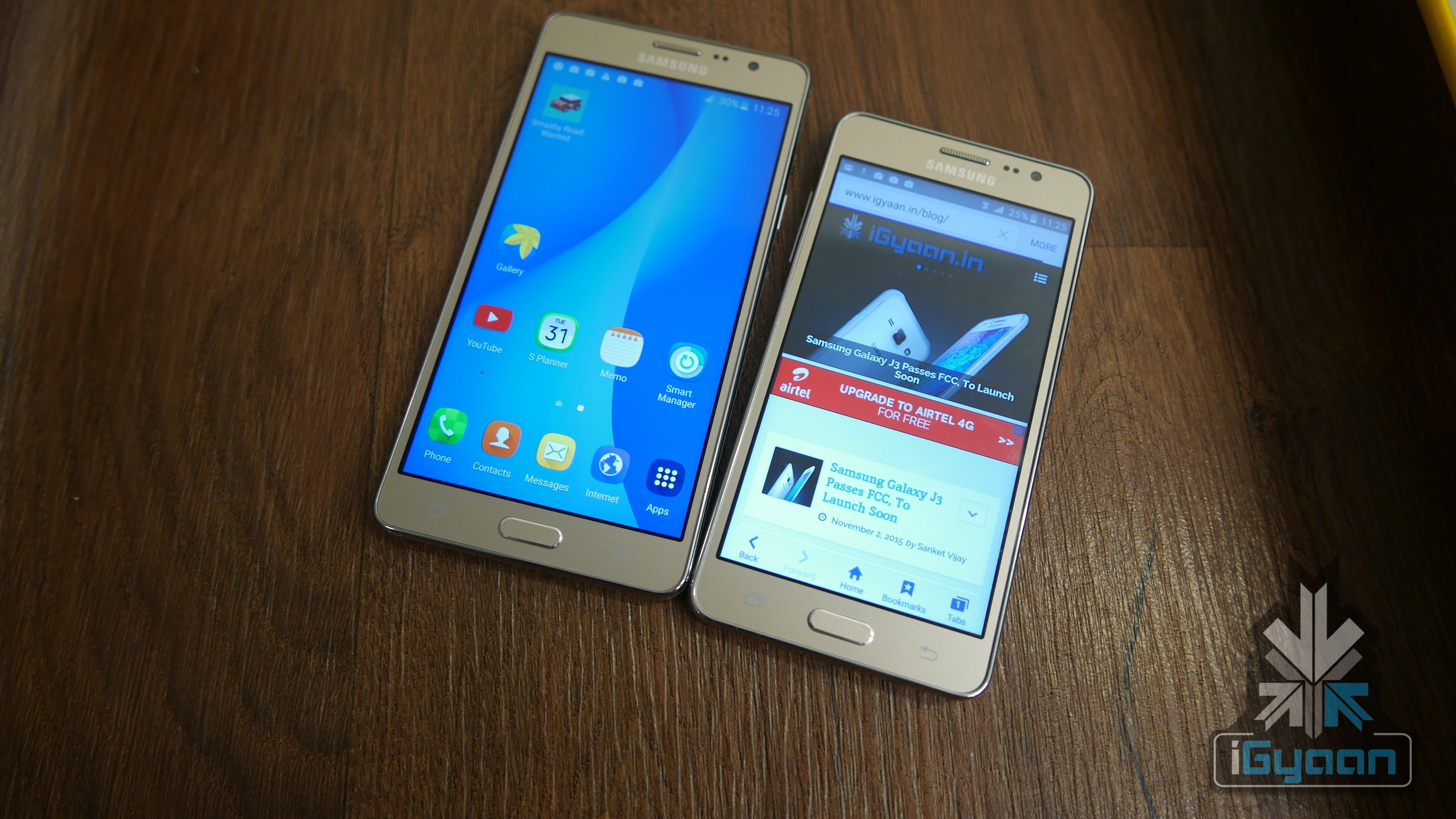
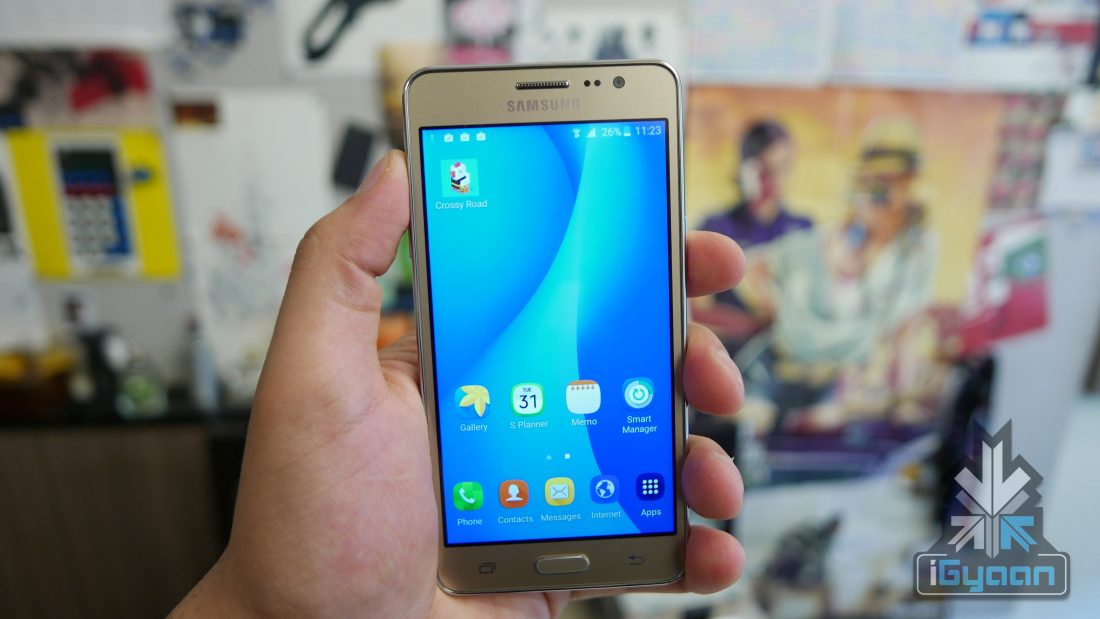
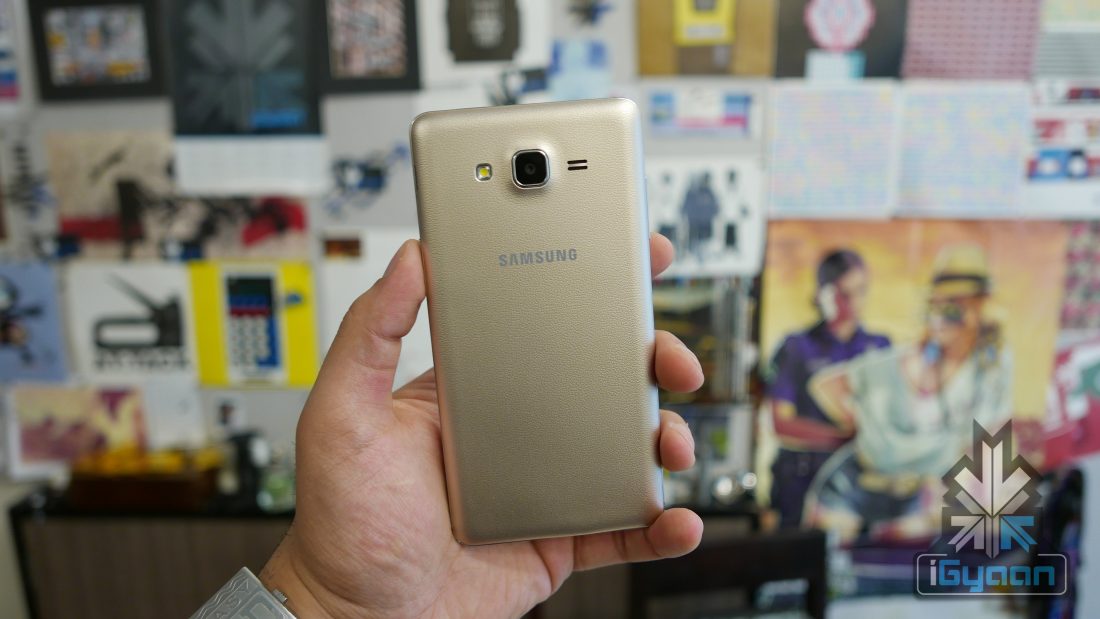
Samsung’s newest mid-range ‘On’ series has officially launched in India. The On5 and On7 are the first set of devices in this group. We have been talking about it for a while and now we have all specifics and particulars for you.
Looking at the On5 first, the device sports a 5-inch (126.7mm) HD touchscreen display and is equipped with a 1.3GHz quad core processor under the hood. It features a 1.5GB RAM and an 8GB storage, a portion of which is occupied by the OS. On the camera front, the On5 has an 8MP primary camera with auto-focus and a 5MP front.
Samsung Galaxy On5
Moving on to the On7 and you see a slightly bigger screen at 5.5-inch (138.6mm) HD display. The On7 runs on a 1.2GHz quad core Sanpdragon 410 processor and a 1.5GB RAM. The storage is the same as the On5 at 8GB and both are expandable up to 128GB via MicroSD card slot. Bith the devices are dual SIM. The On7 houses a 13MP primary camera with auto-focus and a 5MP front.
Samsung Galaxy On7
Now, given that the On7 is the bigger of the two phones in terms of pricing, one would expect the processor to be better as well. But surprisingly that’s not the case. Furthermore, the specs and price of the On7 is quite similar to the Galaxy J5 except for a bigger battery in the On7 at 3,000mAh. This begs one to question why exactly Samsung felt the need to introduce a new series when it already had one that covered the price range.
The devices are touted as youth friendly and come an Ultra Data Saving mode that compresses data and saves up to 50% data charges for greater networking and browsing. The devices also come with RadioMix which is an Apple Music-like streaming service that lets you stream millions of songs and also offers curated music based on your preference.
The On5 is priced at Rs. 8990 while the On7 costs Rs. 10,990. The devices will be sold exclusively on Flipkart starting midnight tonight. Stay tuned for a detailed hands-on with both the devices. Till then, have a look at the specs table below.
Specs
Galaxy On5
Galaxy On7
Display
5.0-inch HD TFT
5.5-inch HD TFT
Resolution
1280 x 720 pixels
1280 x 720 pixels
Chipset
Exynos 3475
Snapdragon 410 MSM8916
CPU
1.3GHz Quad Core
1.2Ghz Quad A53
GPU
RAM
1.5GB
1.5GB
Primary Camera
8MP(F/2.2) w/ LED Flash
13MP(F/2.1) w/ LED Flash
Front Camera
5MP(F/2.2)
5MP(F/2.2)
Storage
8GB
8GB
Expandability
Up to 128GB via MicroSD card slot
Up to 128GB via MicroSD card slot
Battery
2,600mAh
3,000mAh
Connectivity
Bluetooth 4.1, WiFi b/g/n, Wi-Fi Direct, GPS, Glonass
Bluetooth 4.0, WiFi 802.11 b/g/n, GPS, Glonass, Beidou, NFC O (option)
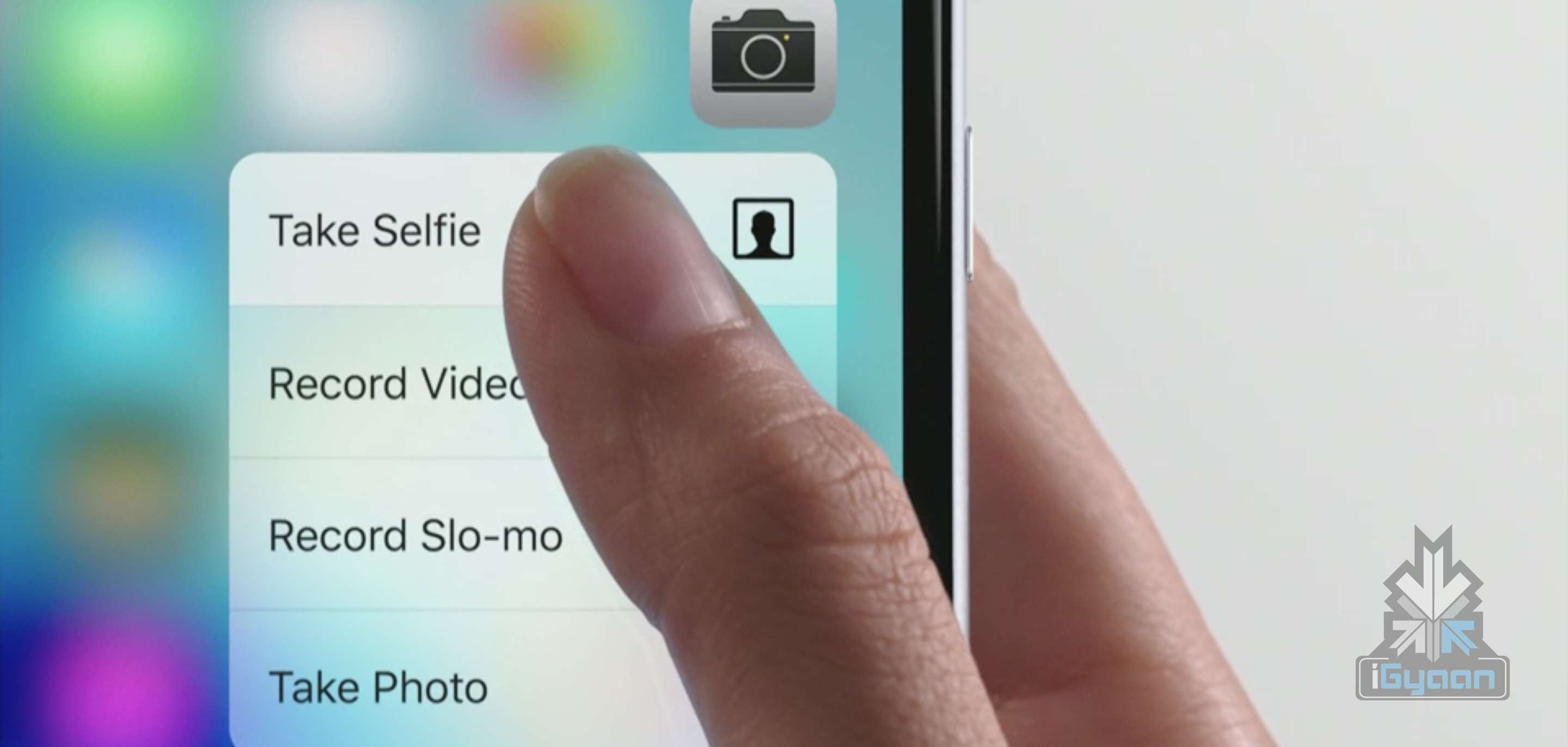
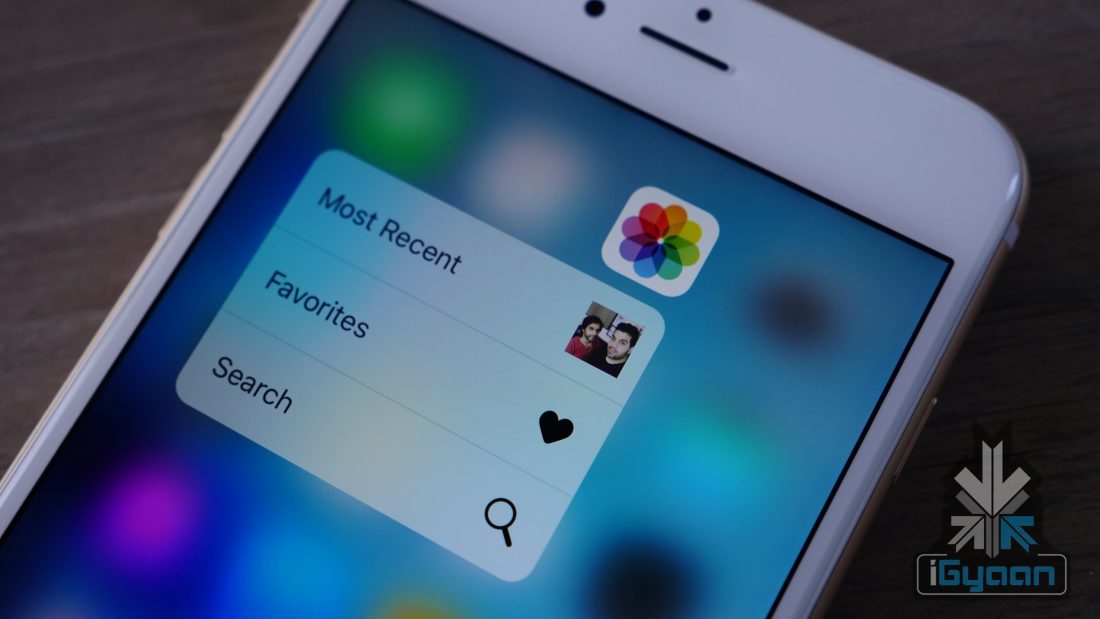
3D Touch is the new cool thing in town and everyone wants to have a piece of it. It is indeed true that the touch-sensitive feature has opened up new possibilties in the way your phones works for you. It is also a feature many gaming companies are excited to ‘tap into’. We had earlier reported that Samsung was in talks with Synaptics to bring the 3D Touch feature seen in Apple’s iPhone 6s series into its 2016 flagship Galaxy S7. Samsung plans on calling it ClearForce.
Now, fresh rumours suggest that Samsung is not the only brand looking to incorporate the pressure sensitive feature into its phones. Reports emerging from China tell us that Xiaomi too is interested in having this technology for its future flagship devices. This could be one of the reasons the expected Mi5 announcement has been delayed.
G for Games cited Weibo that said that Xiaomi is working on a 3D Touch-like feature for its upcoming devices. Whether Xiaomi is going solo on this project or is seeking help from Synaptics (as it did with the Mi 4c, which uses Synaptics’ ClearPadS3708 capacitive touch controller) is not yet known. Meanwhile, Synaptic claims that its ClearForce technology will be superior to 3D Touch feature.
ClearForce – What We Know So Far
For those unaware, 3D Touch enables the iPhone 6s and 6s Plus to understand three distinct levels of pressure. This, then, enables new gestures such as Peek and Pop that lets you quickly see inside an app without actually having to open it. Users need to press the screen lightly to get a ‘Peek’ at a photo, email, web page or other content, and if pressed a little deeper, they can ‘Pop’ into the content itself.
ClearForce, on the other hand, is planning to take the feature up a notch. From what we know so far, the ClearForce technology, besides the expected 3D Touch functions, will have the ability to understand the difference between speed scrolling, zoom, gaming, texting and even operate photo editing tools by noting subtle variable pressure on the surface. Some of the new features, according to Synaptics, are as follows:
Line thickness control while drawing (e.g., when writing Chinese characters and creating artwork)
Image editing (brightness, contrast, saturation)
Upper case and symbol selection (to bypass keyboard mode changes)
The rumoured tie-up between Xiaomi and Synaptics is not yet confirmed and we will have to wait and see for more information on that. Synaptics has also mentioned that it plans to work with other OEMs as well. So we could see brands other than Samsung and Xiaomi making use of ClearForce in the months to come.
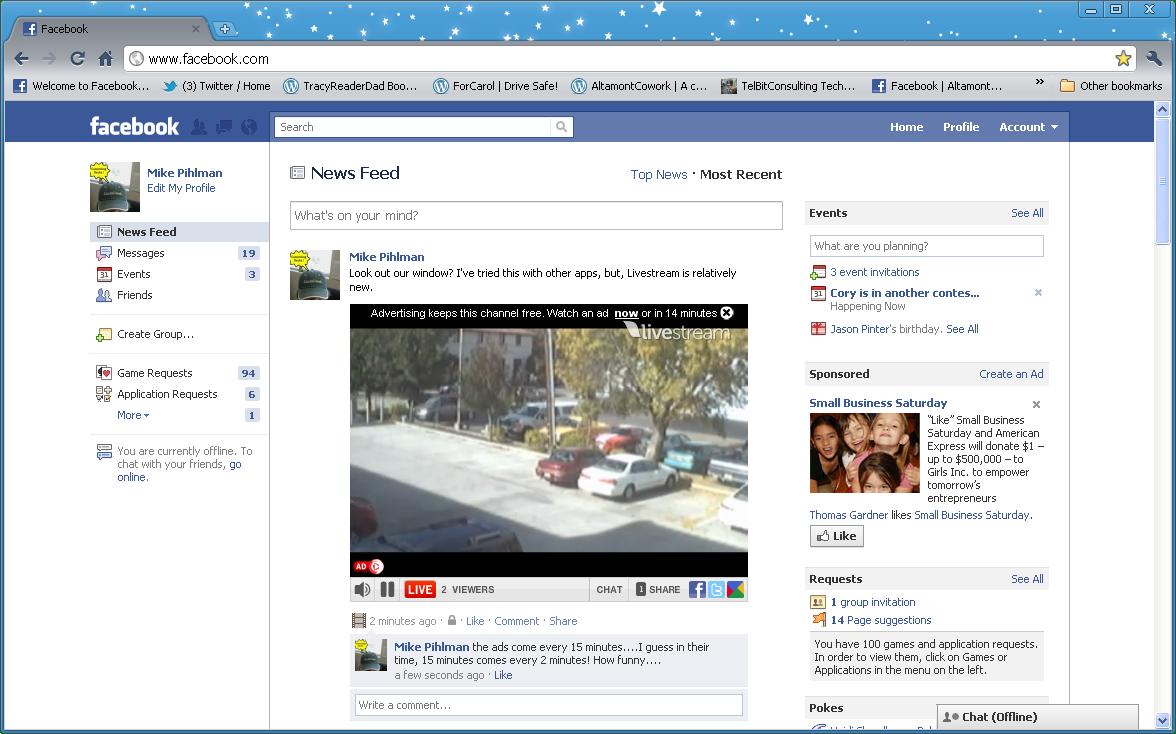
Today is a new day and one more day when Facebook attempts to take over all of the social networking universe. How? Well this time it has revealed plans to take on the online video dominion, currently ruled by YouTube.
So, before we get into that, let’s have a short look at what Facebook has been doing in order to create a more stable video viewing audience. It has added support for interactive 360 degree videos and has also begun testing a feature called “suggested videos”. Here is what Facebook has to say about it’s new features –
“While we’re still in the early days of testing, we’re pleased with initial results, which show that people who have suggested videos are discovering and watching more new videos.”
You know how you can peruse through YouTube videos while watching a video? Facebook is trying to do the same thing. They are currently working on a feature that will allow users to watch videos in a floating window. So, instead of waiting for the entire video to end before moving on to the next newsfeed, you’ll be able to do both at the same time soon.
Next, Facebook says –
“We also know that sometimes people want to watch a video, but they don’t have time or aren’t in a place where they can turn on sound,”
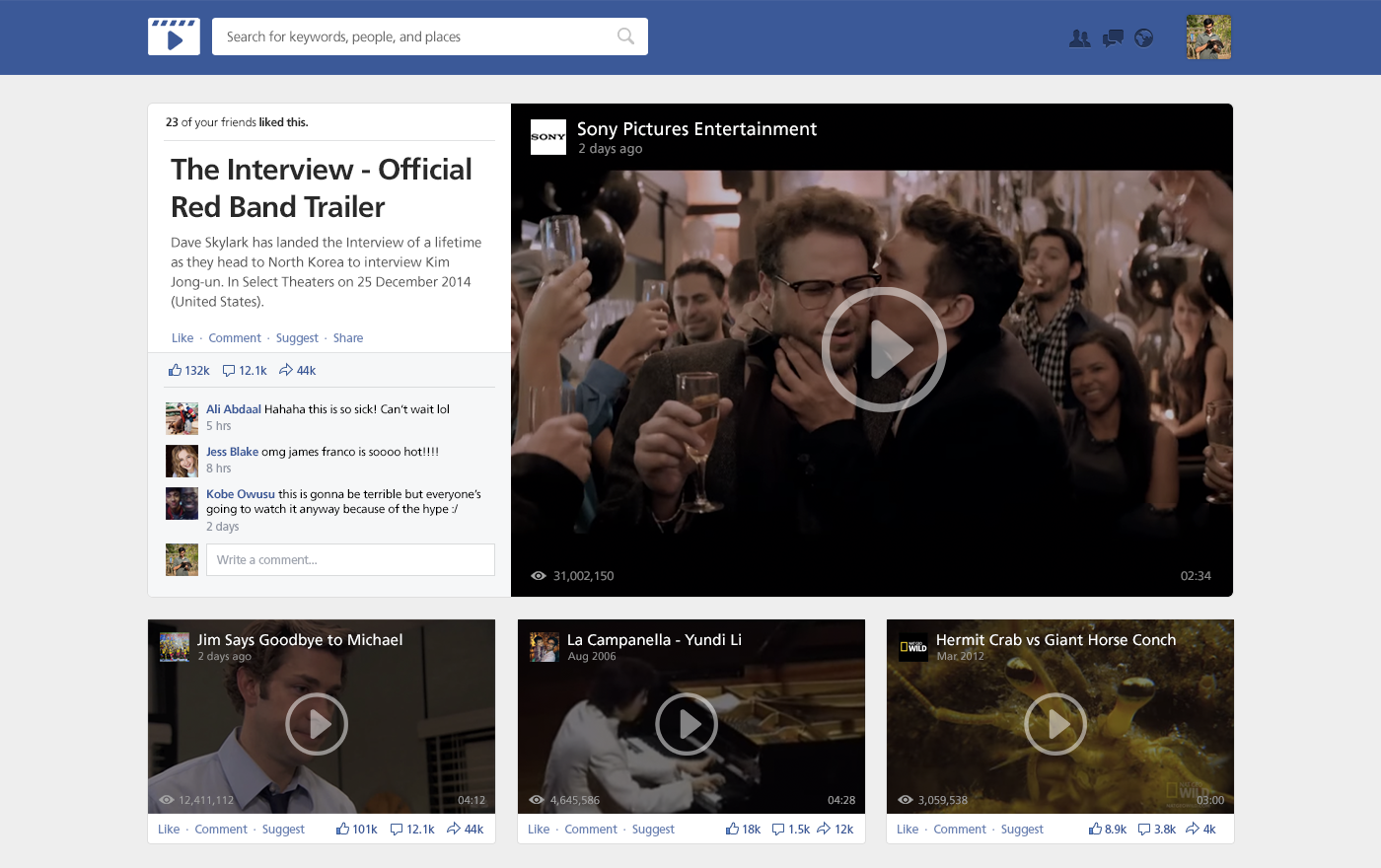
Therefore, the social networking site has the solution to your problem. They are currently testing a bookmark feature, that will allow users to watch their videos later. But, the most radical feature of them all, is that gives Facebook away their plan to create a site for users especially and solely for viewing videos. Kind of like YouTube. Here’s is their statement –
“Lastly, we’ll be testing a dedicated place on Facebook for people to go when they exclusively want to watch videos … It can be accessed by tapping a “Videos” icon at the bottom of the Facebook app on iPhone or in the “Favorites” section on the left-hand side of News Feed on the web.”
https://youtu.be/pH5yl92JYDk
YouTube has just enough time until Facebook launches this feature permanently. As for us, we can all just hope that either one doesn’t die out. Right?
The latest Android Marshmallow is out and we all want to know if the new features, that have been hogging the spotlight for a while, are what they boast of or not. An early hands on with the latest operating system will give you an idea of what to expect.
We look at a few key features that are touted to be big game changers for Android.
Now on Tap
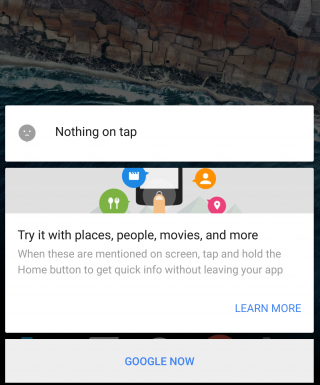
This is the biggest feature of Android Marshmallow and one that the company is banking on the most for the success of the latest operating system. Now on Tap is a feature that can be launched in any page by pressing and holding the Home button. Once you do that, the feature will suggest some helpful information based on certain important keywords on that page. So, for example, if you’re reading some news article, Now on Tap will provide you some suggestions based on that particular news story, which could be certain names that figure in the story, or a google search of the background of the story.
While this feature suggest usefulness, there are times when Now on Tap just doesn’t offer much information at all. It basically depends on the page you’re in. Another thing is that Now on Tap comes up with what it thinks are useful information and not necessarily what you may find useful. You could be looking for A but shows you M instead.
However, Now on Tap does provide information when it finds something good, there’s no doubt about that. It makes it easier to find out things if you’re lucky to get the right keyword info. You no longer have to leave one app to begin search in another. It’s a good start but a perfect one.
Cut, Copy, Paste made easy
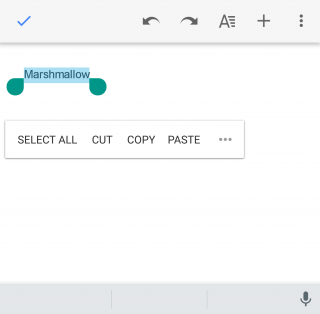
This may not look like a big change but even small ones are welcomed if it makes life just one second faster. The new cut, copy, paste option now features just below the text, rather than at the top of the screen, which makes reachability that much better. You’ll find you can get work done faster that way if you’re working on some document.
Doze
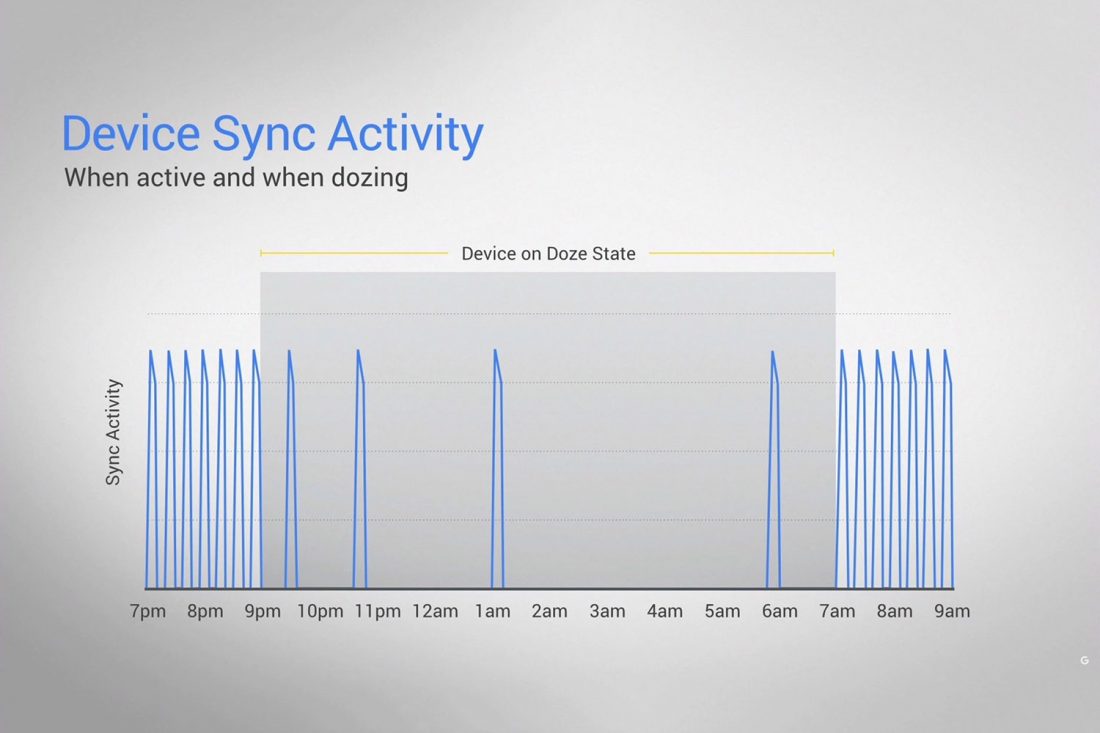
This is a feature that will find acceptance from all. Who doesn’t appreciate a feature that helps save battery life? Here’s the thing about Doze – you won’t see it work with your eyes. Everything happens in the background. The phone detects when it’s not being moved or touched and then reduces the background activity to conserve battery.
Does it really work? We kept the phone untouched for half an hour and made notes of the change in battery percentage, and based on what we’ve found it does seem to work. It’s safe to say that you can expect at least 30 minutes of extra battery life with the latest update, which is what Google has promised.
Doze uses your phone’s accelerometer to know when your phone is at rest. The ‘Doze’ feature, however, will only work if your phone is kept on a table or hard surface and will not work if you’ve kept it in your pocket, or if it senses motion.
“By offloading sensor processing from the main CPU to the Android Sensor Hub, we’re able to run at a fraction of the power budget.” Google’s Dave Burke explained last week.
Control over Permission and Privacy
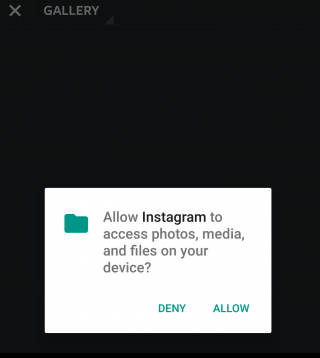
It’s always good to know just how much your phone is accessing your apps. Before the Marshmallow upgrade, you were basically allowing your newly downloaded apps to access everything from your location to your photos. Now, however, you can say yes or no to specific permissions within an app, which gives you more control over the information that is given to the app.
This feature has already been seen in the iOS and it is perhaps one of the more obvious influences here.
App waterfall
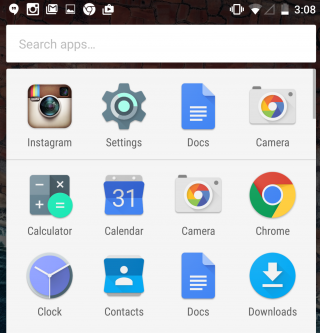
Your ‘app drawer’ is the place all your apps are kept, both used and unused ones. It exists so that you don’t have to clutter your Home screen with all the native and foreign apps that are there in your phone. Android has not neglected that. You will now see that the drawer moves horizontally making it a simple scroll screen rather than swiping your thumb from right to left. What’s more, you also have a search bar on top of the drawer that allows you to type the app you’re looking for instead of wasting time searching for it normally. A similar feature appeared with the iOS 9 upgrade that had a search bar in the Settings menu.
These are just a few features that we thought to mention on our initial use. The Marshmallow upgrade promises a lot more and we’re sure to find new things as we continue to explore. Here’s a list of devices that are eligible for the Android upgrade. If your device is in it we suggest you go ahead and download it and have a little fun yourself.
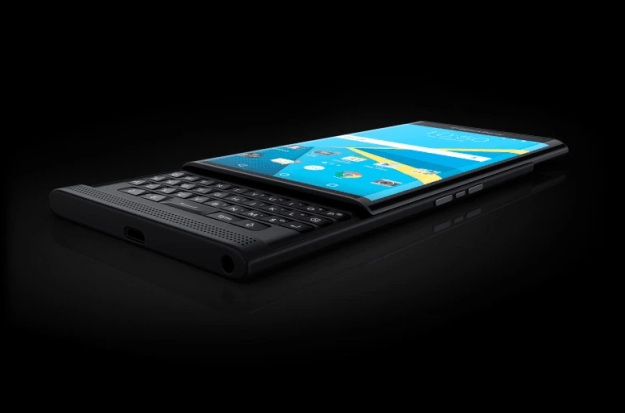
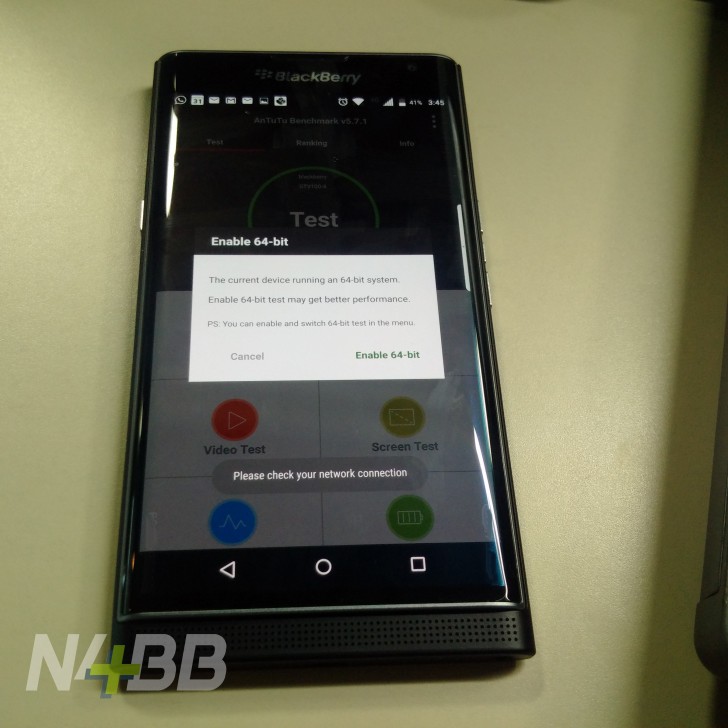
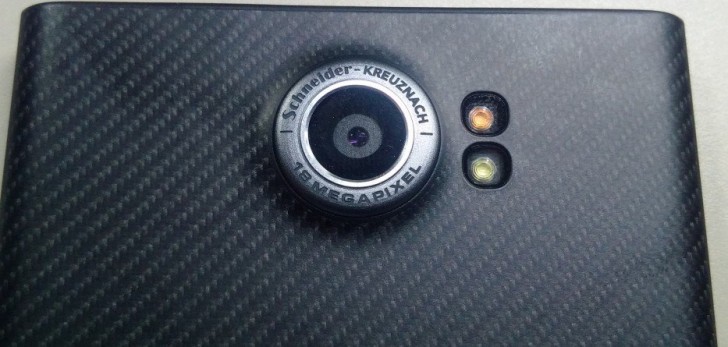
BlackBerry Priv’s leaks are coming faster than the company perhaps expects. New images have surfaced courtesy N4BB that show close-up shots of the display and the camera, revealing and confirming some specs of the Priv that we have already mentioned earlier.
The first image shows that the Android-powered phone will be powered by an SoC (either Snapdragon 808 or 810) with 64-bit processor. The next image confirms the primary camera sensor. The Priv will feature an 18-megapixel Schneider Kreuznach primary camera and is capable of shooting Ultra HD video in 4K @30 fps. It will also feature a 5-megapixel front-facing camera.
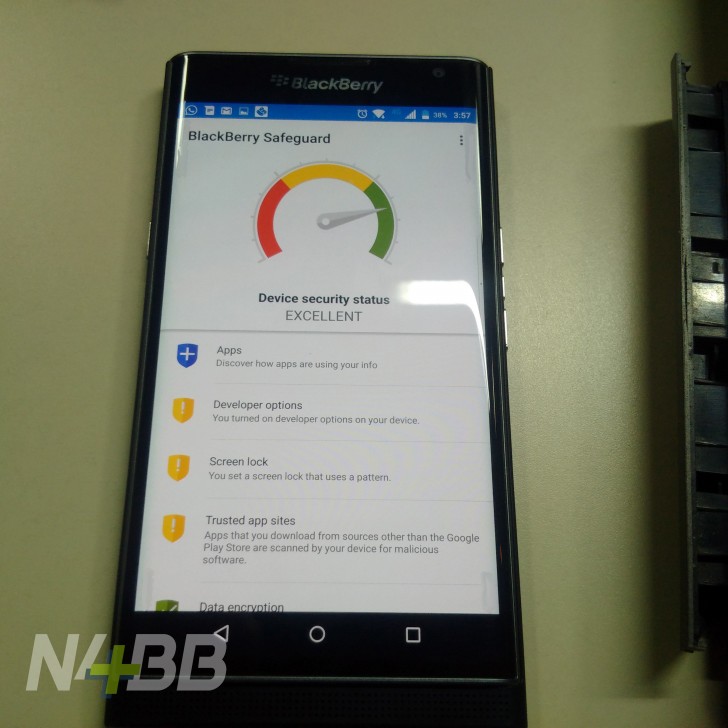
We also know that BlackBerry is going big on security and privacy, which is why the device is called Priv (privacy and productivity). Another image shows a new app that is called BlackBerry Safeguard that shows the security status of your device based on its settings and the apps installed. As the image below shows, the app will also allow you to see how other apps are using your information, set a pattern lock, scan your device for malicious software, and more.
Other features previously mentioned include a 5.4-inch curved display with a Quad HD resolution of 1440 x 2560 pixels, and 3 GB of RAM. The phone is expected to come with Google’s Android OS, but it is not clear yet as to which version of Android it will feature. The design of the Priv brings back some elements of the BlackBerry Z30 that users grew to love such as the glass-weave back plate. The hint of carbon fiber styled back also sets this device apart from other Android phones.
The Priv might have a November launch, though BlackBerry is expected to make an official announcement on it later this month.
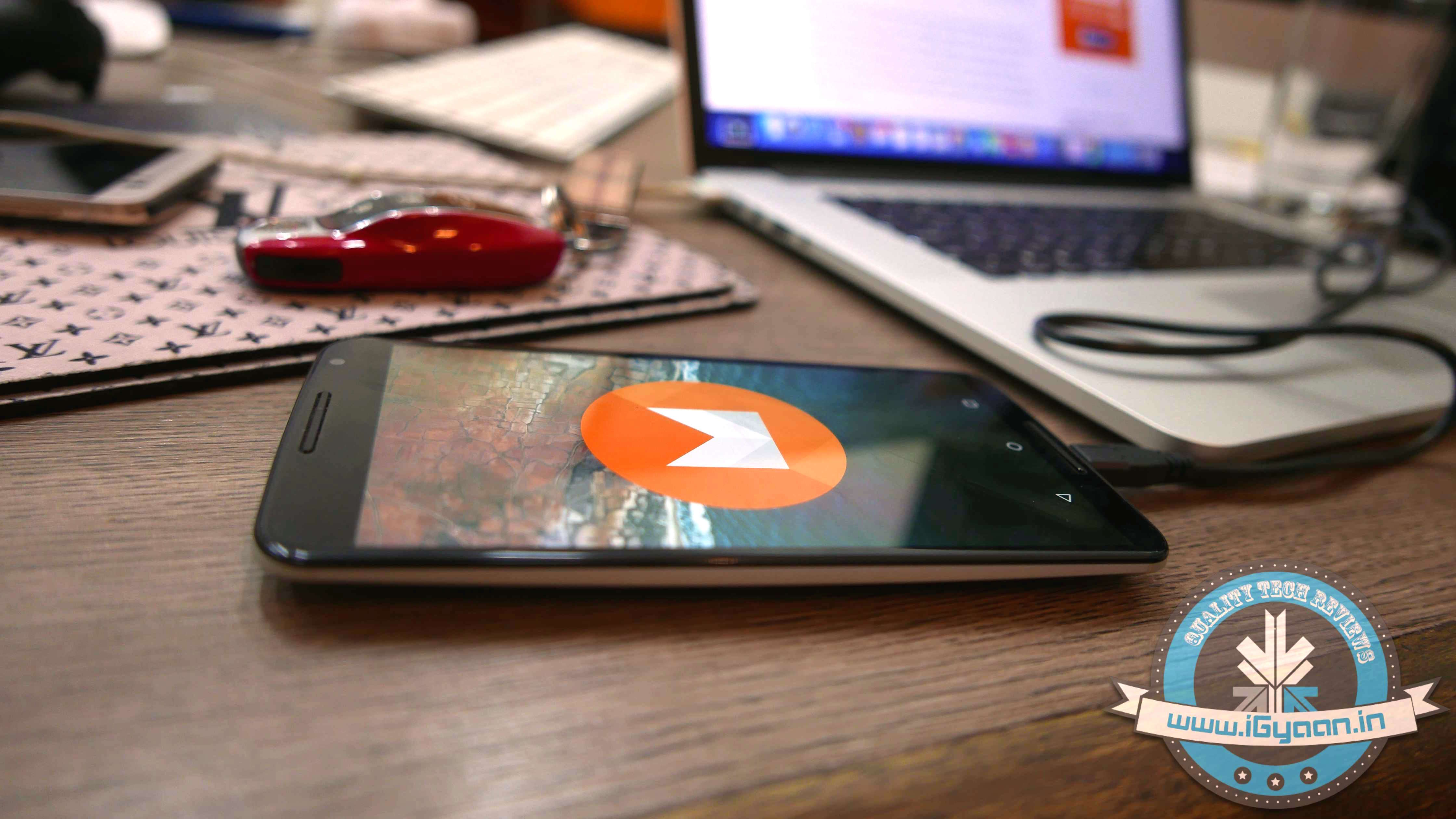
Android 6.0 Marshmallow is finally out and ready for Nexus users. The latest OS upgrade began rolling out yesterday and is destined for universal acceptance. The Marshmallow update is perhaps the most juiciest Android update to come out in a while with features such as Now on Tap, Doze, and many others that is sure to deliver some happiness for users. We have already mentioned some of the best new features of the Marshmallow.
Just a quick recap. There are features that will make your life a little more easier such as the new ‘cut, copy, paste‘ option that can now be found right above the text, he ‘Doze‘ feature that reduces background activity to give you a longer battery life, and ‘Now onTap‘ that offers a variety of suggestions on practically any page you visit, among other things.
Furthermore, security permissions for apps is now more like iOS where you will be asked for permission while performing a particular task rather than having to worry about what all you end up accepting when downloading a new app.
Brian Rakowski, VP of Product Management, released a blog yesterday welcoming the launch of the new Marshmallow update and listed out some of the highlights of the new operating system. He also mentioned the Nexus devices that are scheduled to receive the update “over air”, which are Nexus 5, Nexus 6, Nexus 7 (2013), Nexus 9 and Nexus Player. The recently launched Nexus 5X and Nexus 6P will be released with the Marshmallow update pre-installed.